
FREE EXPRESS SHIPPING


14-DAY NO REASON RETURN
30-DAY AFTER-SALES GUARANTEE
1-YEAR WARRANTY FOR ALL
Wireless CarPlay & Android Auto Smart Module for BMW | CCC / CIC / NBT / EVO / MGU System Upgrade
Product Features:
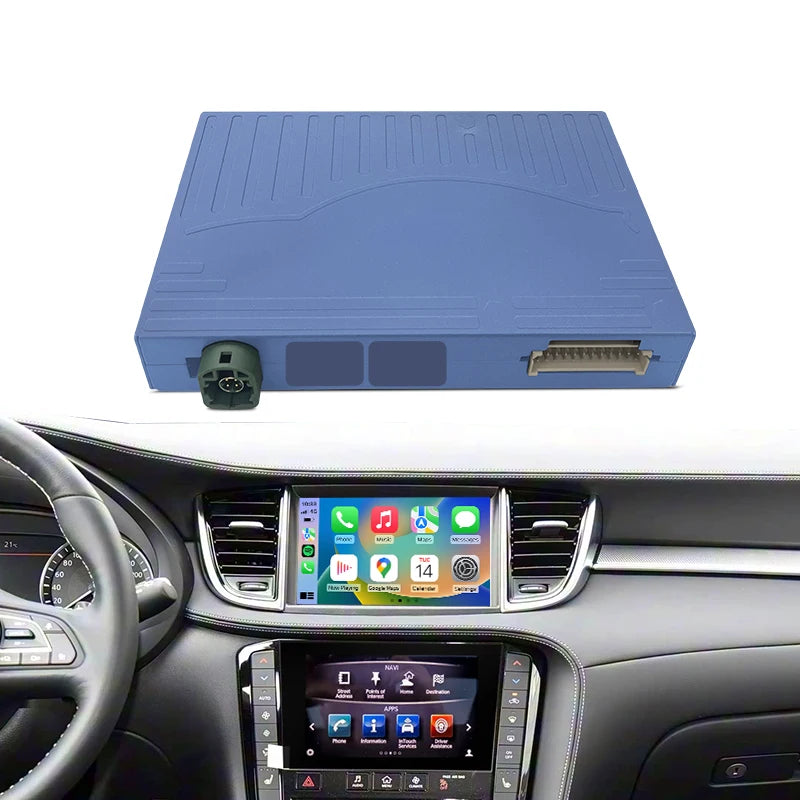
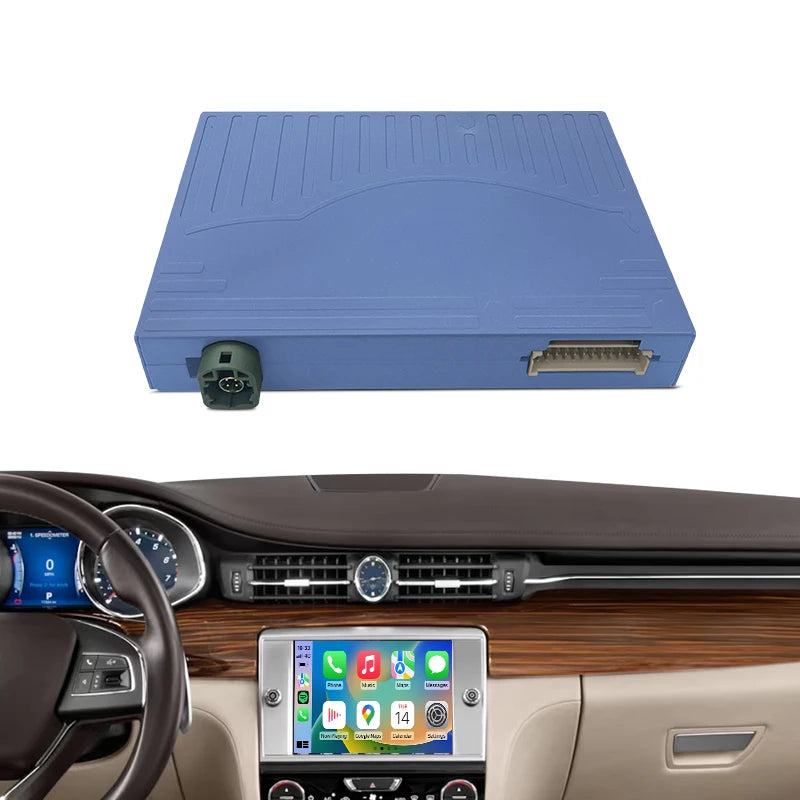
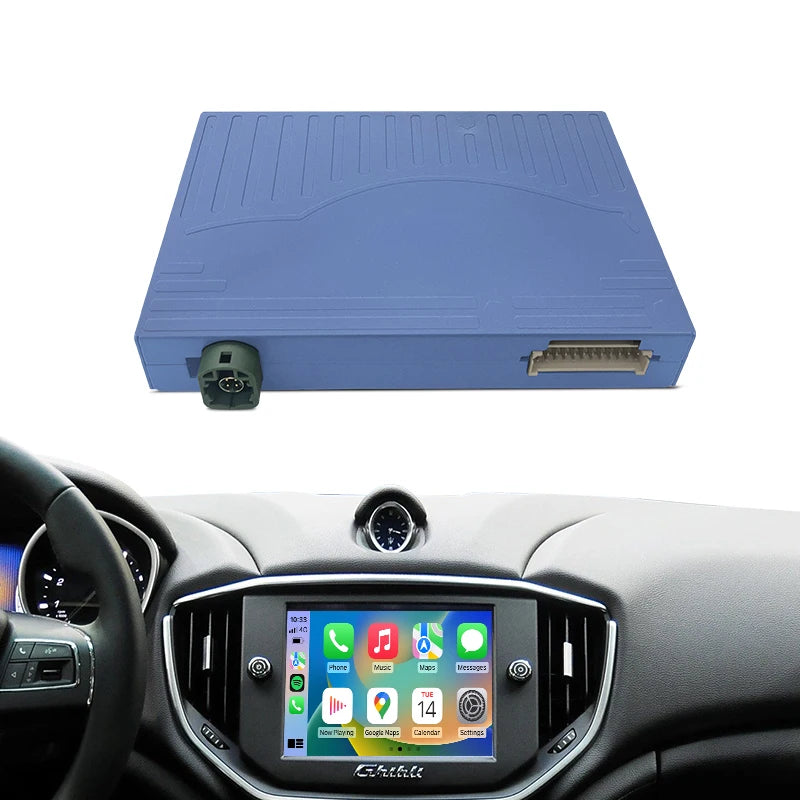
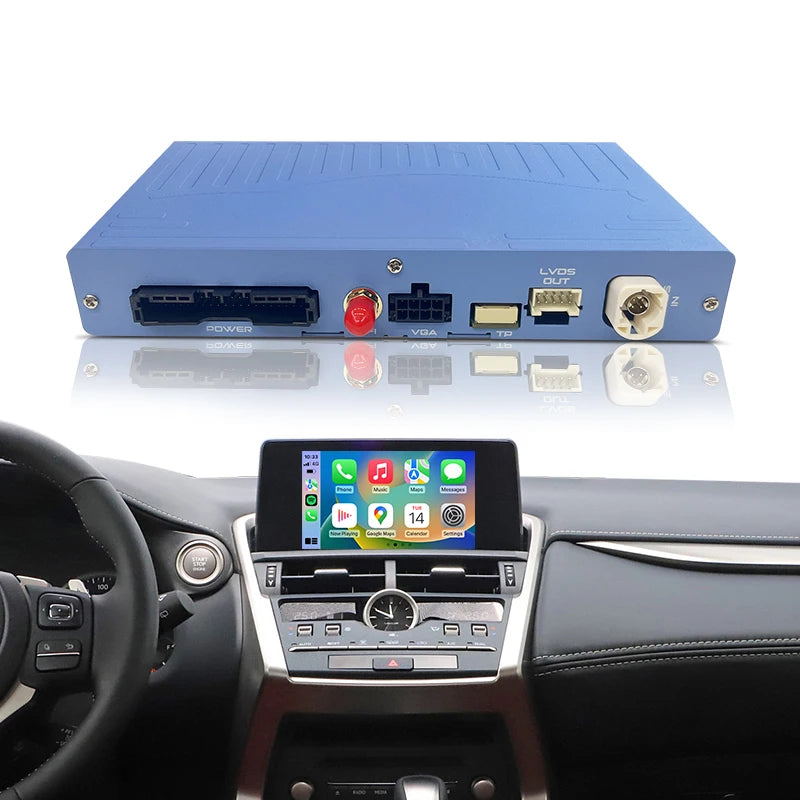
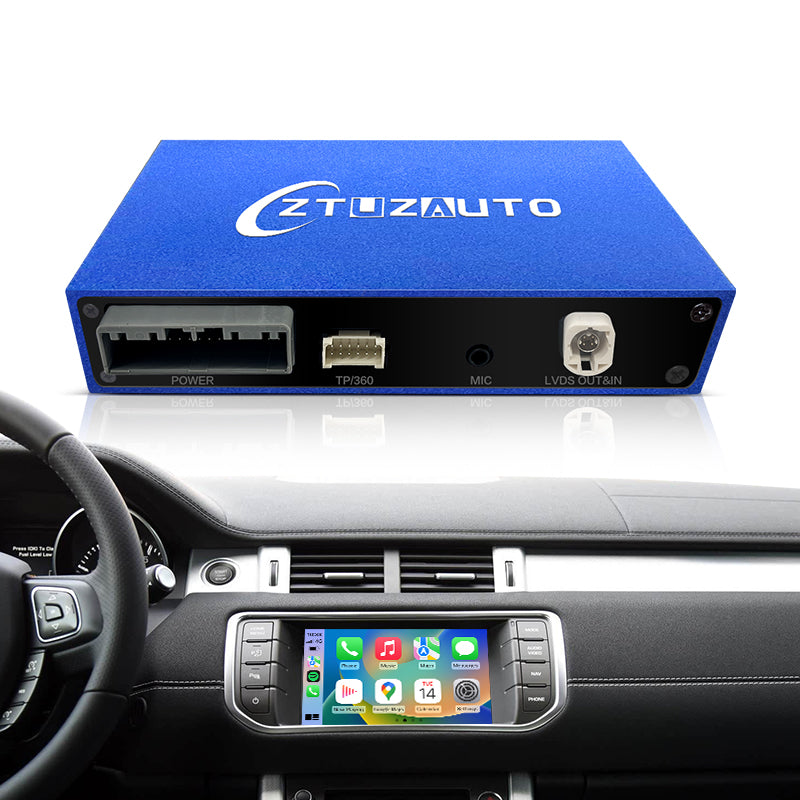
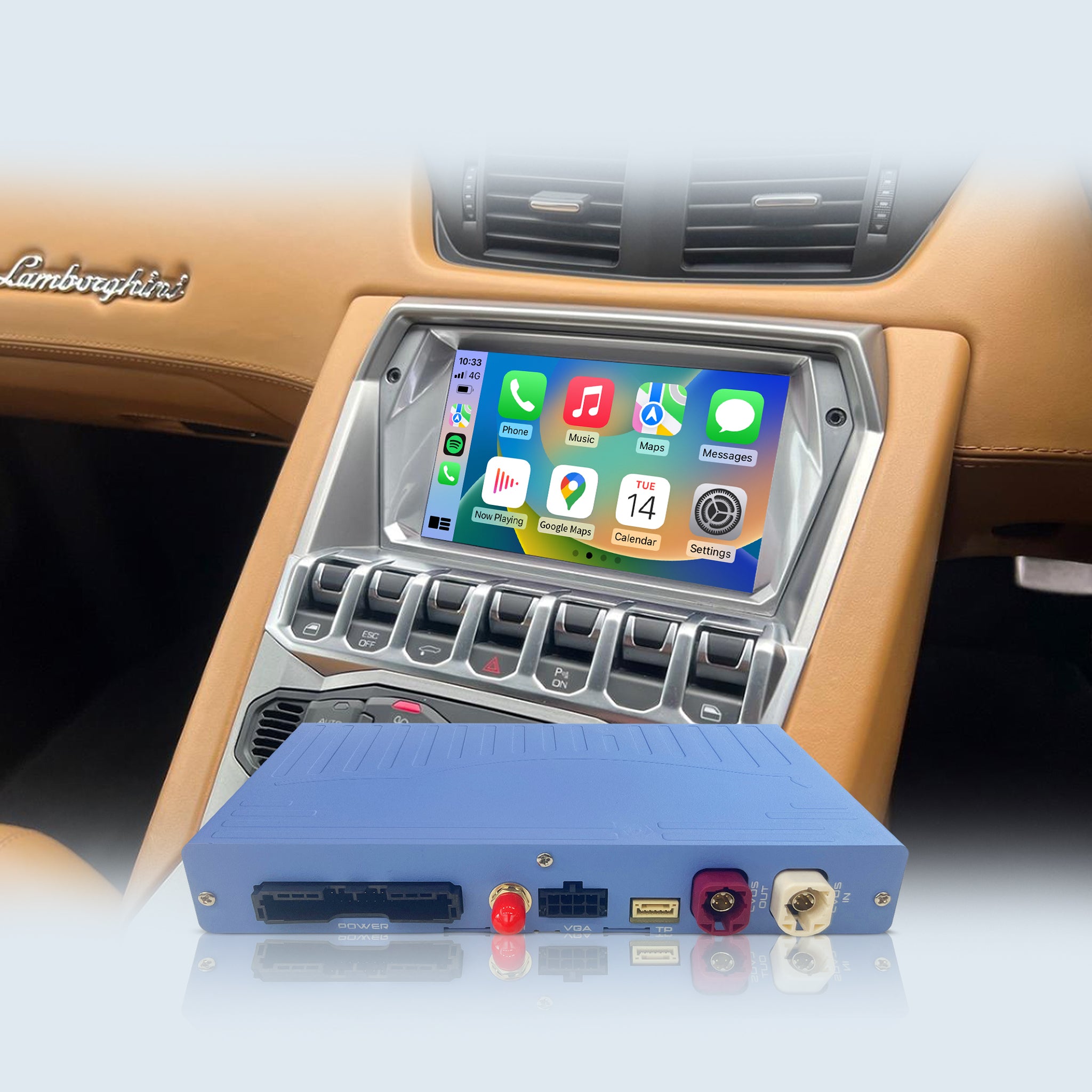
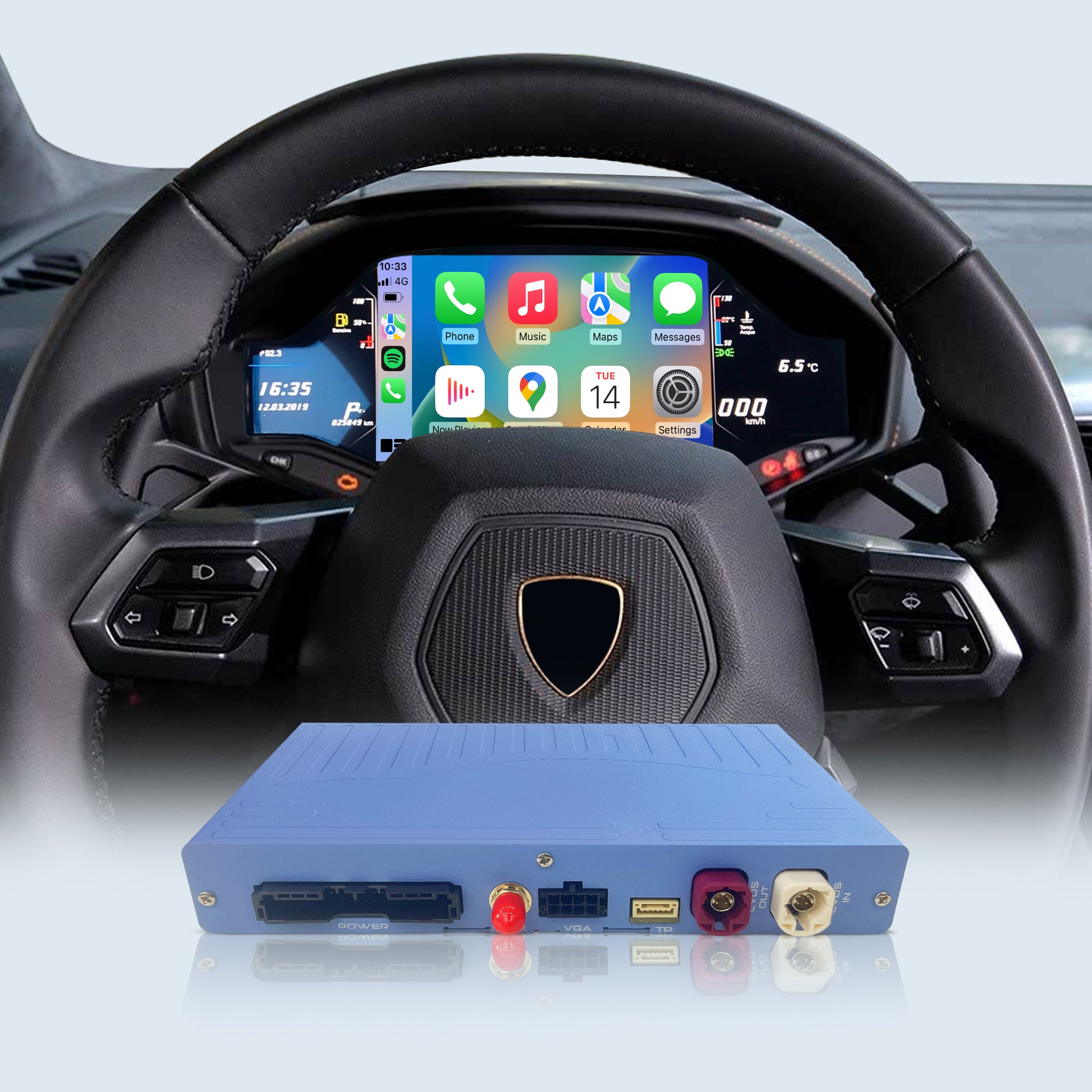
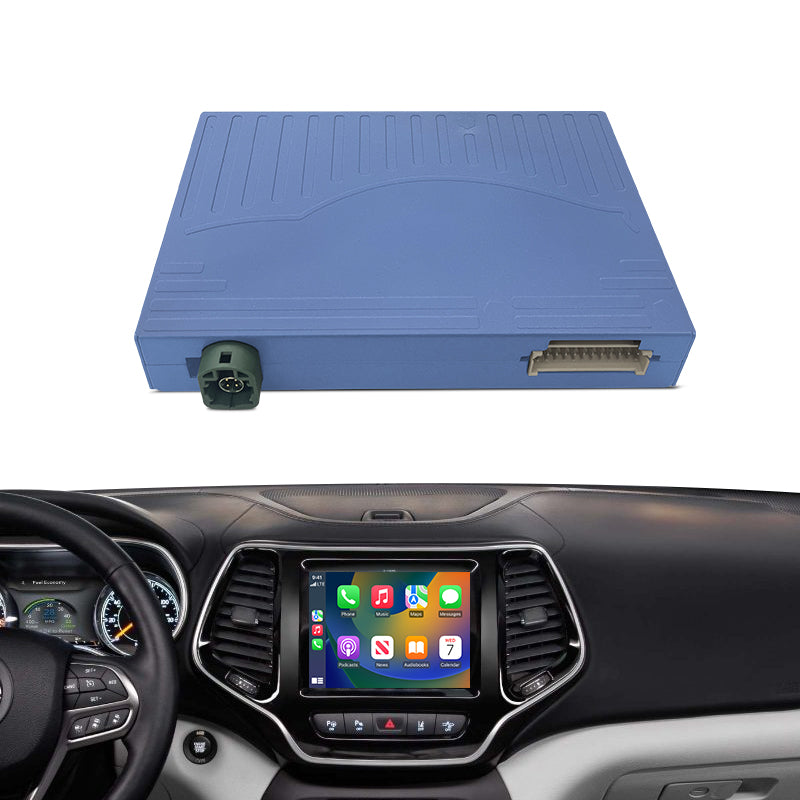
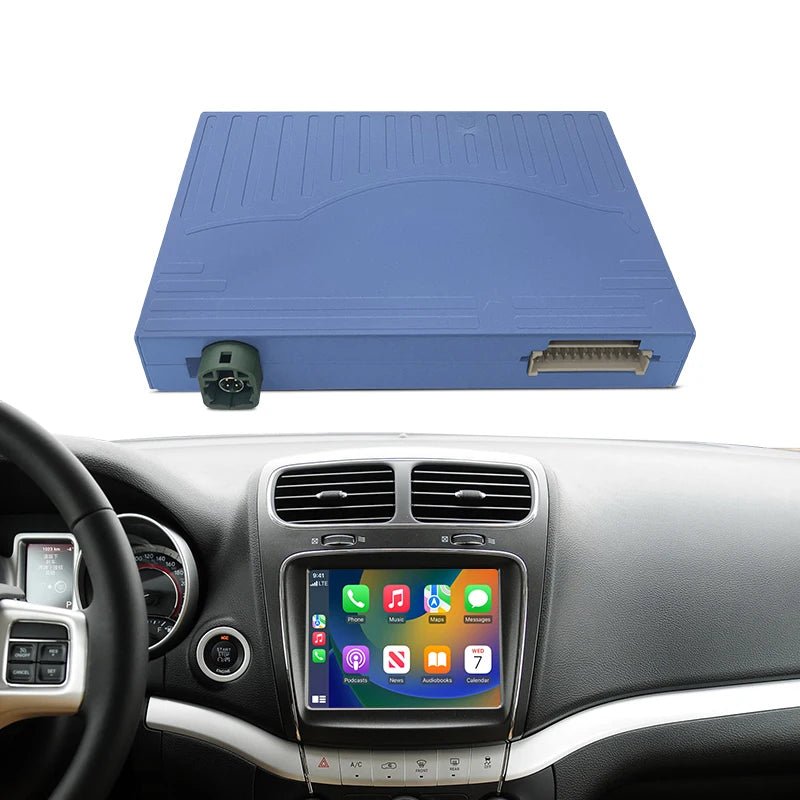
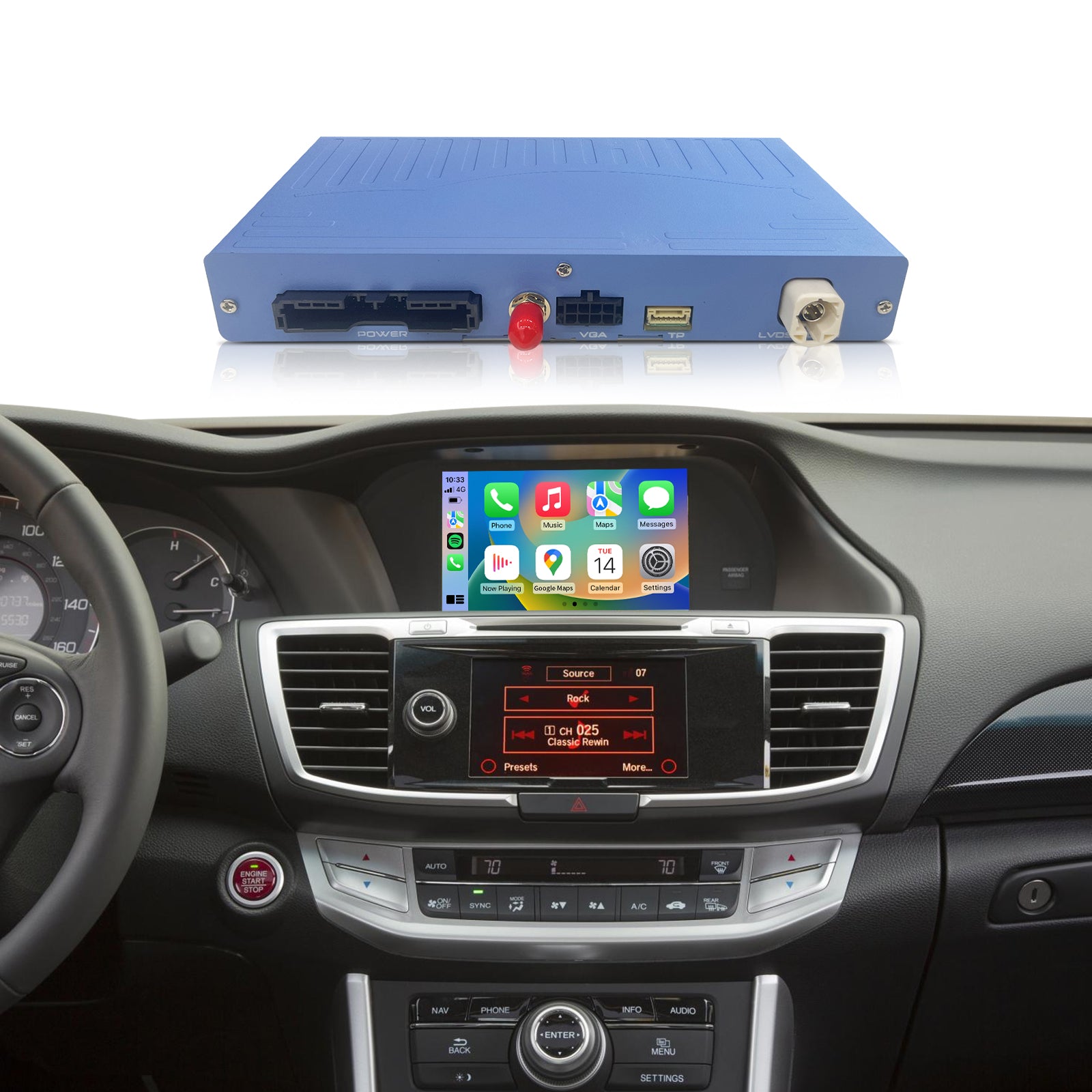
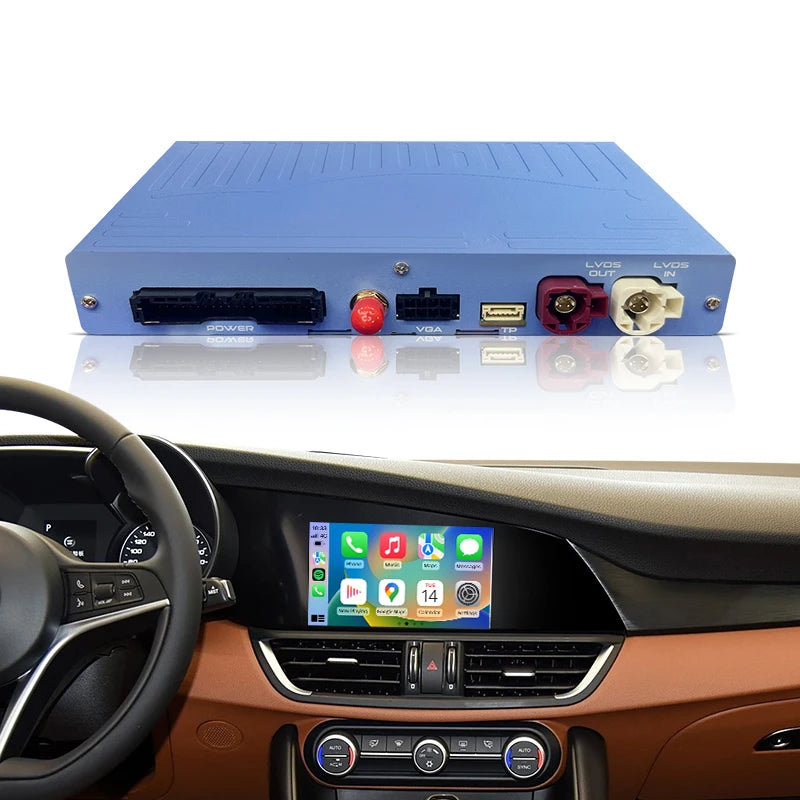
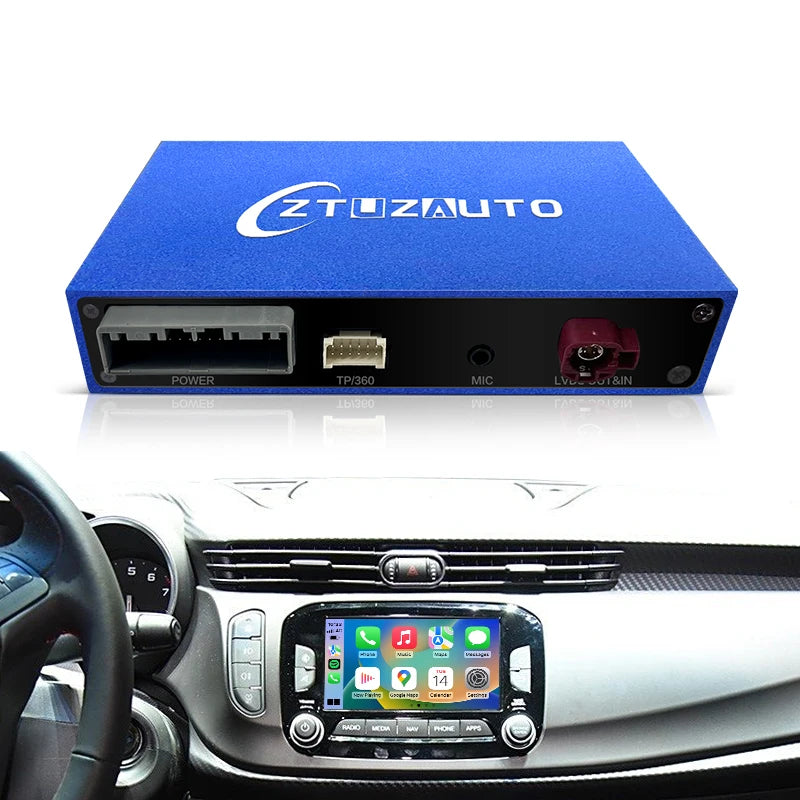
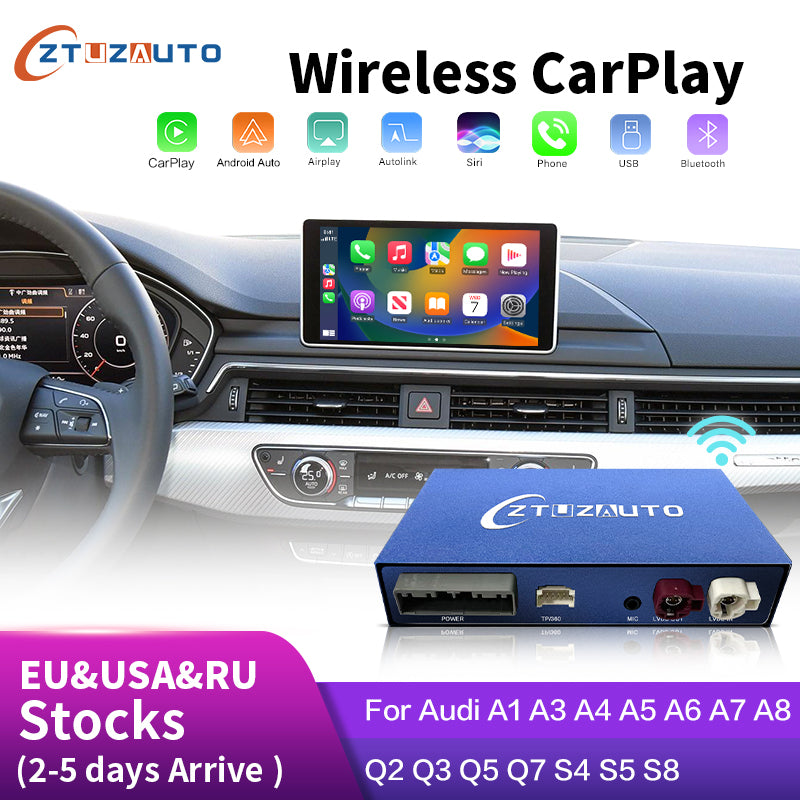
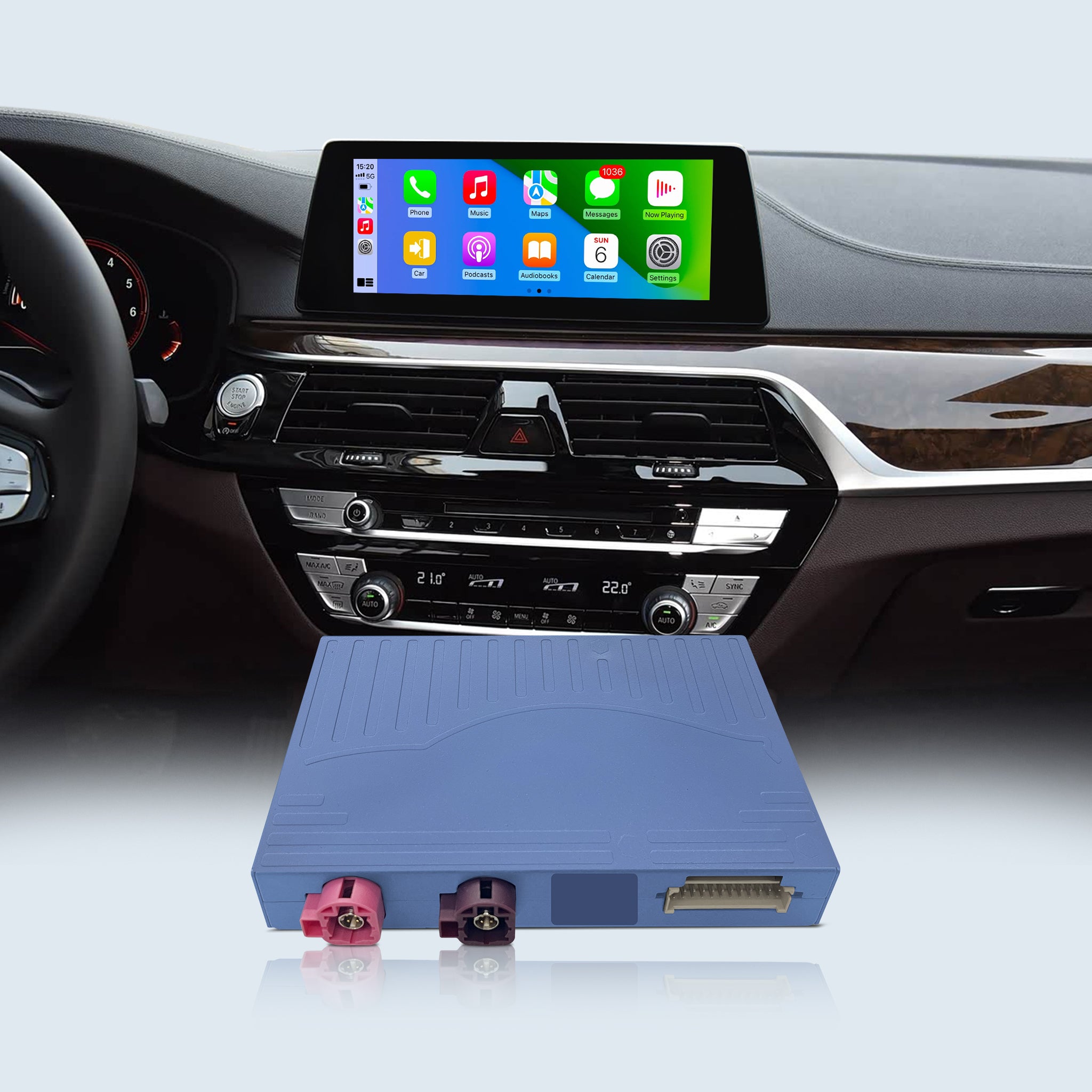
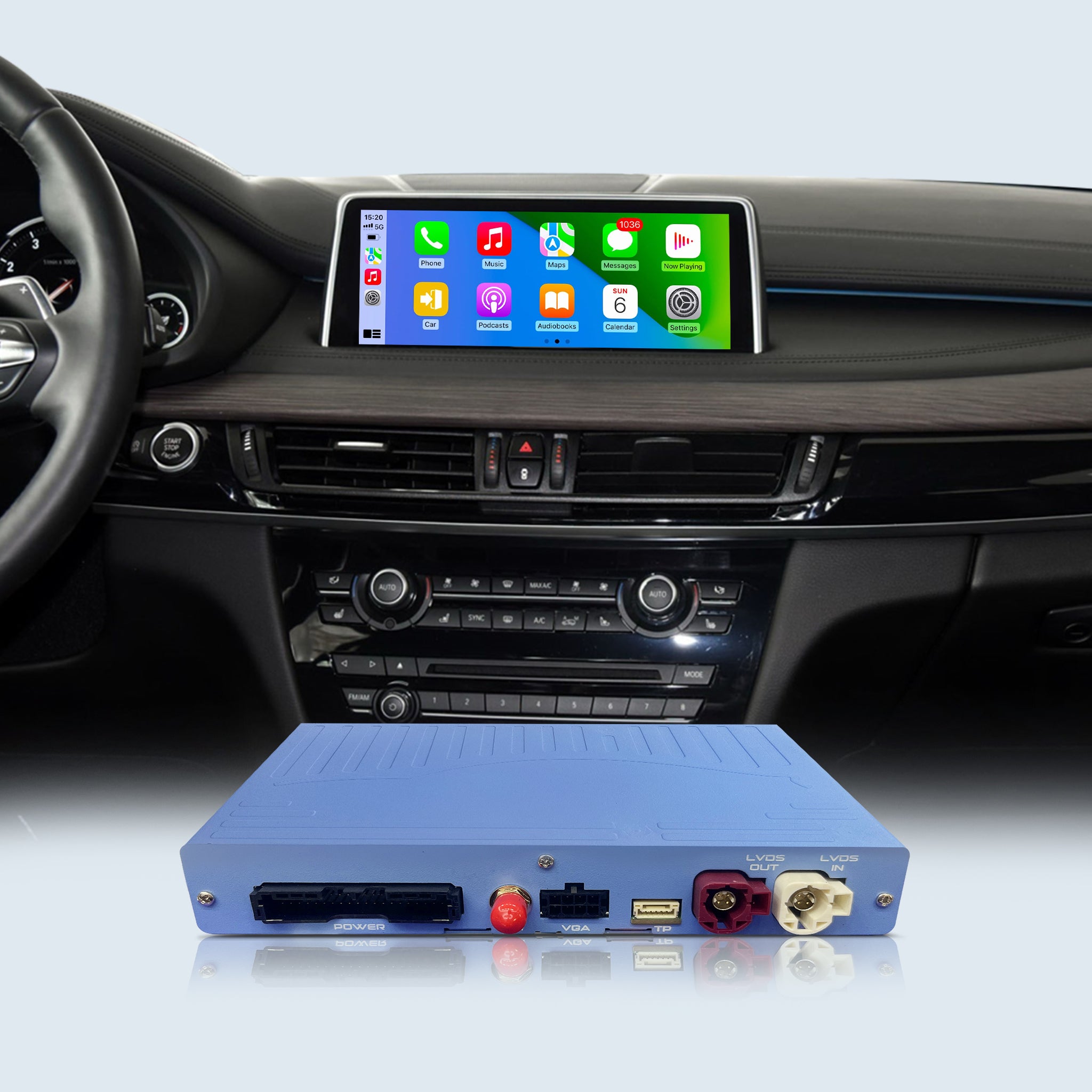
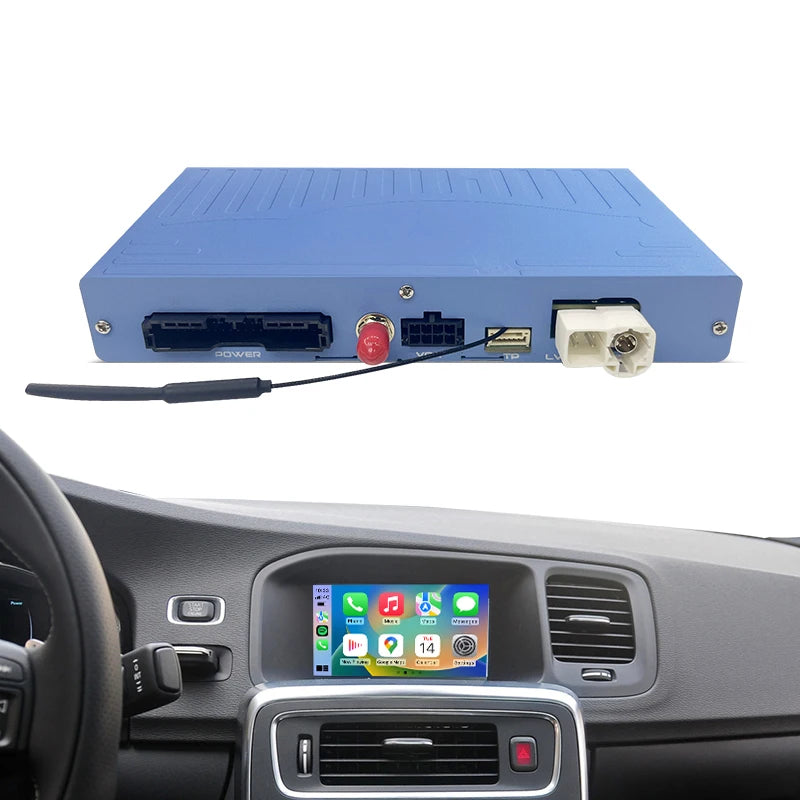
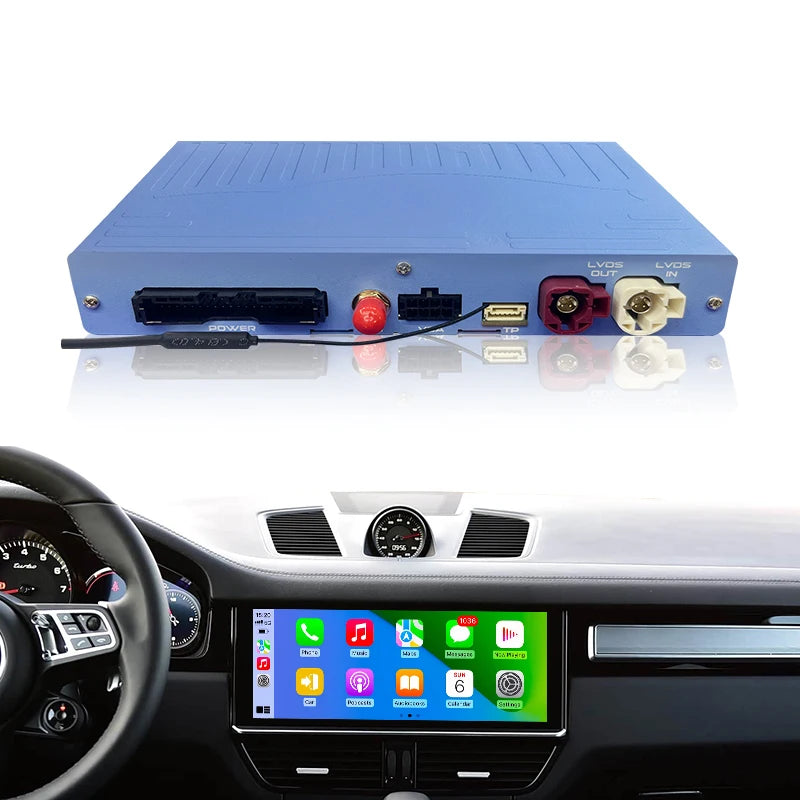
- 🚨 MODULE ONLY (Not a Screen): This is a hidden smart decoder box that integrates directly with your BMW’s existing factory display. Upgrade your infotainment system without altering the original luxury look of your dashboard.
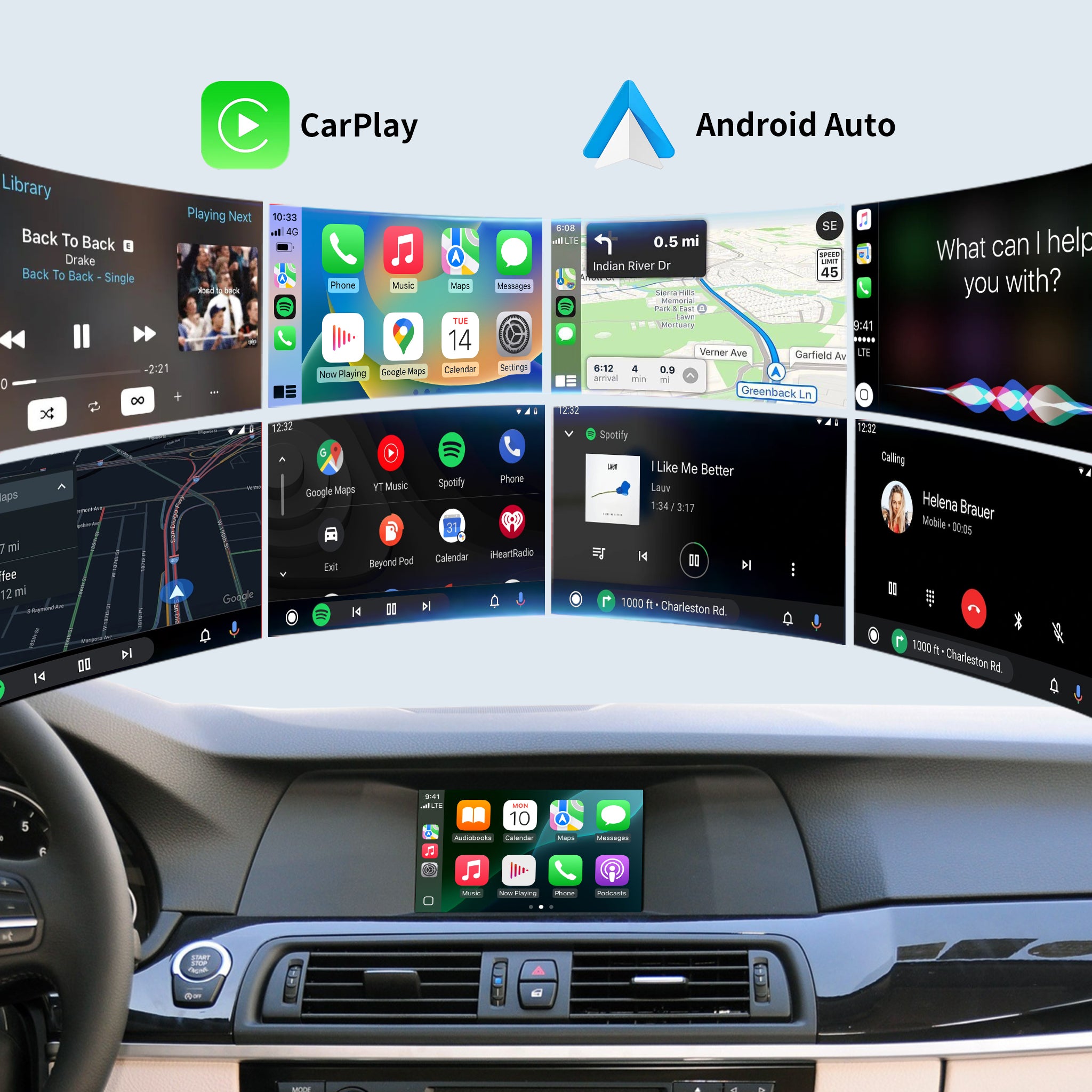
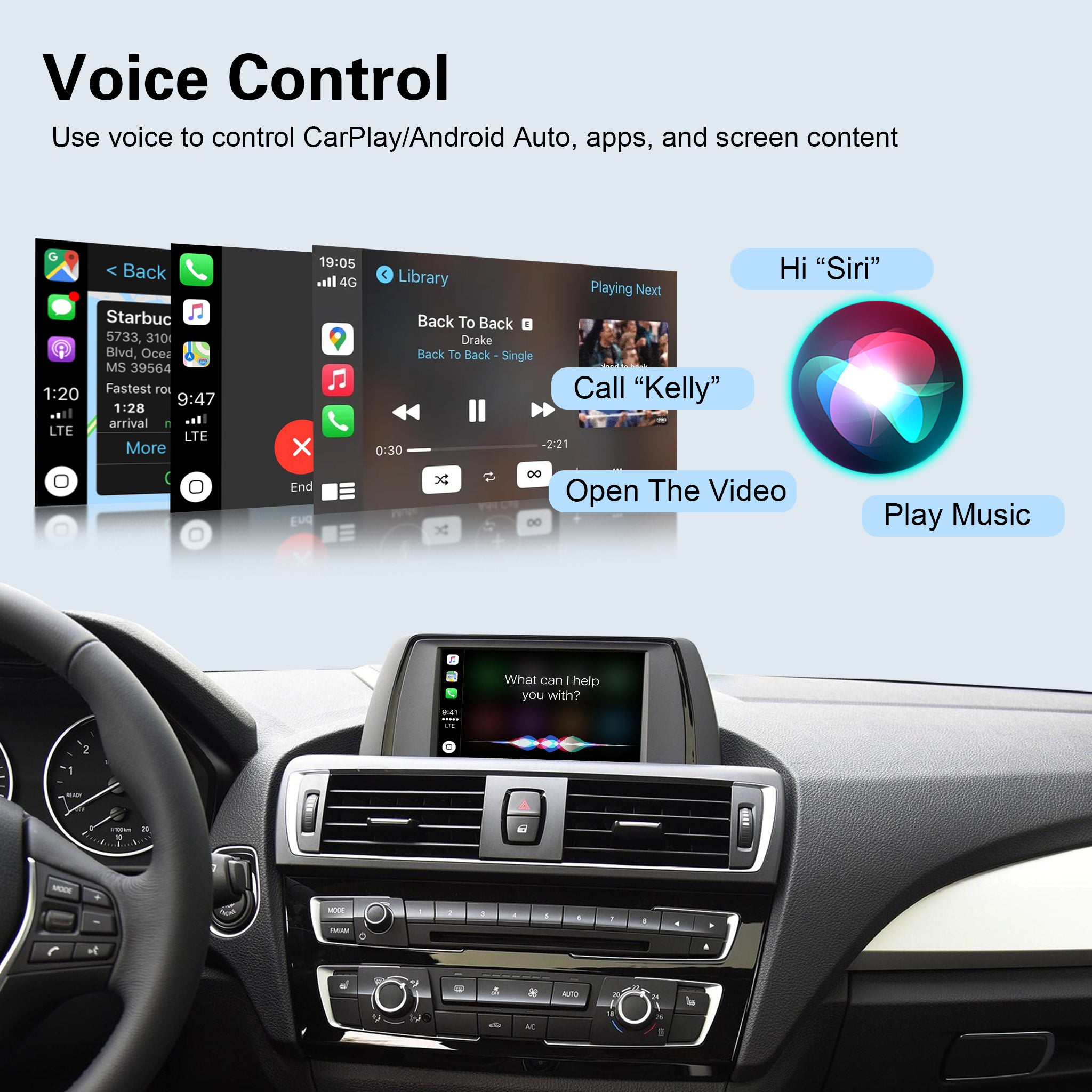
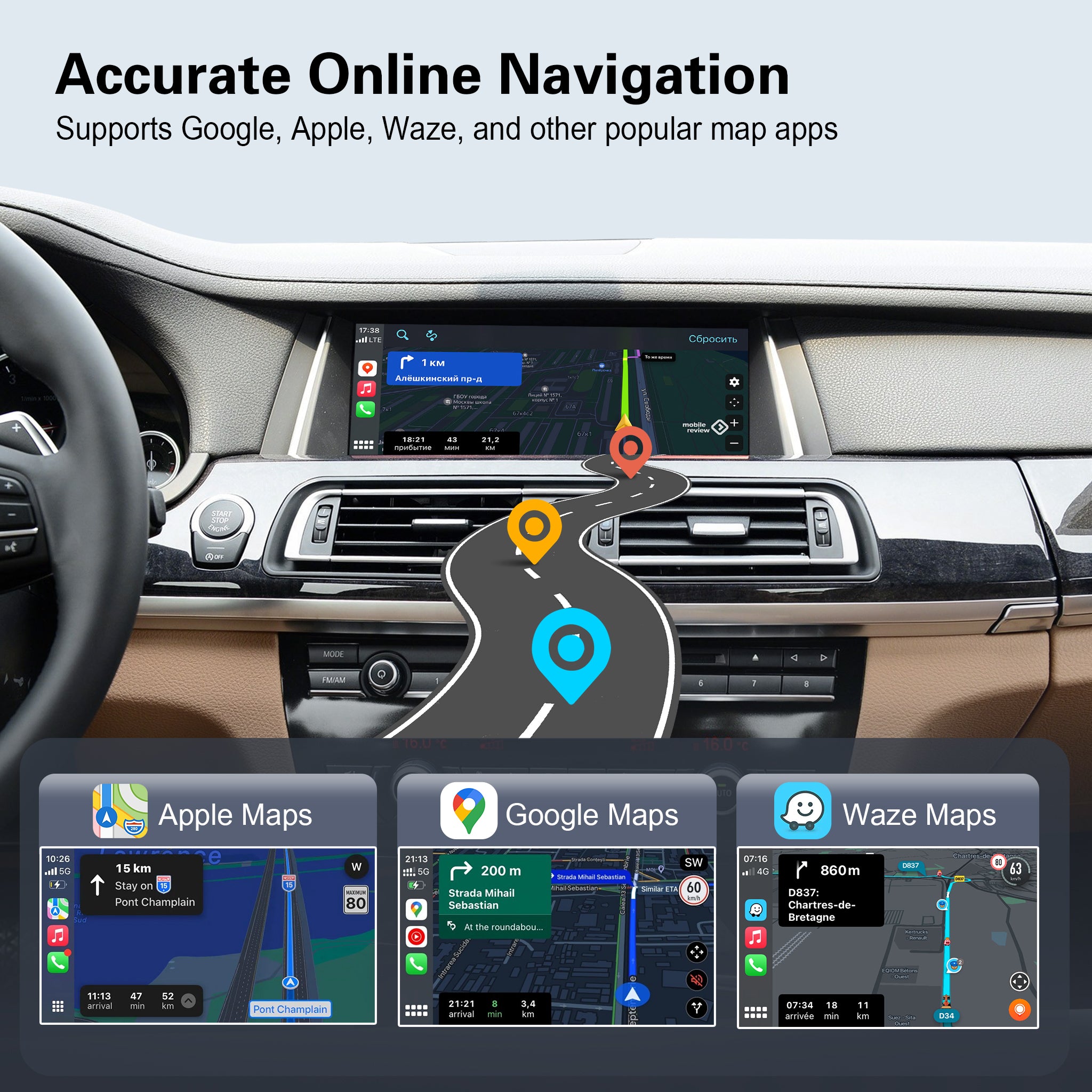
- 🚗 Wireless Connectivity: Say goodbye to messy cables! Instantly connect your smartphone to enjoy wireless Apple CarPlay and Android Auto for real-time GPS (Google Maps, Waze), Spotify, and hands-free calls.
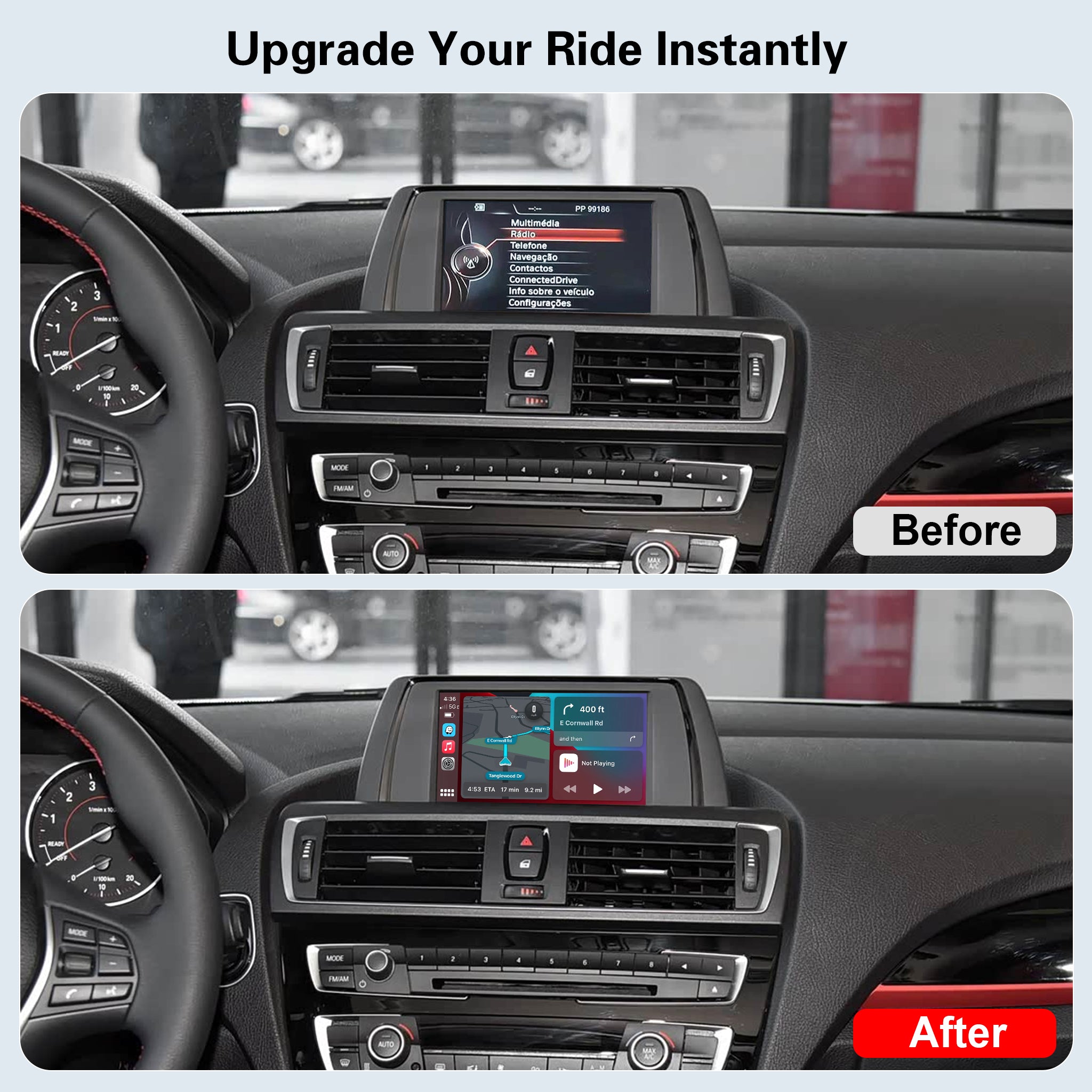
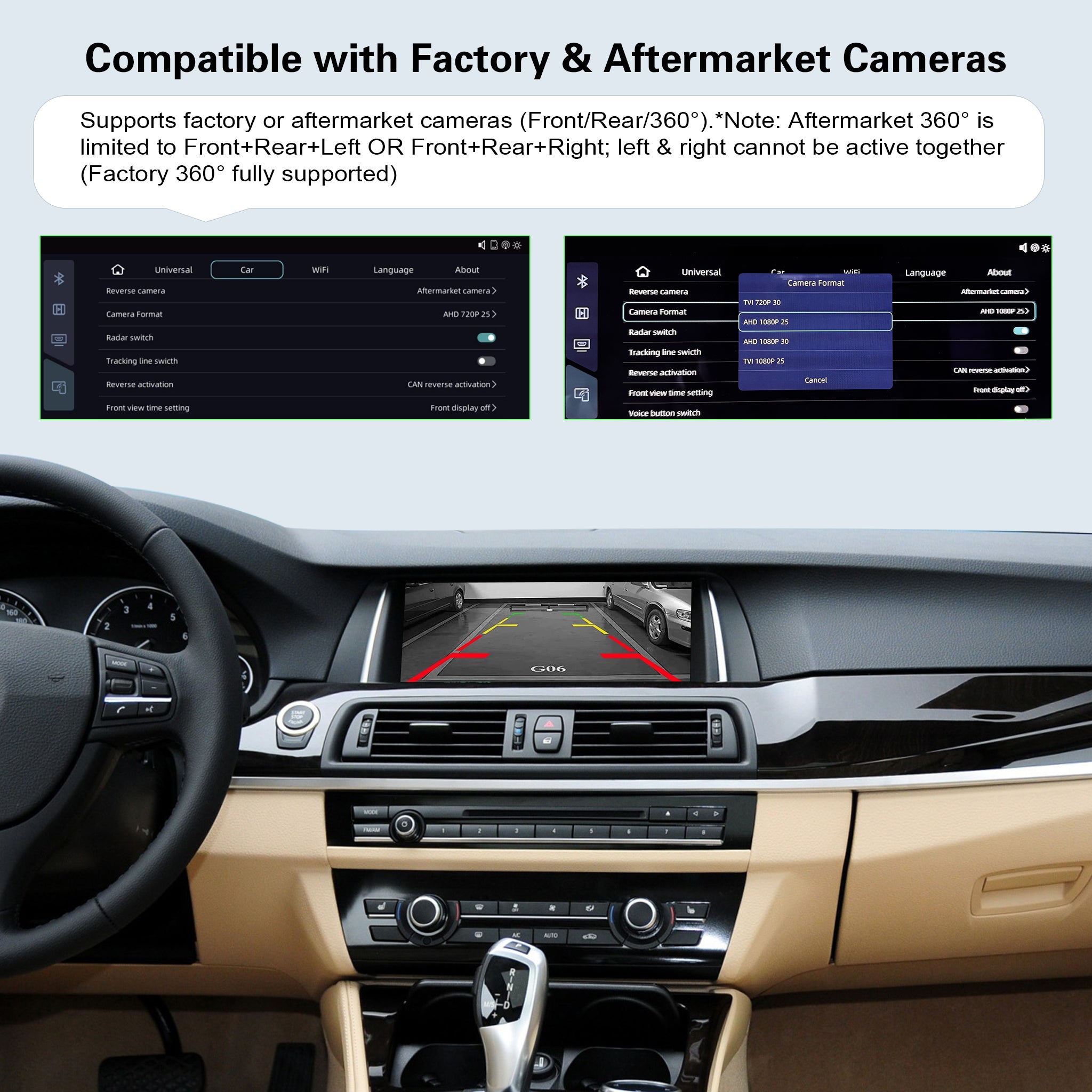
- 🔄 Flawless iDrive Integration: You lose absolutely nothing. This system perfectly retains your original BMW iDrive knob controls, steering wheel buttons, factory reverse camera, and original car menus.
- 🛠️ 100% Plug & Play Installation: Designed for a safe, non-destructive DIY upgrade. The harness plugs directly into your factory radio unit with NO wire cutting or splicing. Your car's warranty remains unaffected.
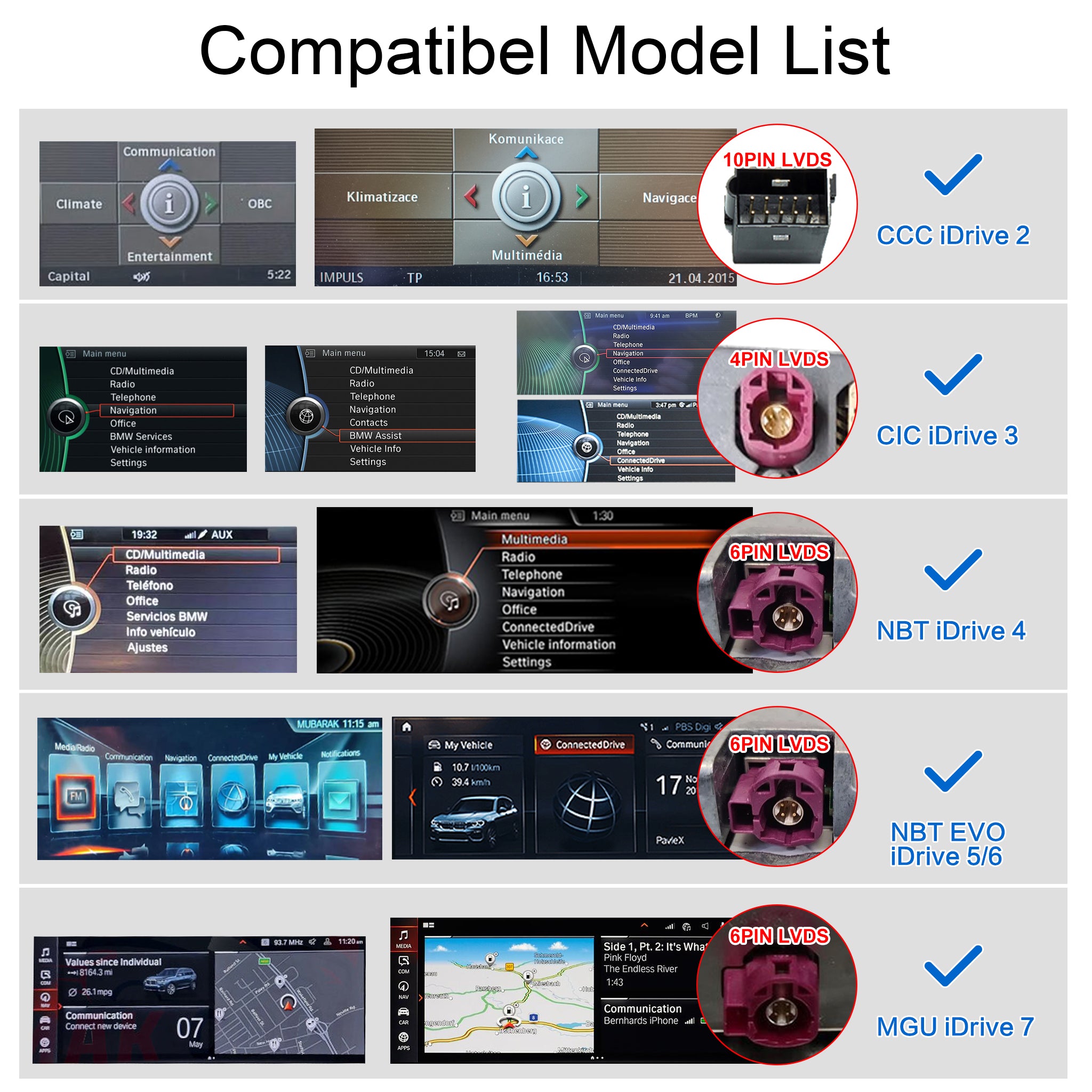
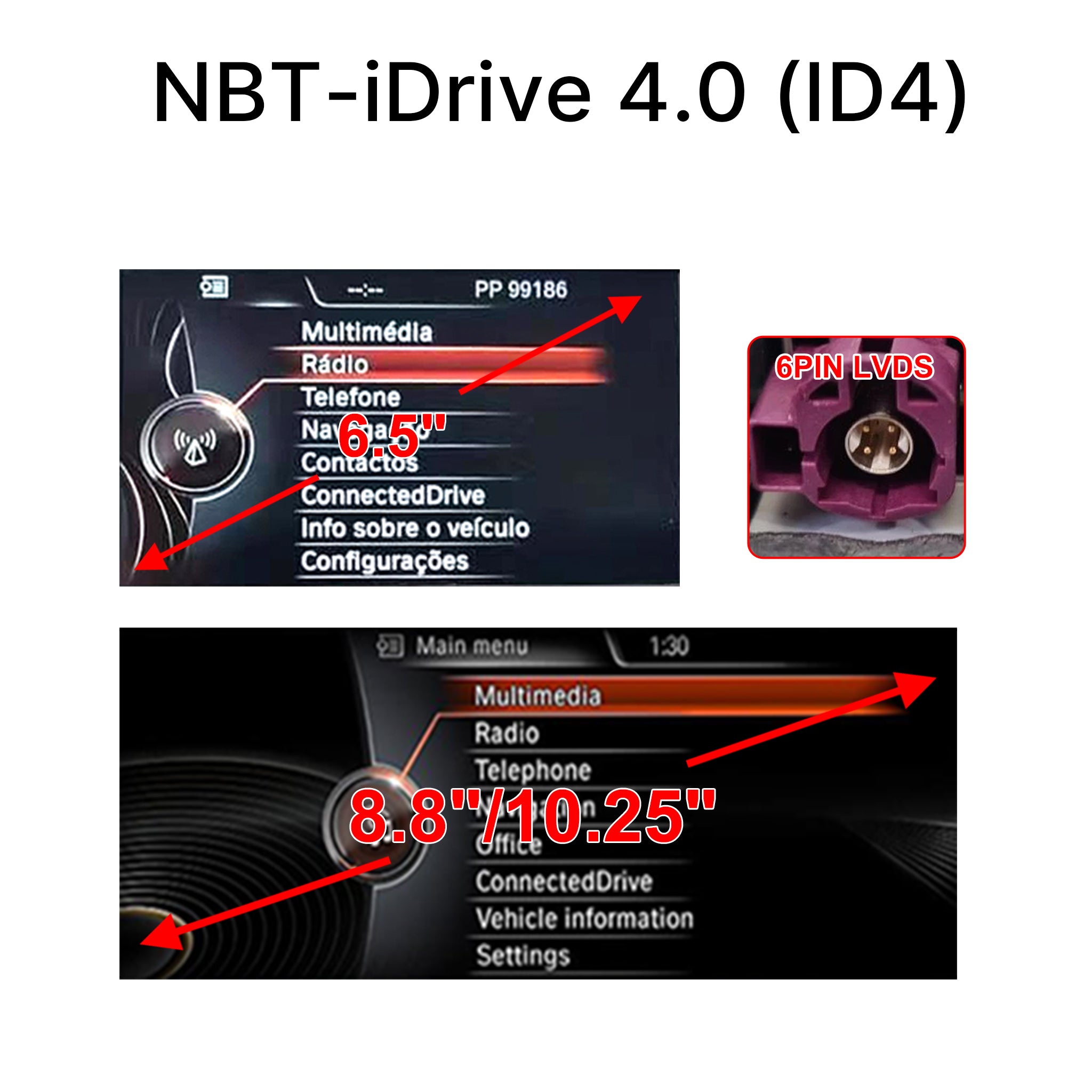
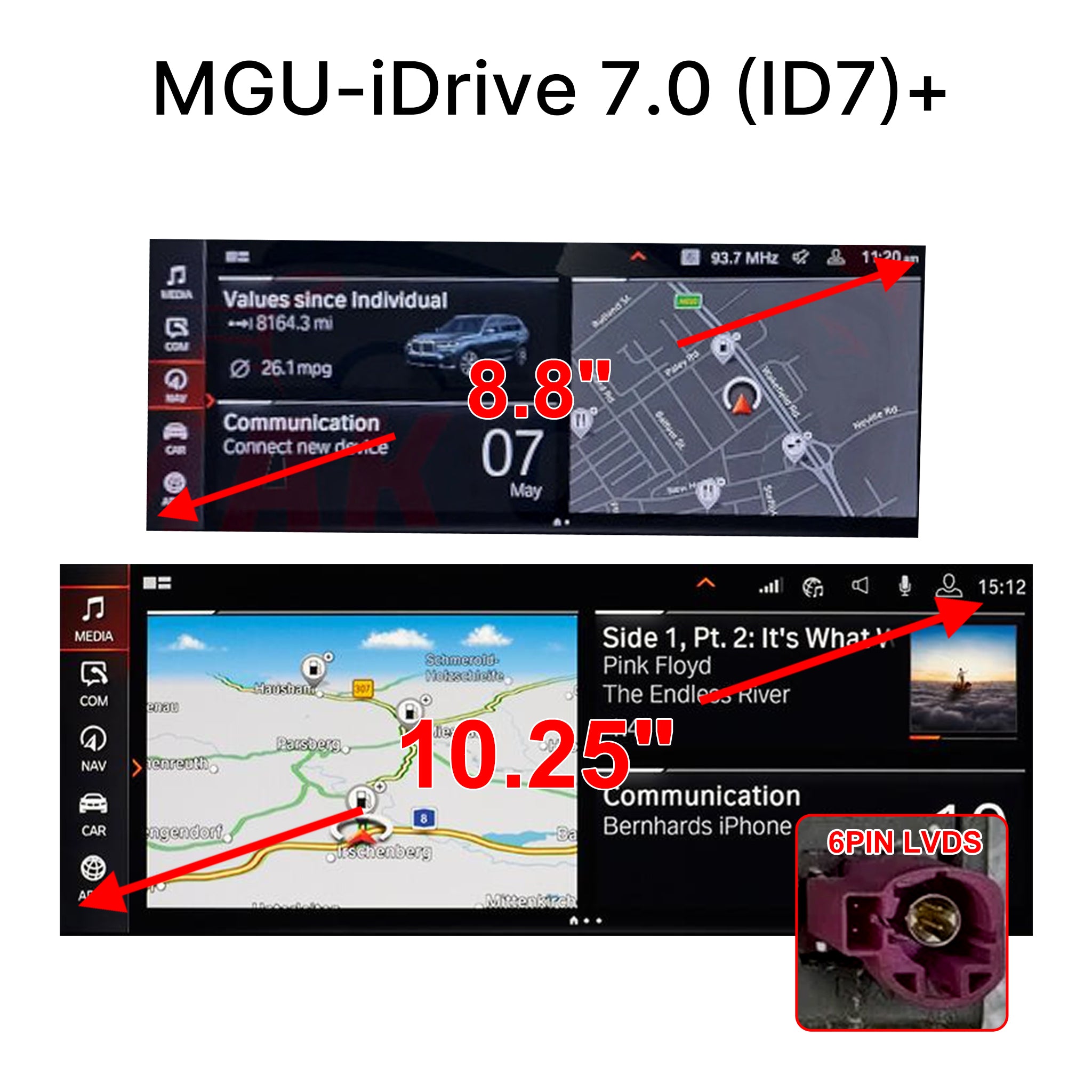
- ⚠️ Important System Check: Compatible with BMW CCC, CIC, NBT, EVO, and MGU systems. Because BMW systems vary greatly, you MUST check your main menu UI and LVDS connector using our Compatibility Guide below before selecting your version!
Couldn't load pickup availability
- Description
- FAQs
- Reviews
- About Upgrade
Transform Your BMW into a Modern Smart Cockpit
Bring the latest smartphone technology to your classic or modern BMW! Our smart decoder interface seamlessly adds Wireless CarPlay and Android Auto to your factory screen, providing a massive upgrade to your daily driving experience without removing your original display.

⚠️ CRITICAL COMPATIBILITY CHECK (MUST READ!)
BMW iDrive systems can be very confusing, as different models and chassis share overlapping production years with different systems. Please DO NOT guess your system based on the car's year alone!
To guarantee a 100% perfect fit, please identify your system by checking the Comprehensive Compatibility Guide Picture below.
How to Choose Your Version:
-
Match Your Screen UI: Compare your BMW's main menu interface with the pictures (iDrive 2 to iDrive 7).
-
Check Your Chassis & Year: Find your car's series and chassis code (e.g., E90, F30, G20) in the list.
-
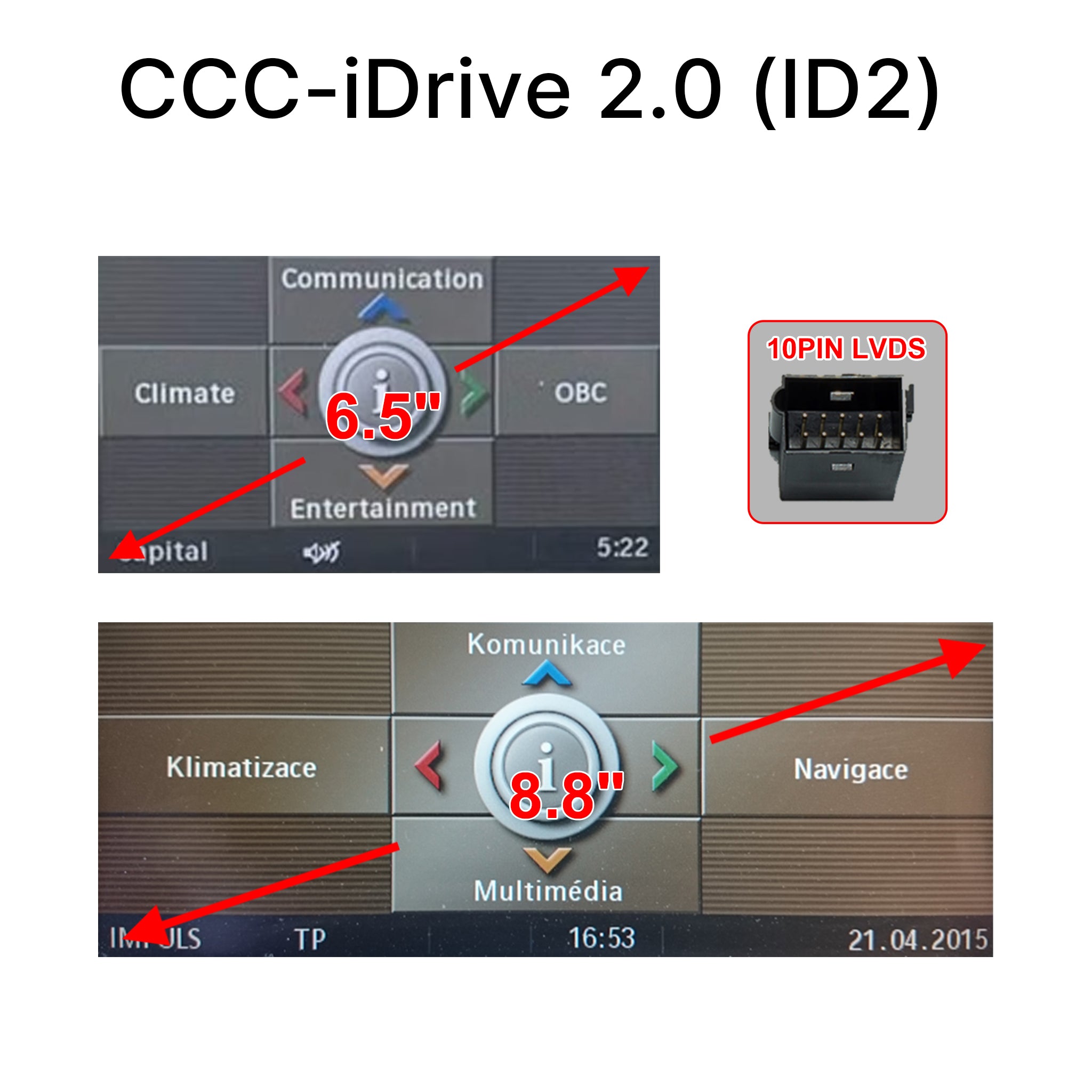
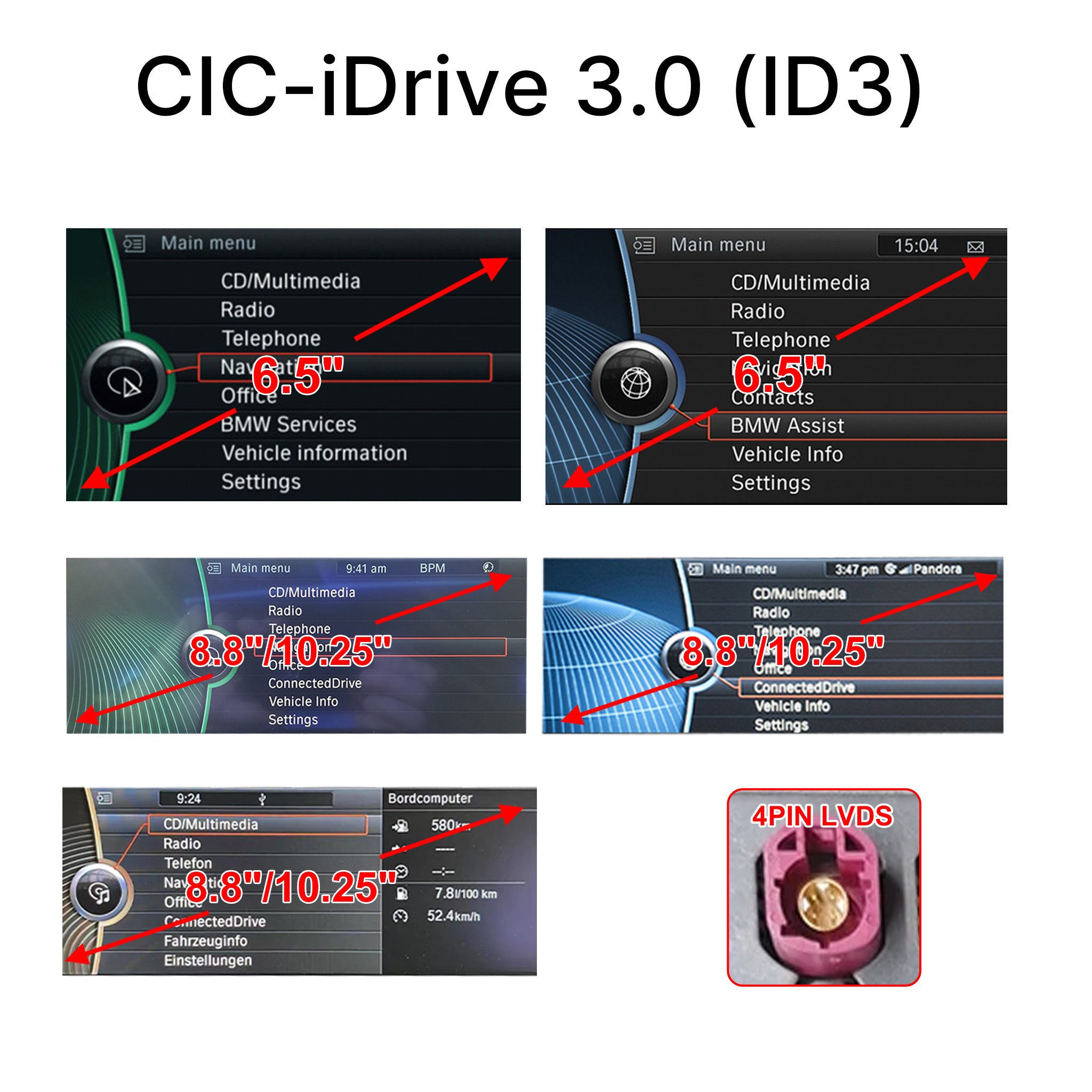
Verify the LVDS Connector (Most Accurate): If you are comfortable removing the screen, the LVDS pin connector behind the screen (4-PIN, 6-PIN, or 10-PIN) is the ultimate confirmation.
(👉 Still unsure which system you have? We are here to help! Simply send us a clear photo of your BMW's main menu screen, and our engineers will verify the exact system for you immediately!)

💬 Frequently Asked Questions (FAQ)
🛒 Pre-Sales & Compatibility
Q1: Is this a completely new screen, or just a module?
A: This product is a hidden Smart Decoder Module Box. It does NOT replace your physical screen. It integrates directly with your existing BMW factory display, allowing you to add modern Wireless CarPlay and Android Auto while keeping your original dashboard look exactly the same.
Q2: How do I know which system (CCC/CIC/NBT/EVO) I should choose?
A: Because BMW frequently changed systems even within the same production year, please DO NOT guess based on your car's year! You must check your main menu interface (UI) and the LVDS connector pin behind your screen. Please scroll up to read our "Compatibility Check Guide" and compare your screen with our pictures. (If still unsure, please send us a photo of your screen before ordering!)
Q3: Will I lose my original BMW iDrive system, steering wheel controls, or factory cameras?
A: Absolutely not! Our module works in harmony with your car. You will retain 100% of your factory features, including the iDrive knob, steering wheel buttons, original car menus, and parking sensors/cameras.
🛠️ Installation & Usage
Q4: Is it difficult to install? Do I need to cut any original wires?
A: The installation is 100% Plug & Play. Our custom harness intercepts the factory wiring behind the radio head unit. There is absolutely NO wire cutting or splicing required, so your factory warranty remains safe. However, since it involves removing dashboard trims, we recommend professional installation if you are not comfortable with DIY projects.
Q5: How do I switch between the original BMW menu and the new CarPlay interface?
A: It’s incredibly easy! Simply long-press the "MENU" (or "BACK") button on your BMW iDrive controller for about 2-3 seconds. You can seamlessly toggle between the two systems anytime.
🔧 Troubleshooting
Q6: I finished the installation, but there is NO SOUND playing through the car speakers. How do I fix it?
A: This is a very common setup step. Please check the following two things:
- Fiber Optic Cable: If your car's original main power plug has a thick green or orange Fiber Optic cable, you MUST unplug it from the original connector and move it into our new harness connector. Otherwise, there will be no sound.
- Audio Source: Refer to the manual for audio settings.
Q7: The screen is black, says "No Signal," or the display size looks distorted. What should I do?
A: Don't panic, your module is not broken! This usually means the module hasn't been configured for your specific screen size yet.
- Please check the DIP Switches on the side of the module box. Ensure they are set to the correct positions for your specific screen size according to the user manual.
- Ensure the LVDS cable is securely plugged into the correct port.(If you need further assistance, please contact our tech support with your order number and a photo of your screen!)
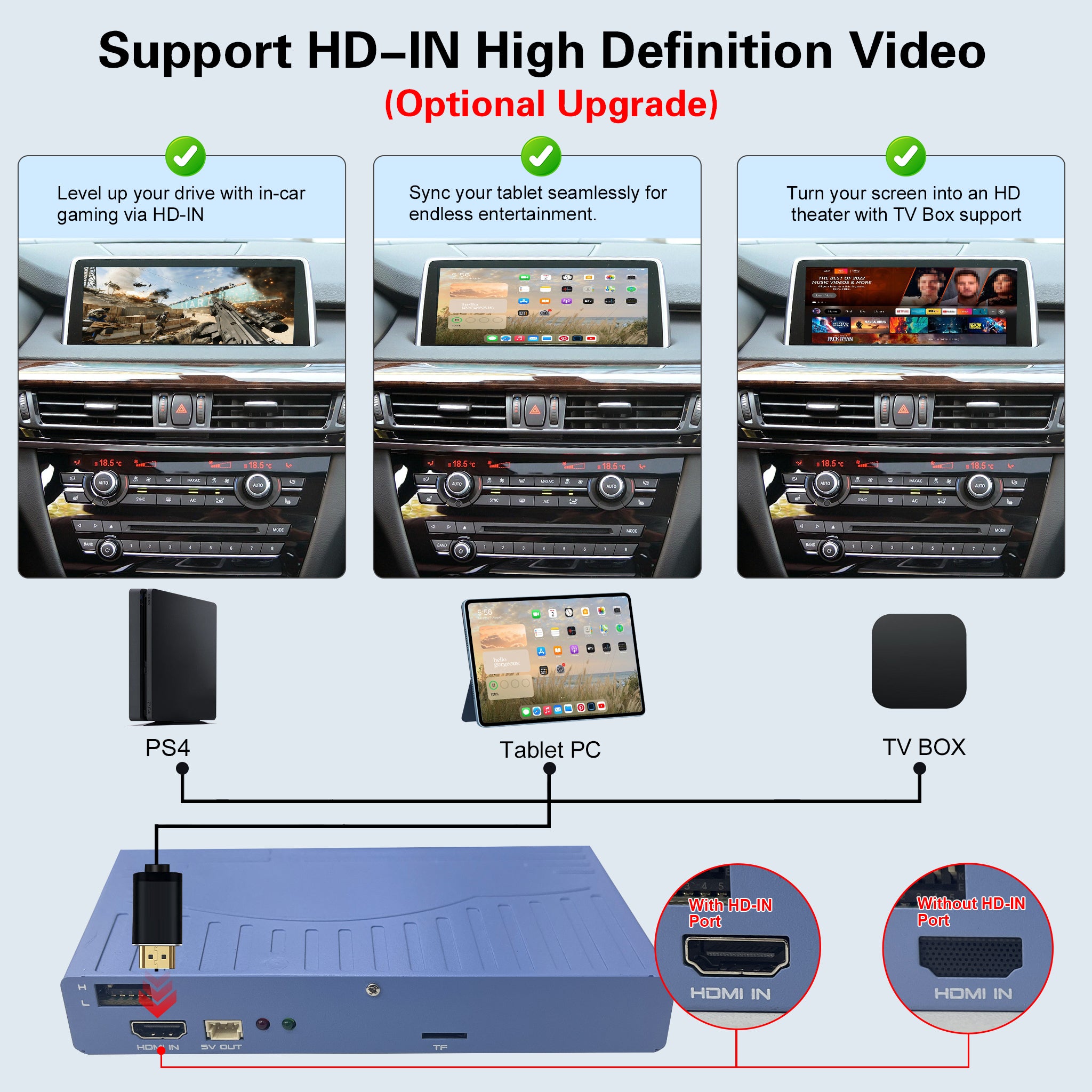
Q8: Should I choose the "Standard Edition" or the "Pro Edition (With HDMI)"?
A: It depends on your in-car entertainment needs!
- Standard Edition (No HDMI): Perfect for regular users who just want Wireless CarPlay and Android Auto.
- Pro Edition (With HDMI): This version features a built-in HDMI-IN port. You should choose this if you plan to connect external devices like a TV Box, Nintendo Switch, or tablet. It allows you to transform your car display into a private theater or gaming hub while parked!


![[FINAL CLEARANCE] Wireless CarPlay & Android Auto Module for Porsche PCM 3.0 | OEM Screen Upgrade](http://www.ztuzauto.com/cdn/shop/files/2_11285e5a-2b45-48fd-b059-8f58b3fbc7c5.jpg?v=1793000939)