











FREE EXPRESS SHIPPING


-17%


14-DAY NO REASON RETURN

30-DAY AFTER-SALES GUARANTEE

1-YEAR WARRANTY FOR ALL
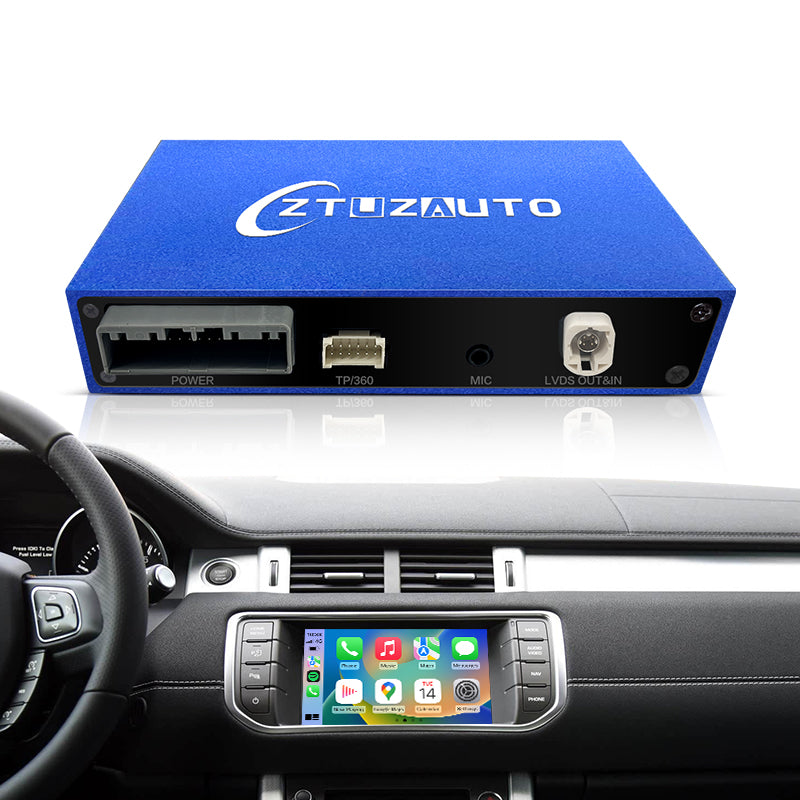
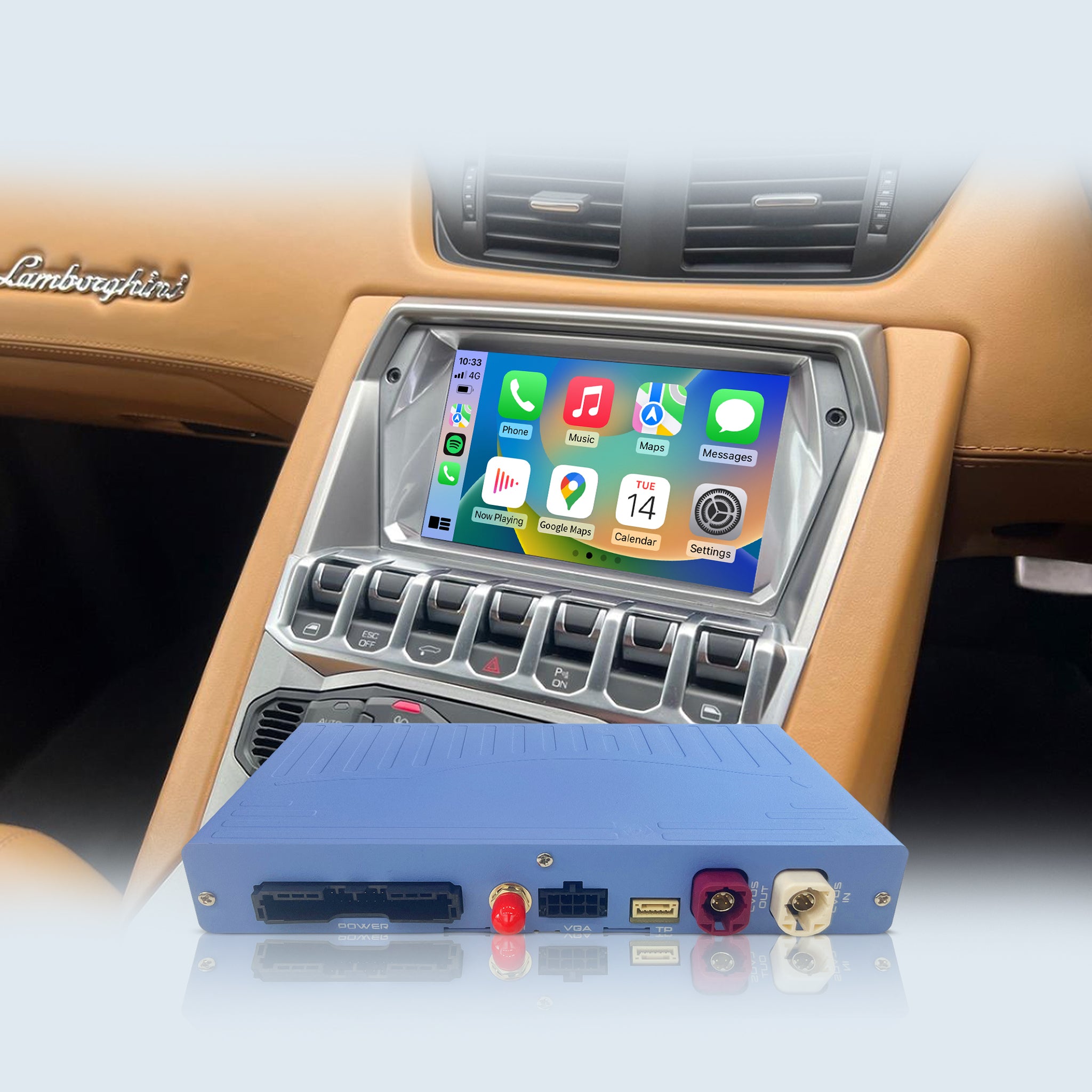
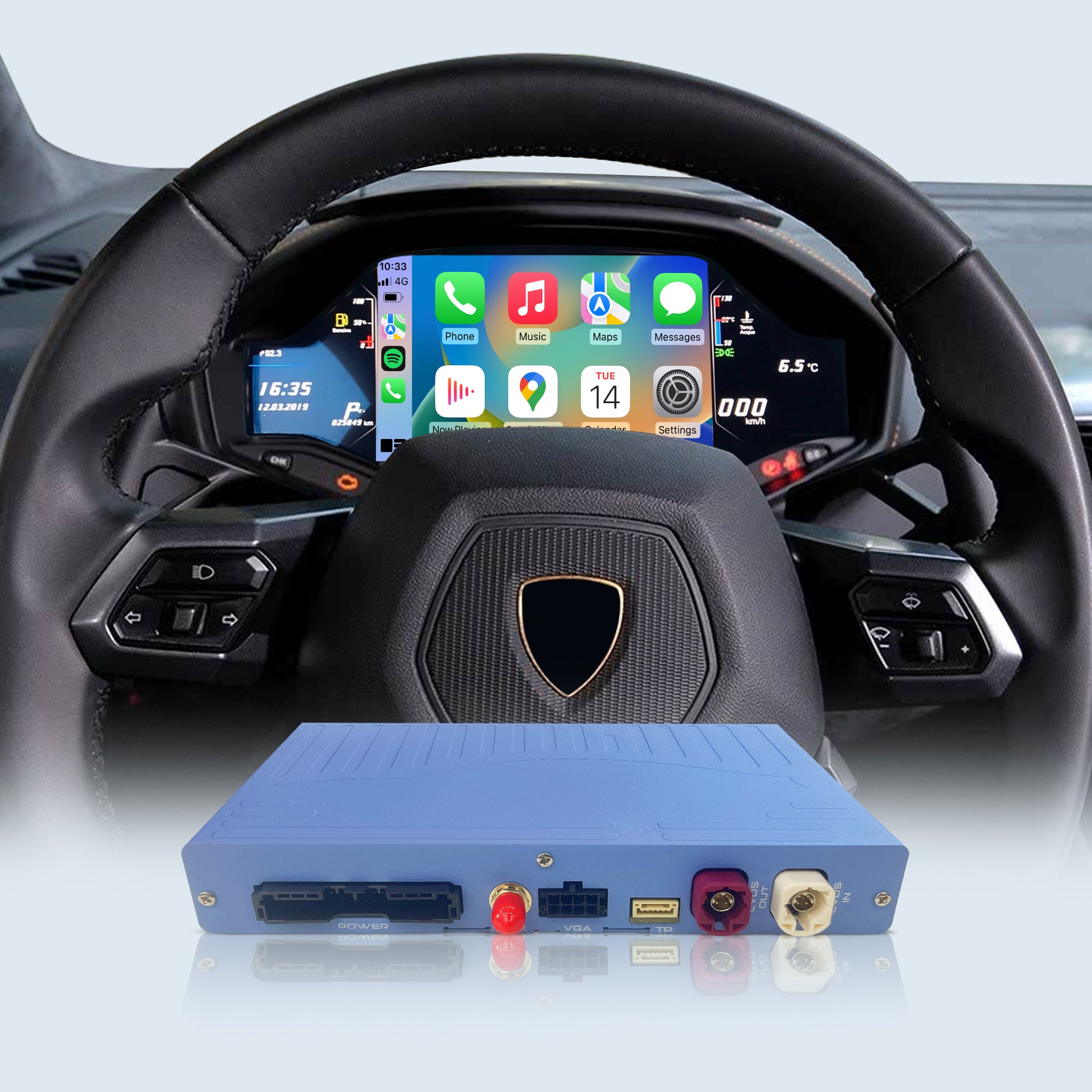
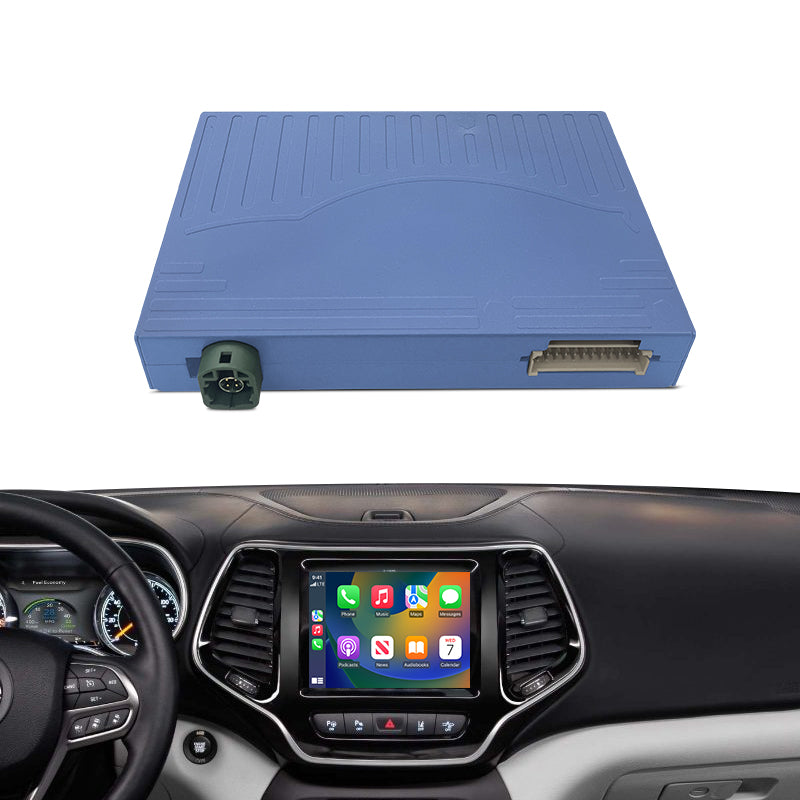
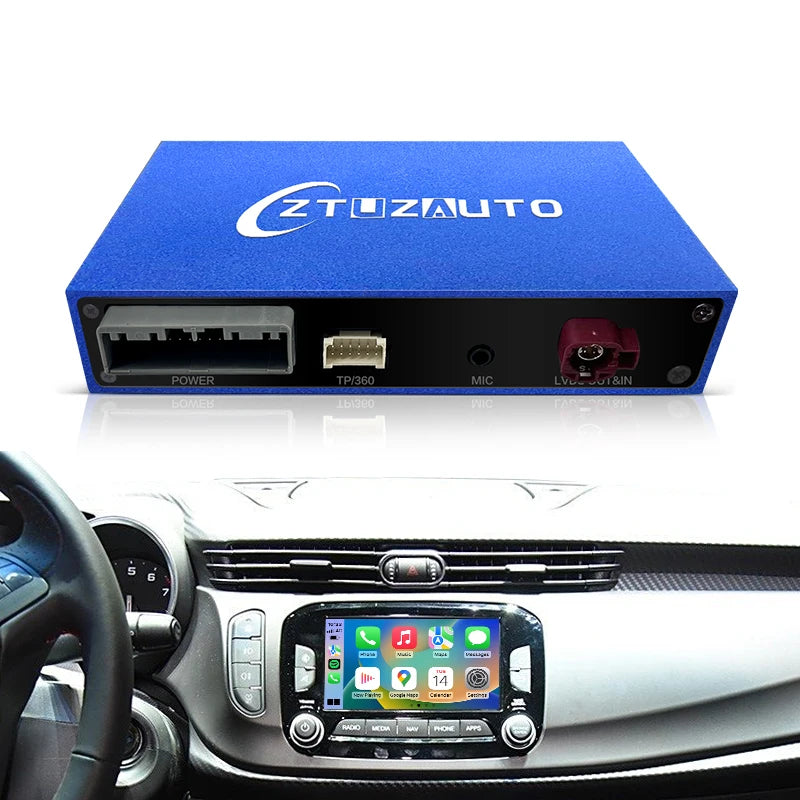
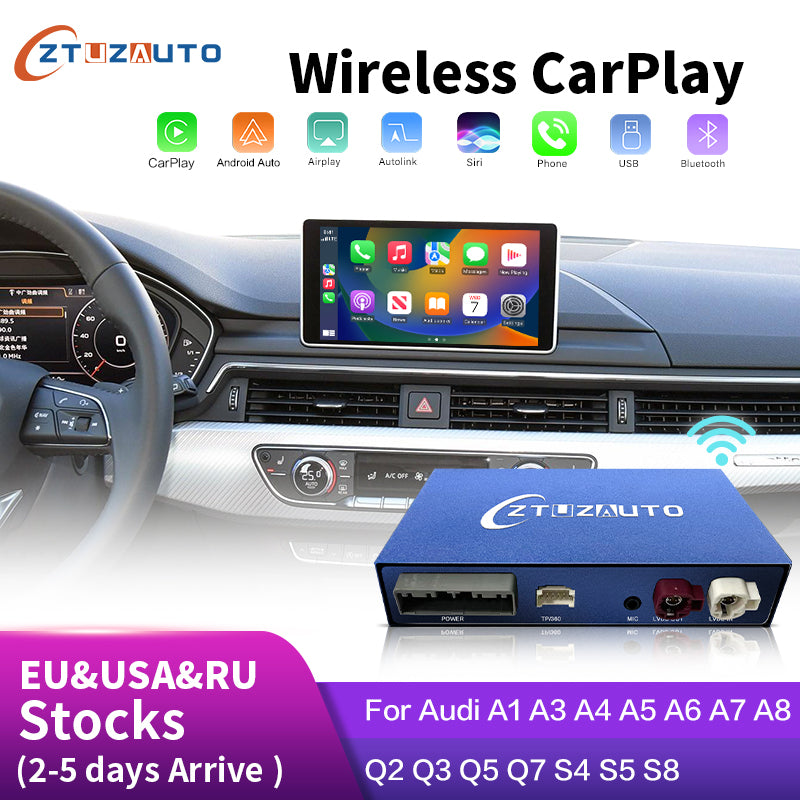
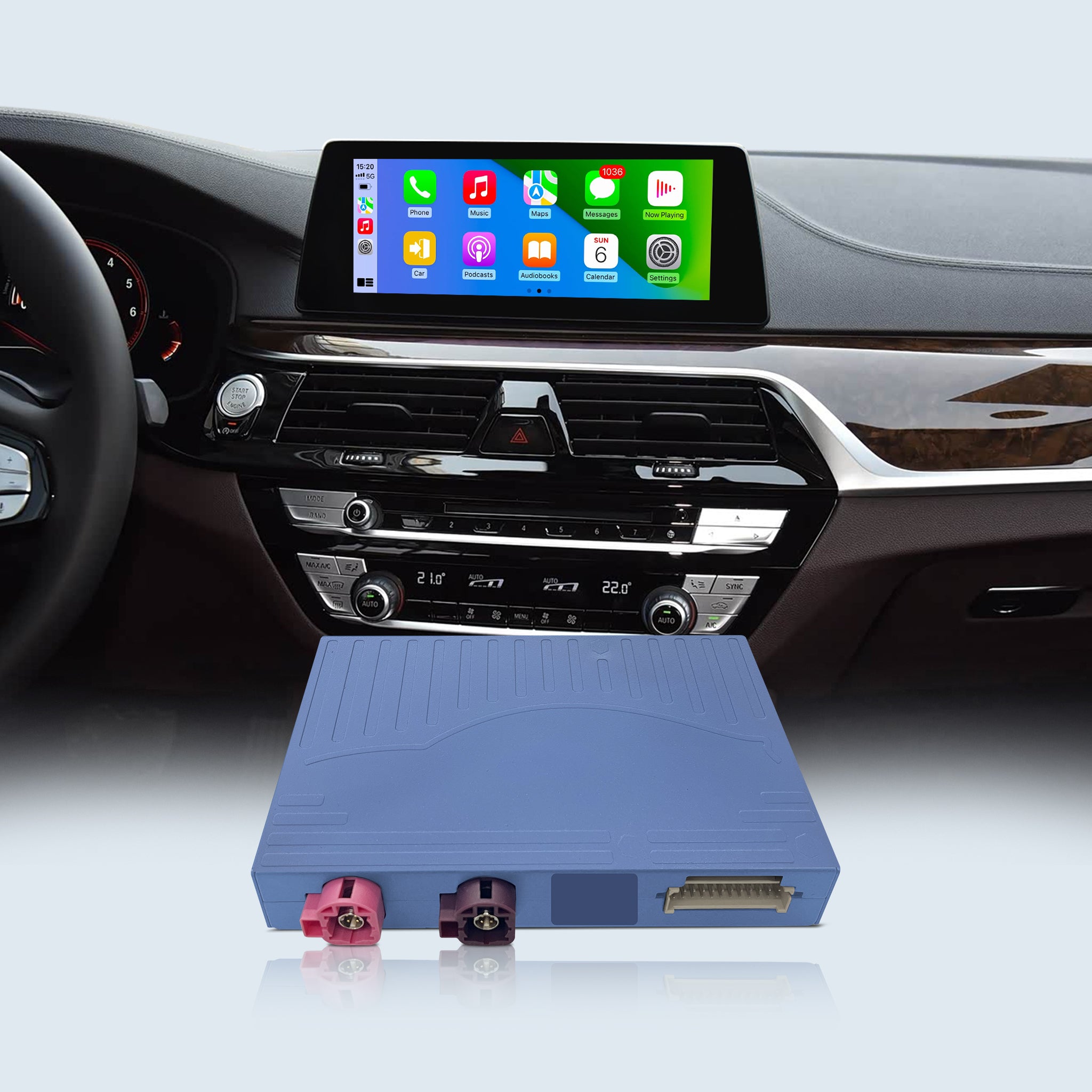
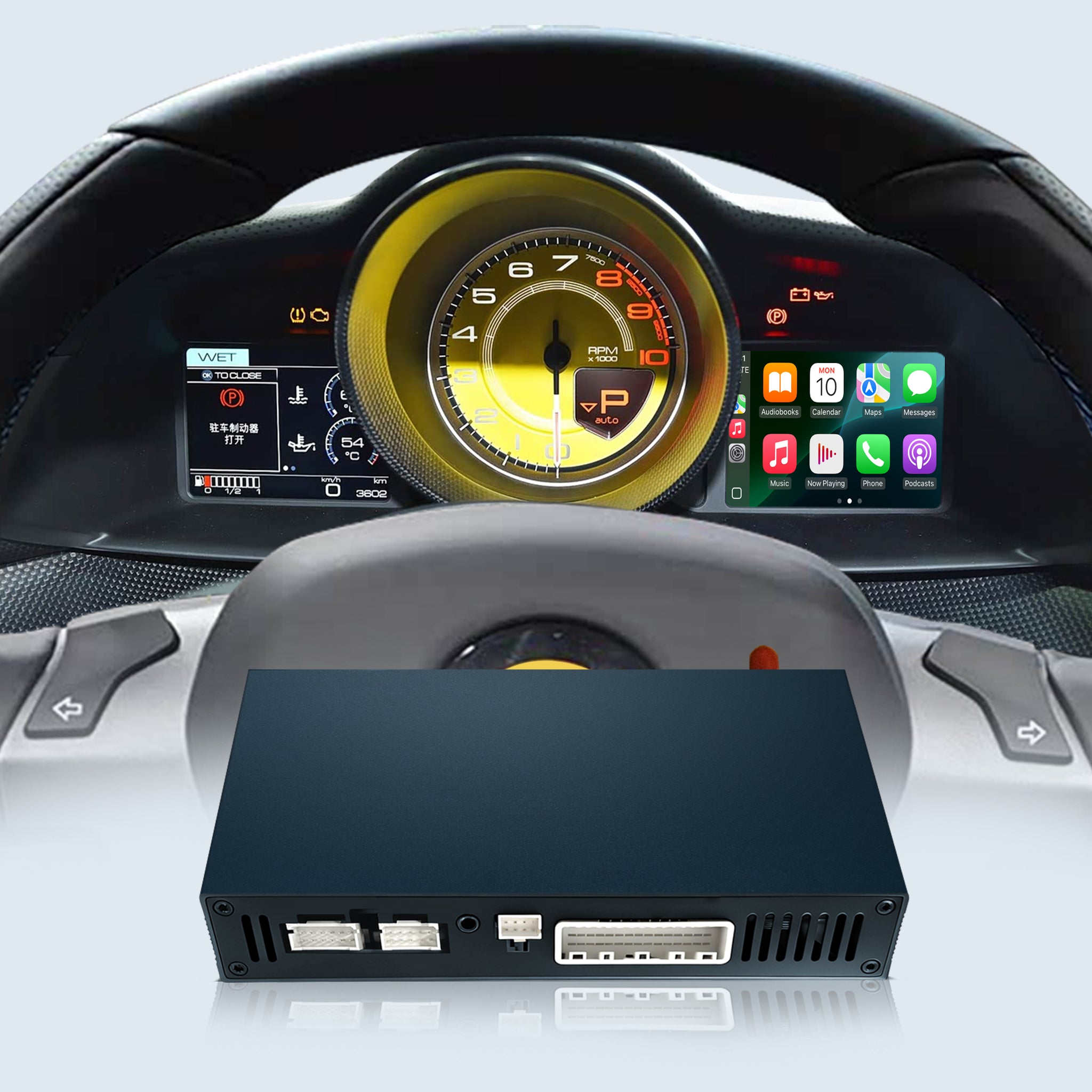
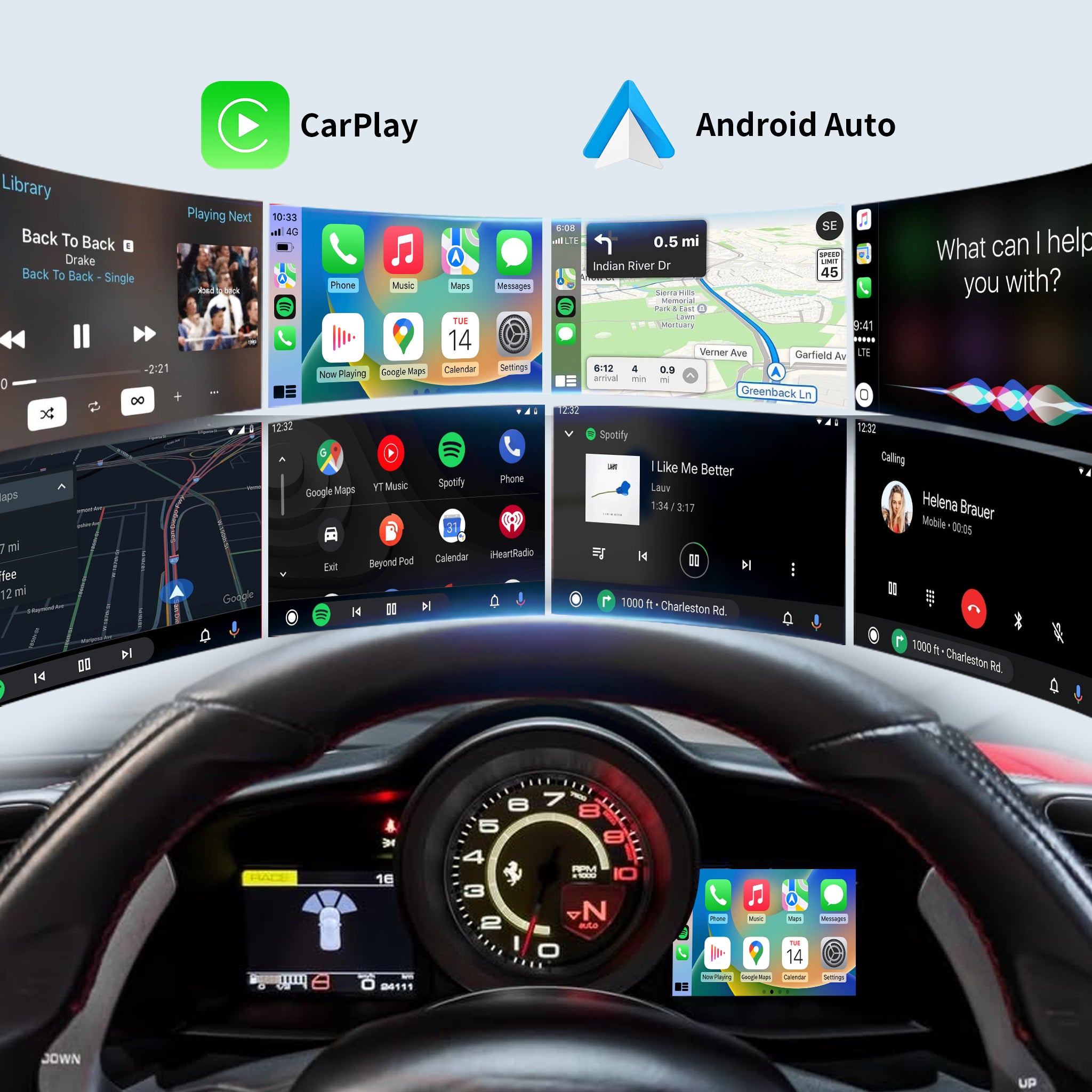
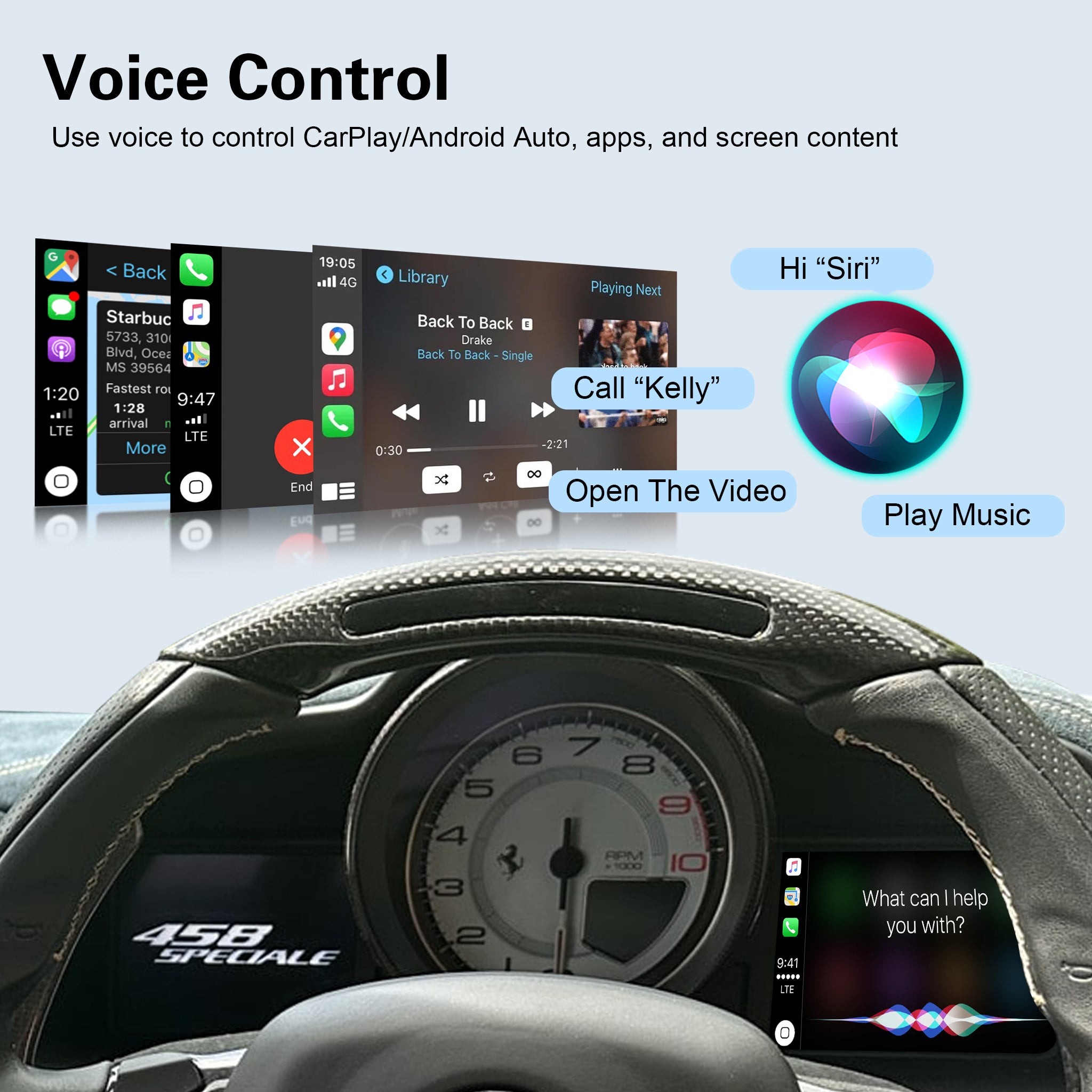
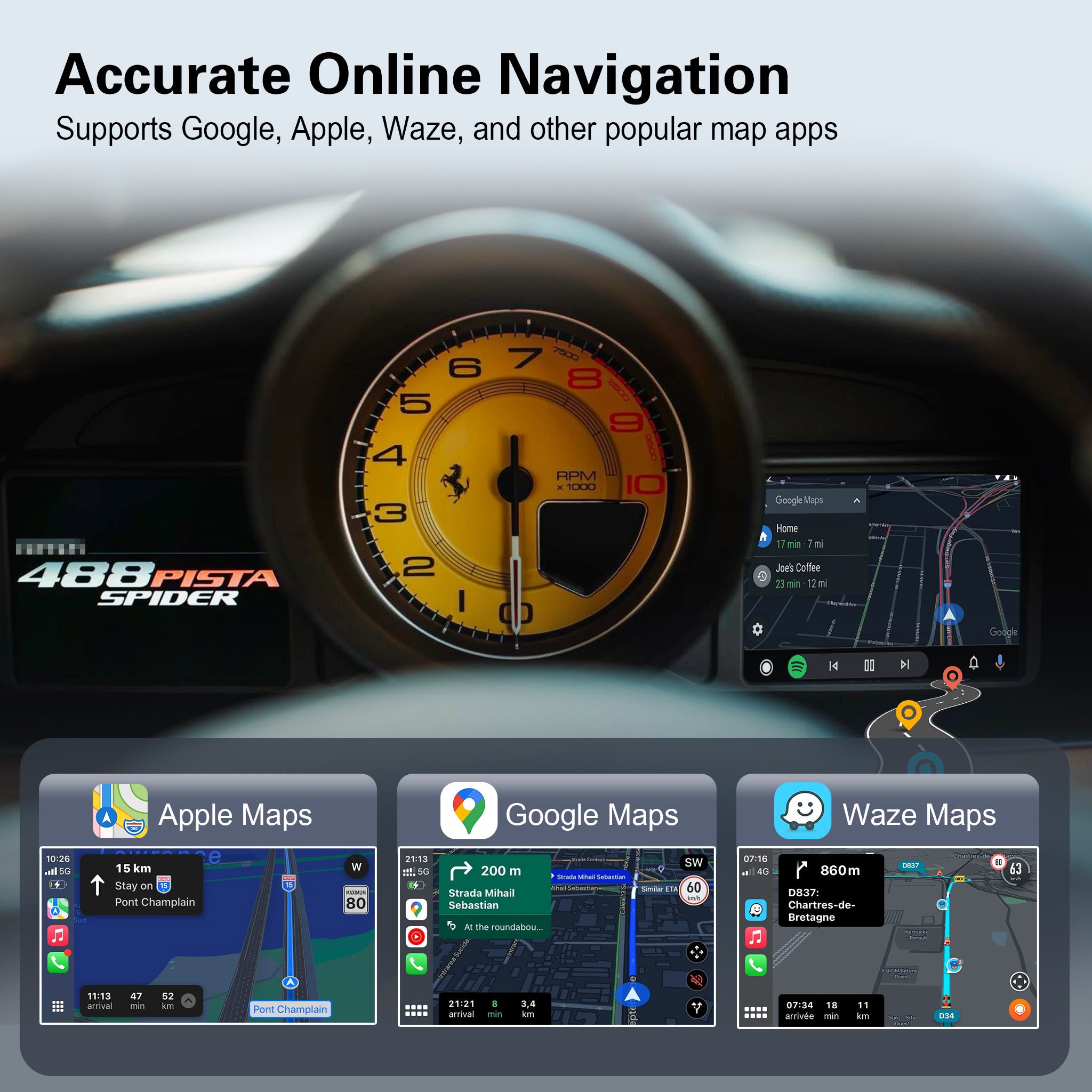
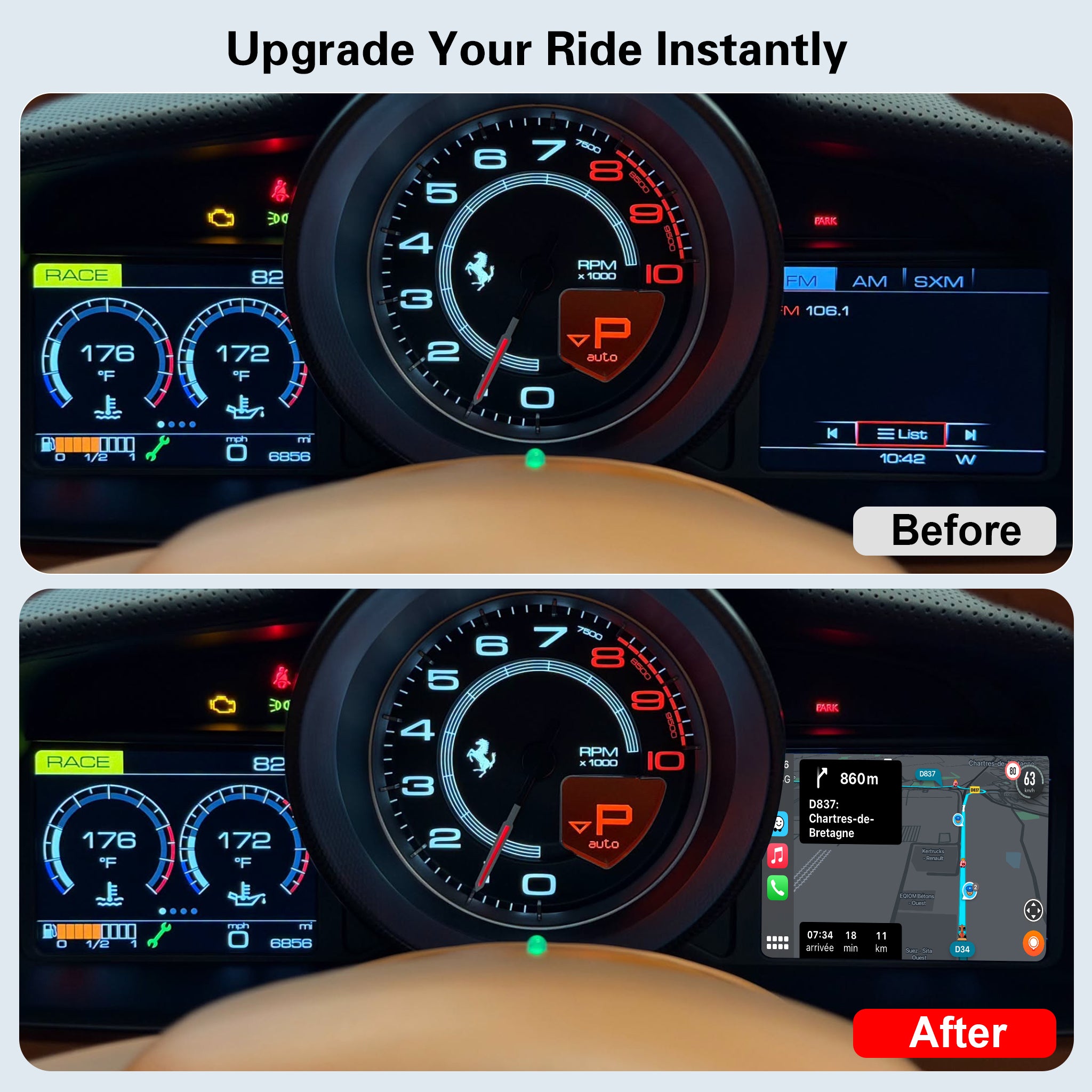
Wireless CarPlay & Android Auto Module for Ferrari 458 / 488 | Instrument Cluster Screen Upgrade
$429.29
$519.89
Save $90.60
In Stock
Sold out
Product Features:
Couldn't load pickup availability
- Description
- FAQs
- Reviews
- About Upgrade
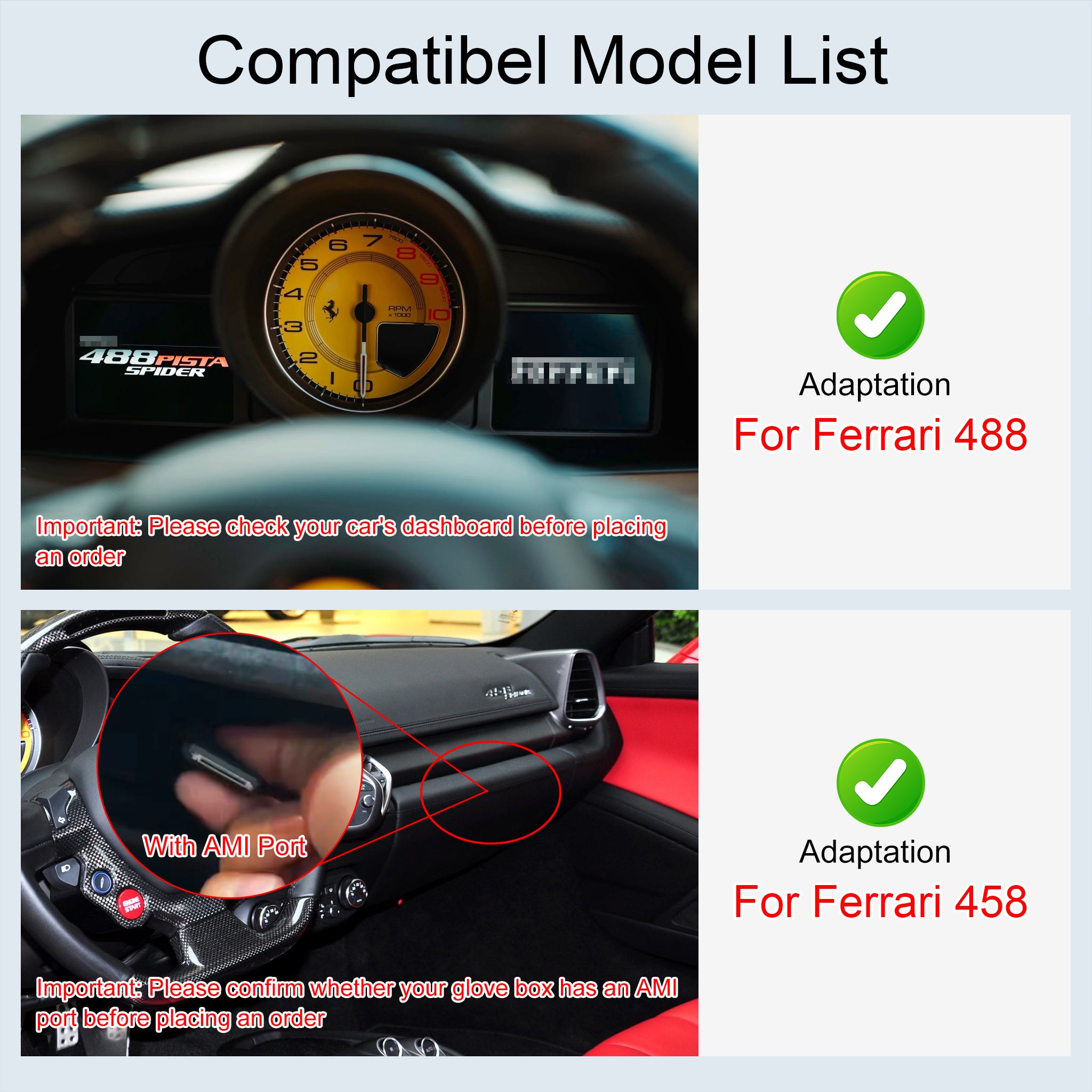
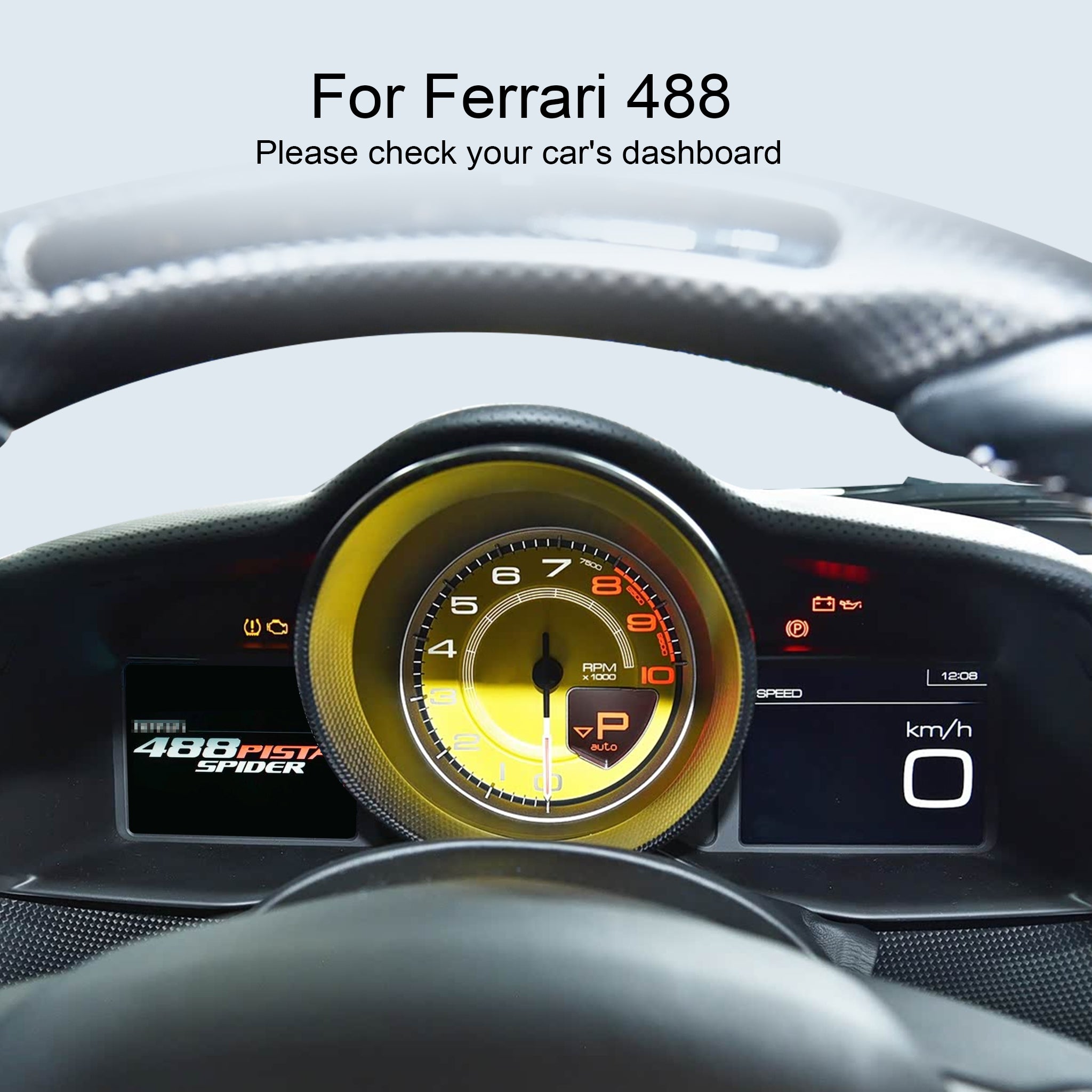
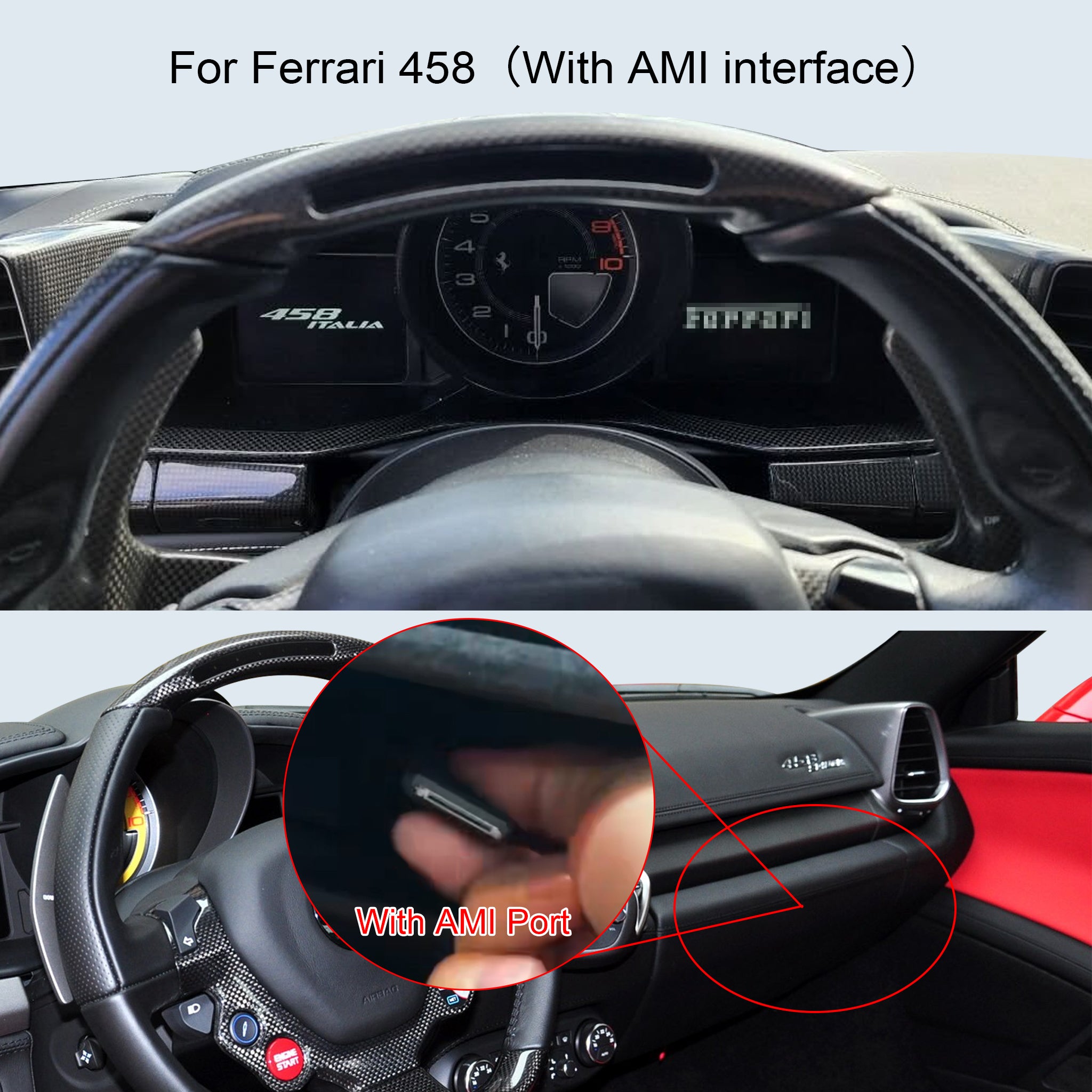
⚠️ CRITICAL COMPATIBILITY CHECK (Please Read Before Ordering):
Because Ferrari models have different audio input configurations, please physically check your passenger-side glovebox/dashboard area before adding this item to your cart to ensure you select the correct version.
🔴 Version A: For Ferrari 458 (WITH AMI Interface)
-
How to check: Open your passenger-side glovebox or check the dashboard trim. If you find a dedicated AMI (Audi Music Interface / Media) plug cable, please select the "458 (With AMI)" option.
🔴 Version B: For Ferrari 488
-
How to check: If you check the same passenger-side area
(👉 Still unsure? Exotic car systems can be tricky. Don't risk ordering the wrong version! Simply send us a clear photo of your passenger dashboard area, and our tech team will confirm the exact fitment for your Ferrari!)
