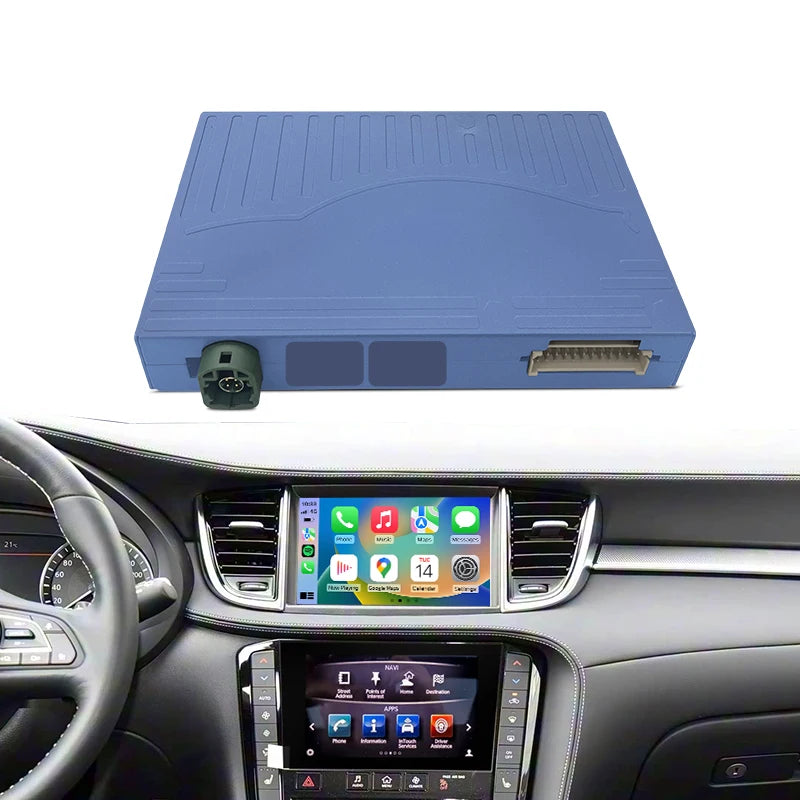
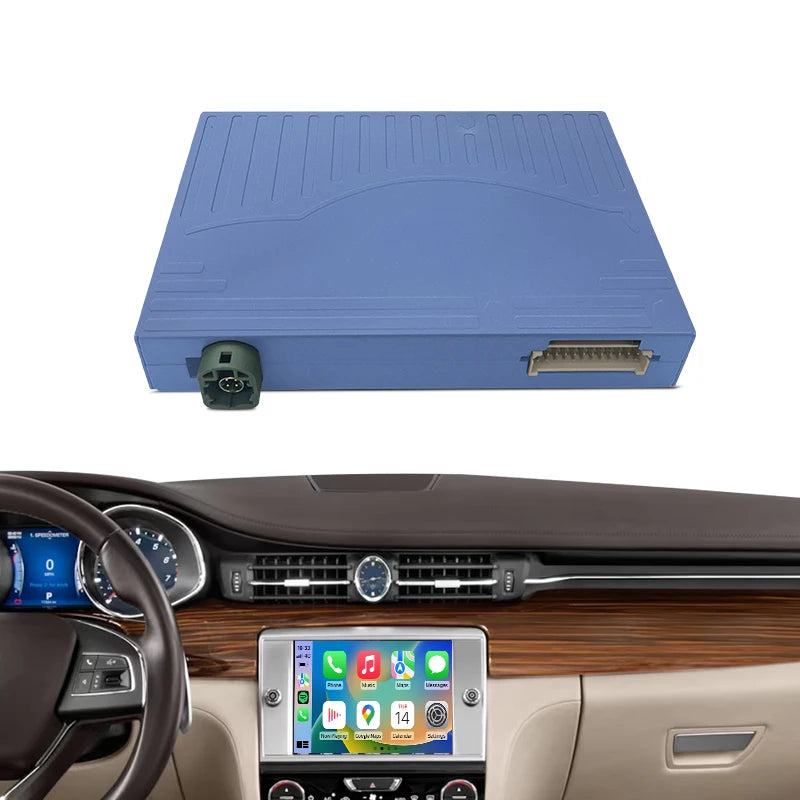
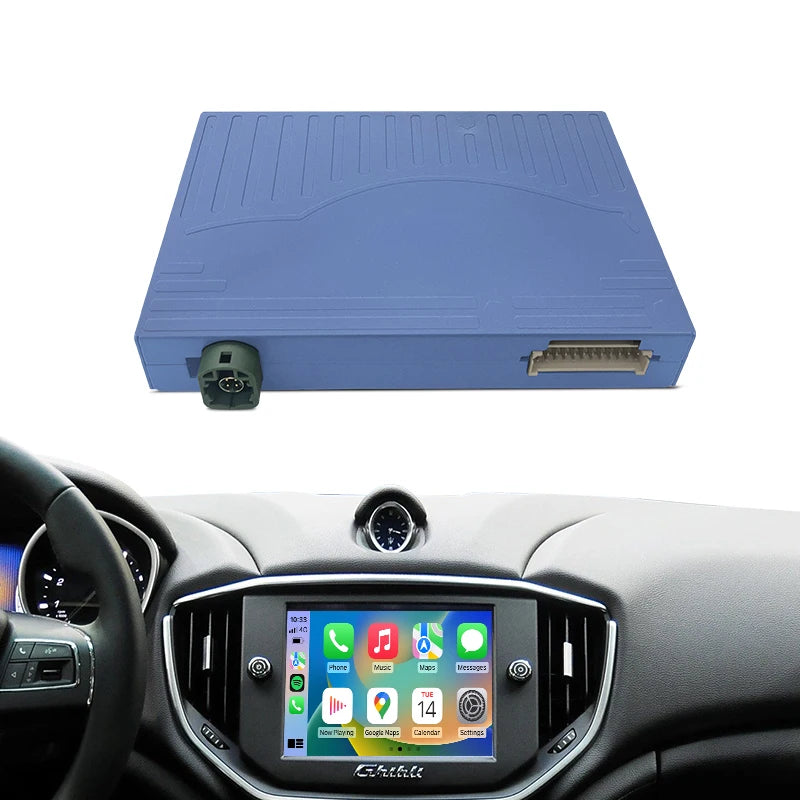
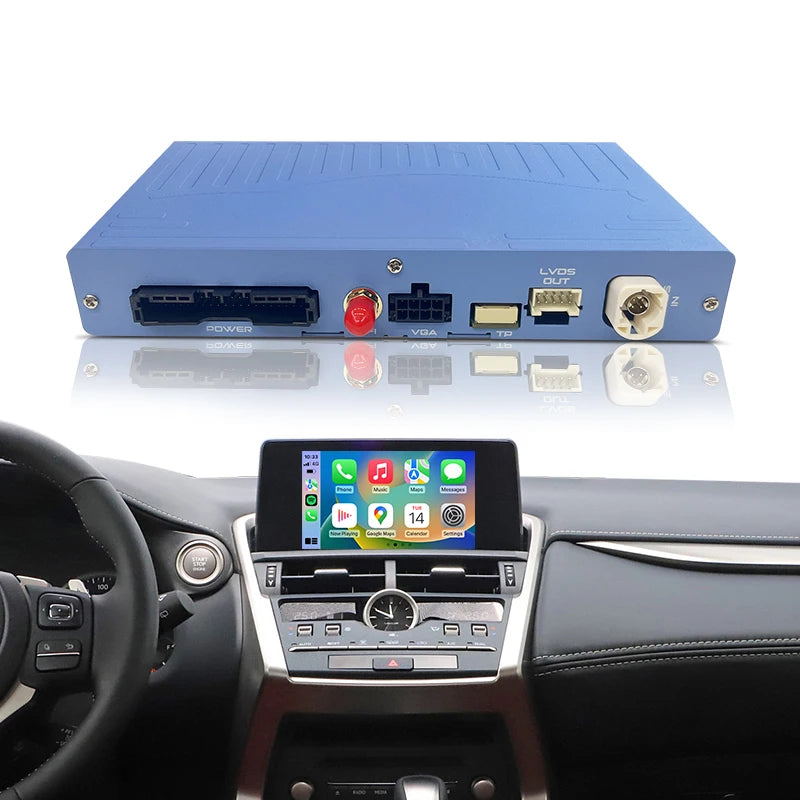
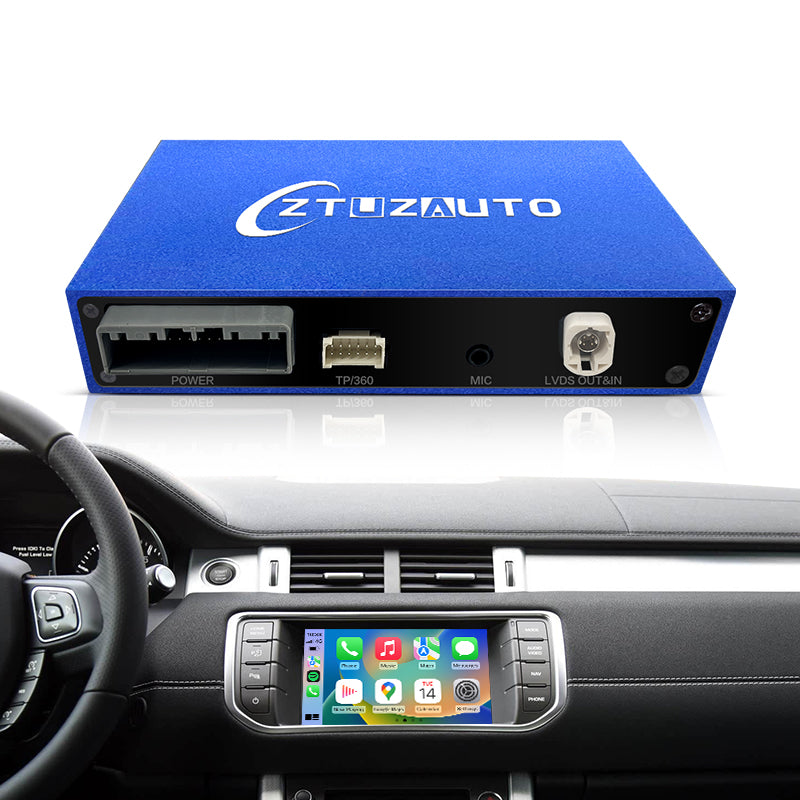
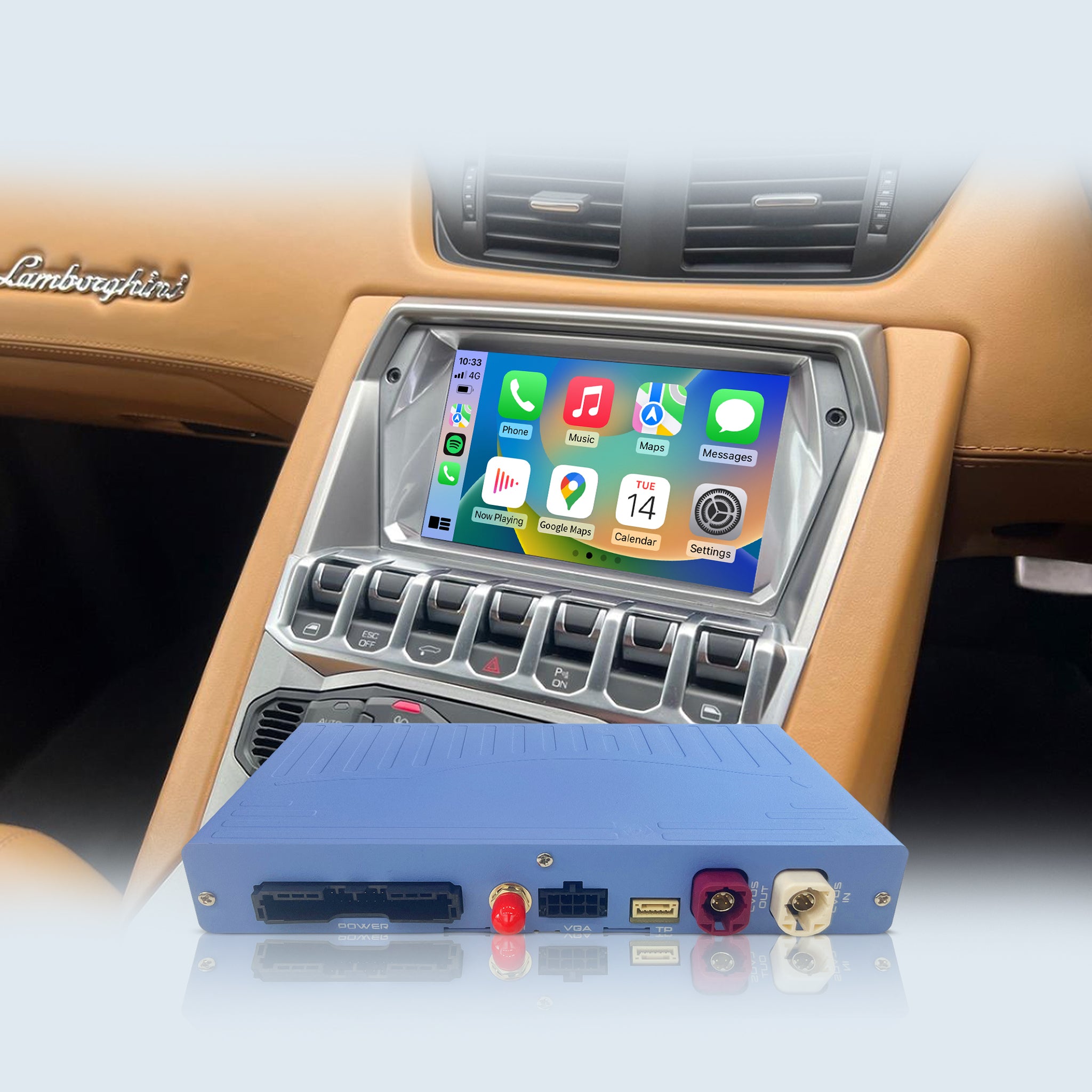
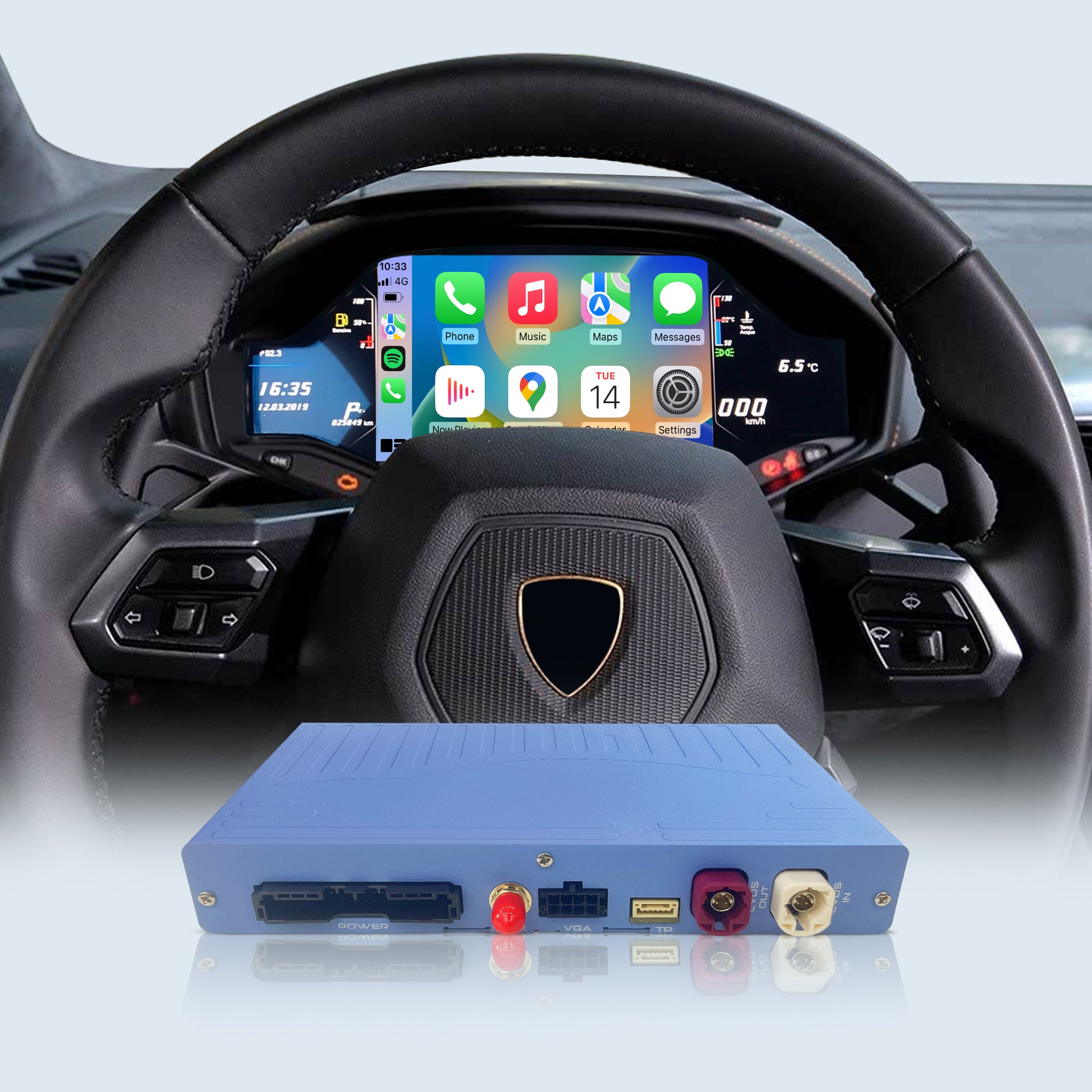
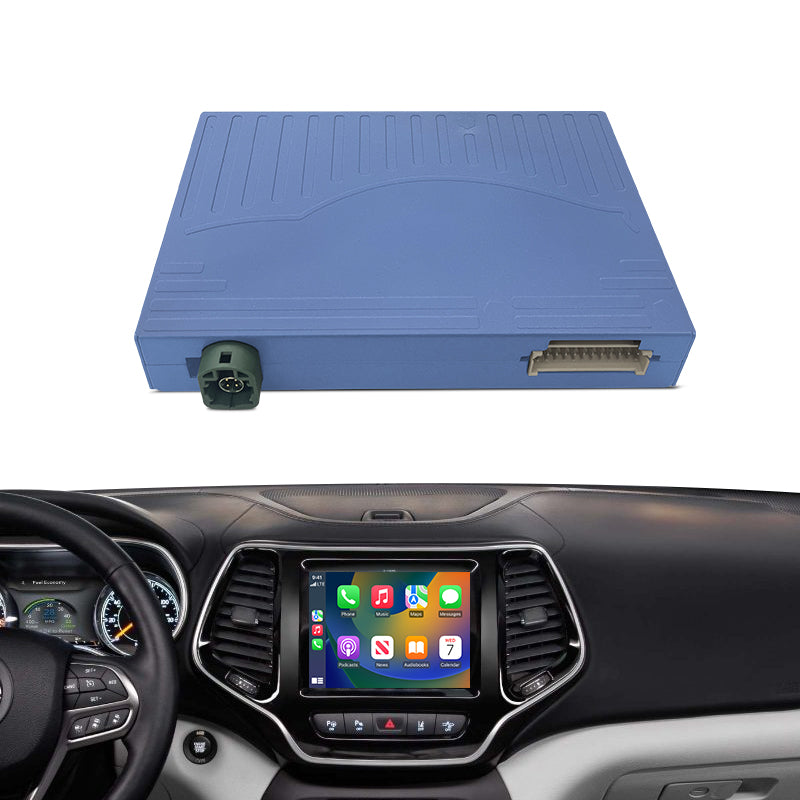
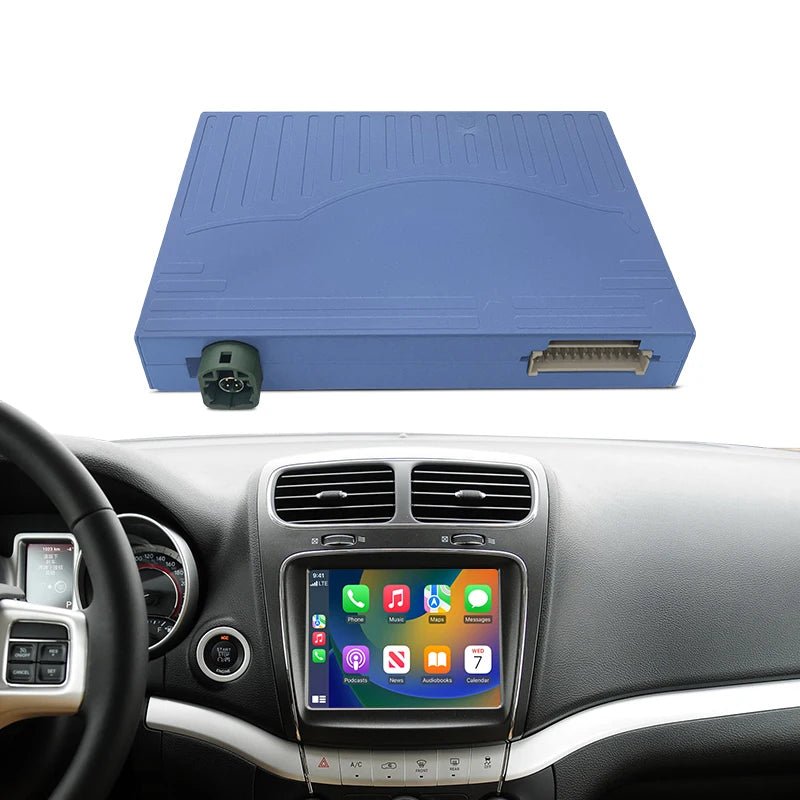
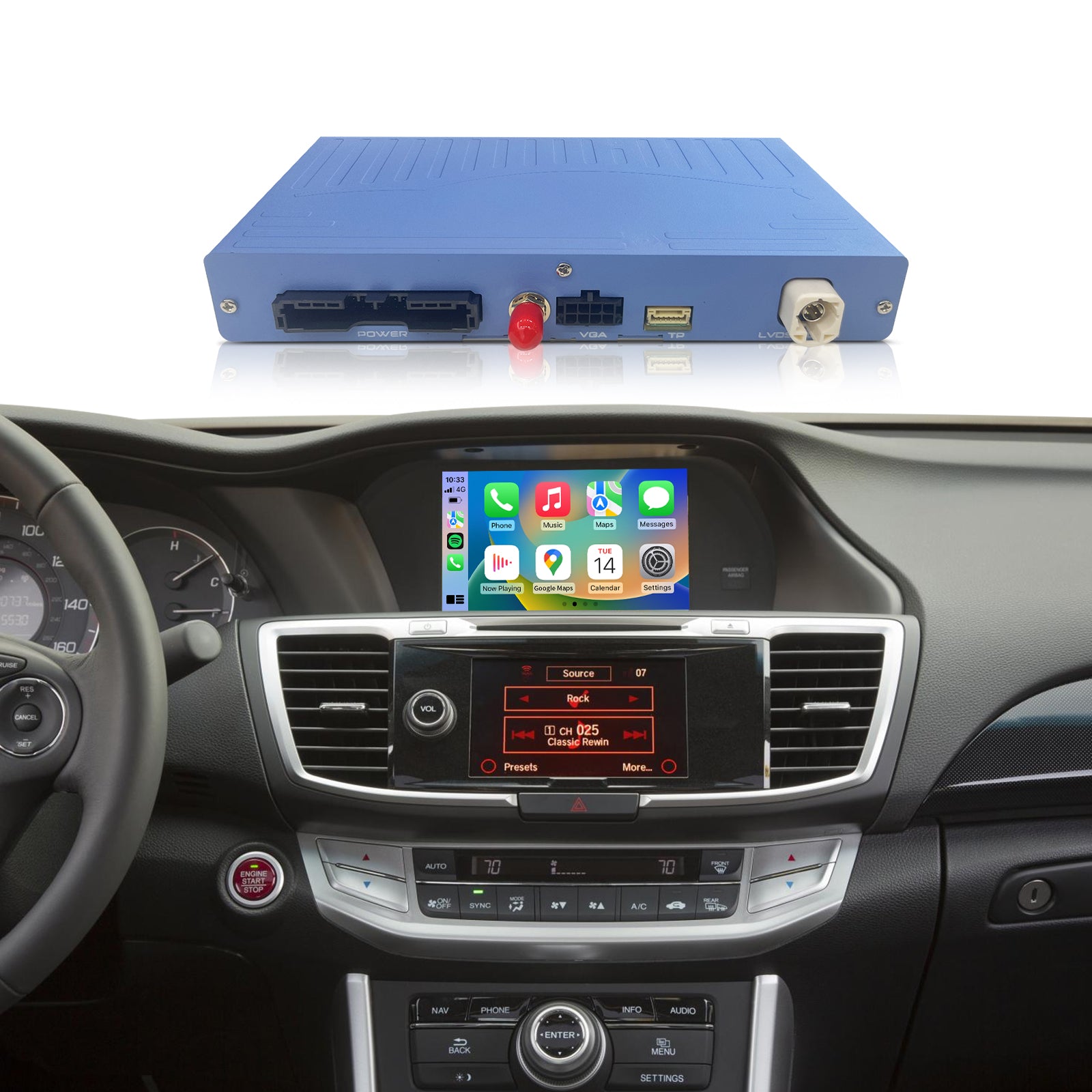
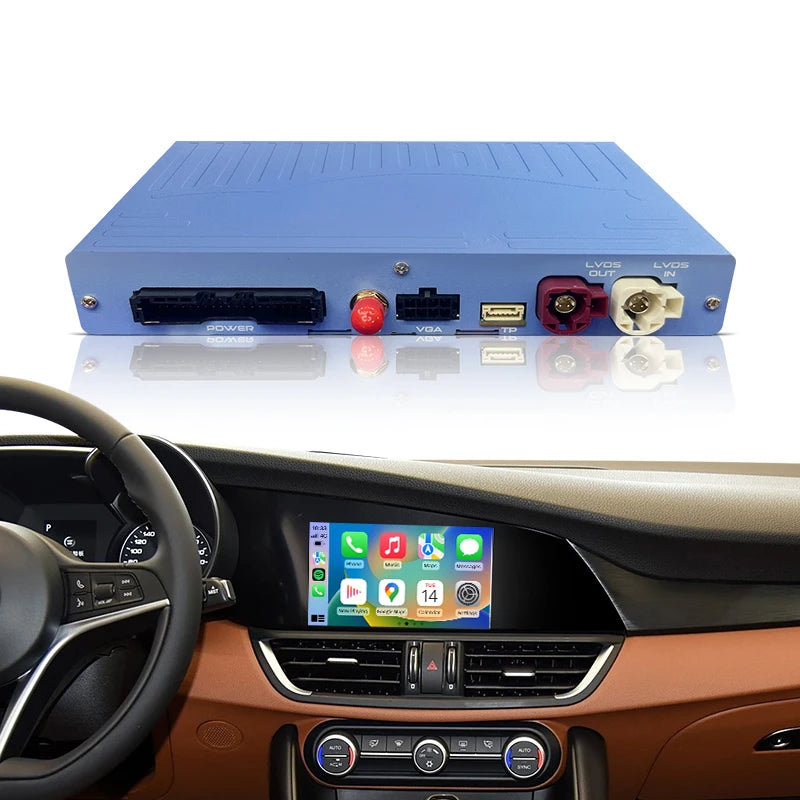
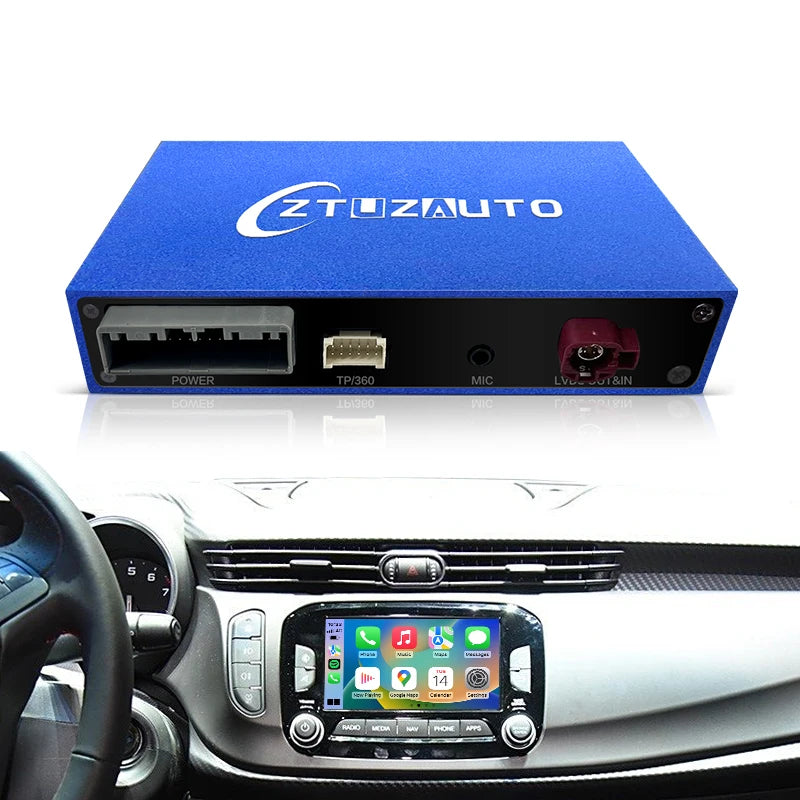
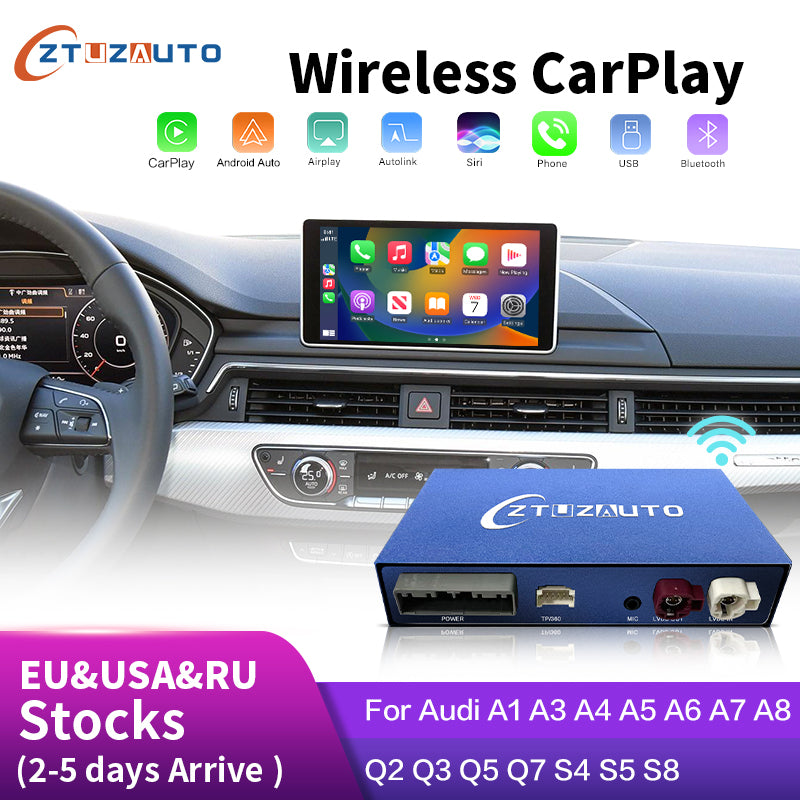
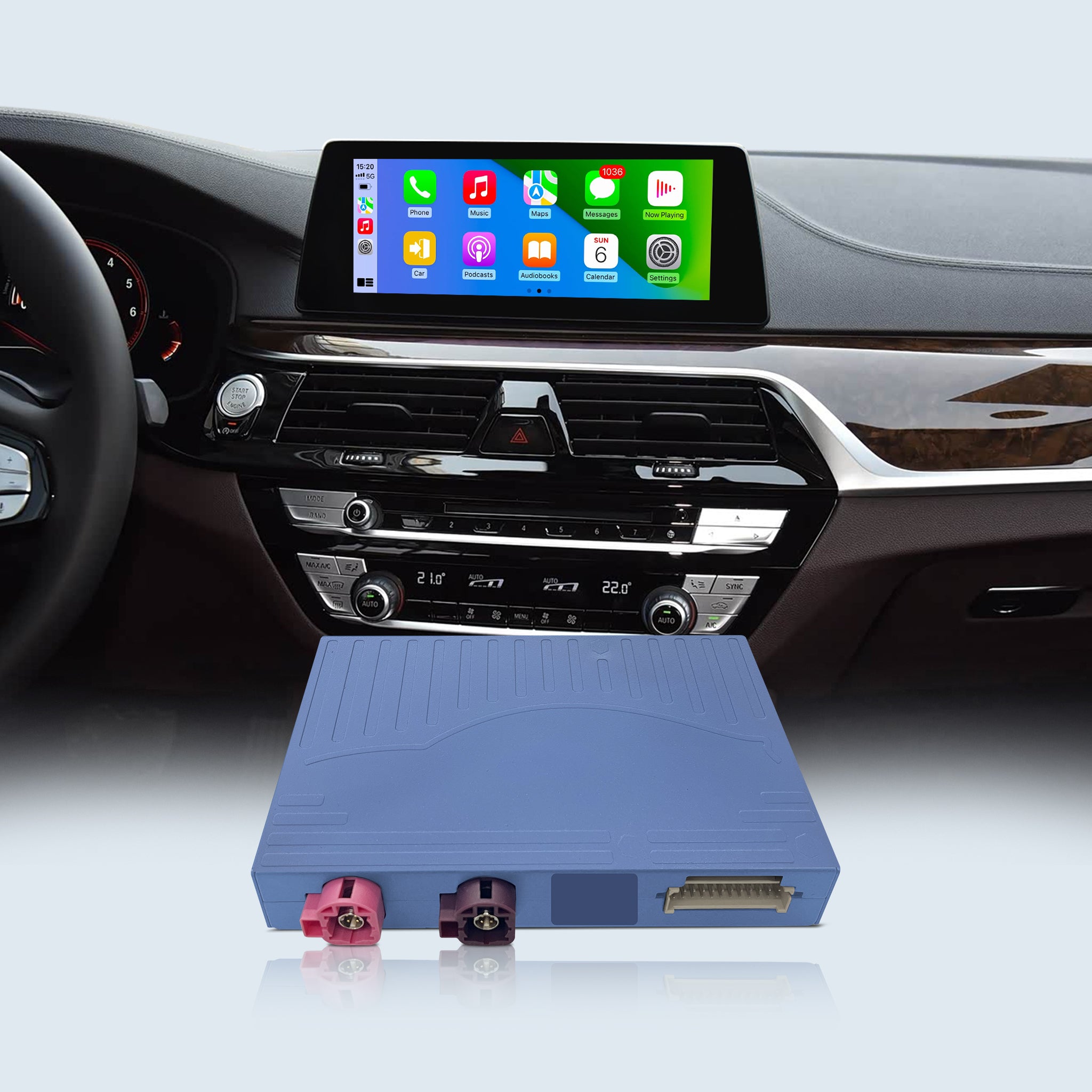
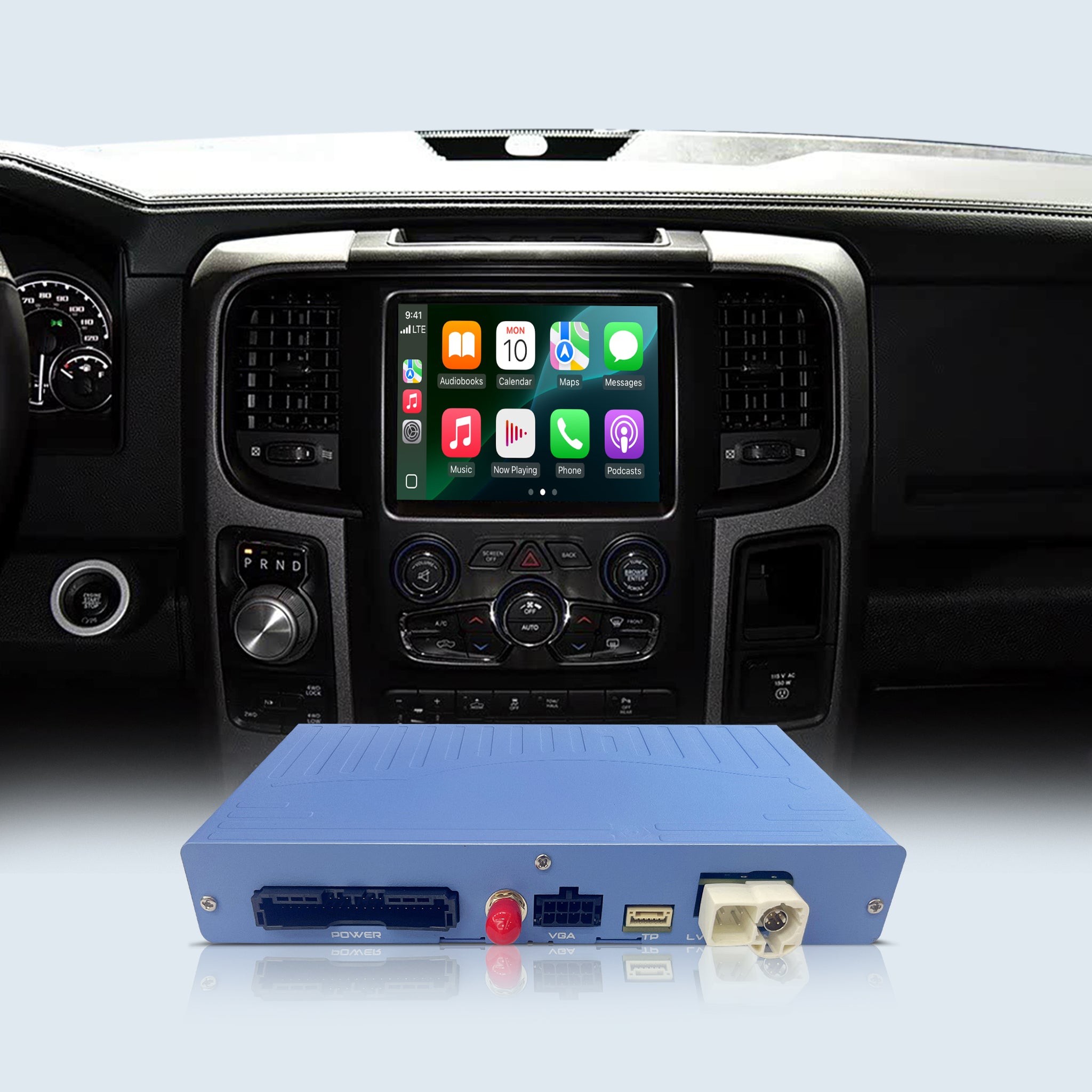
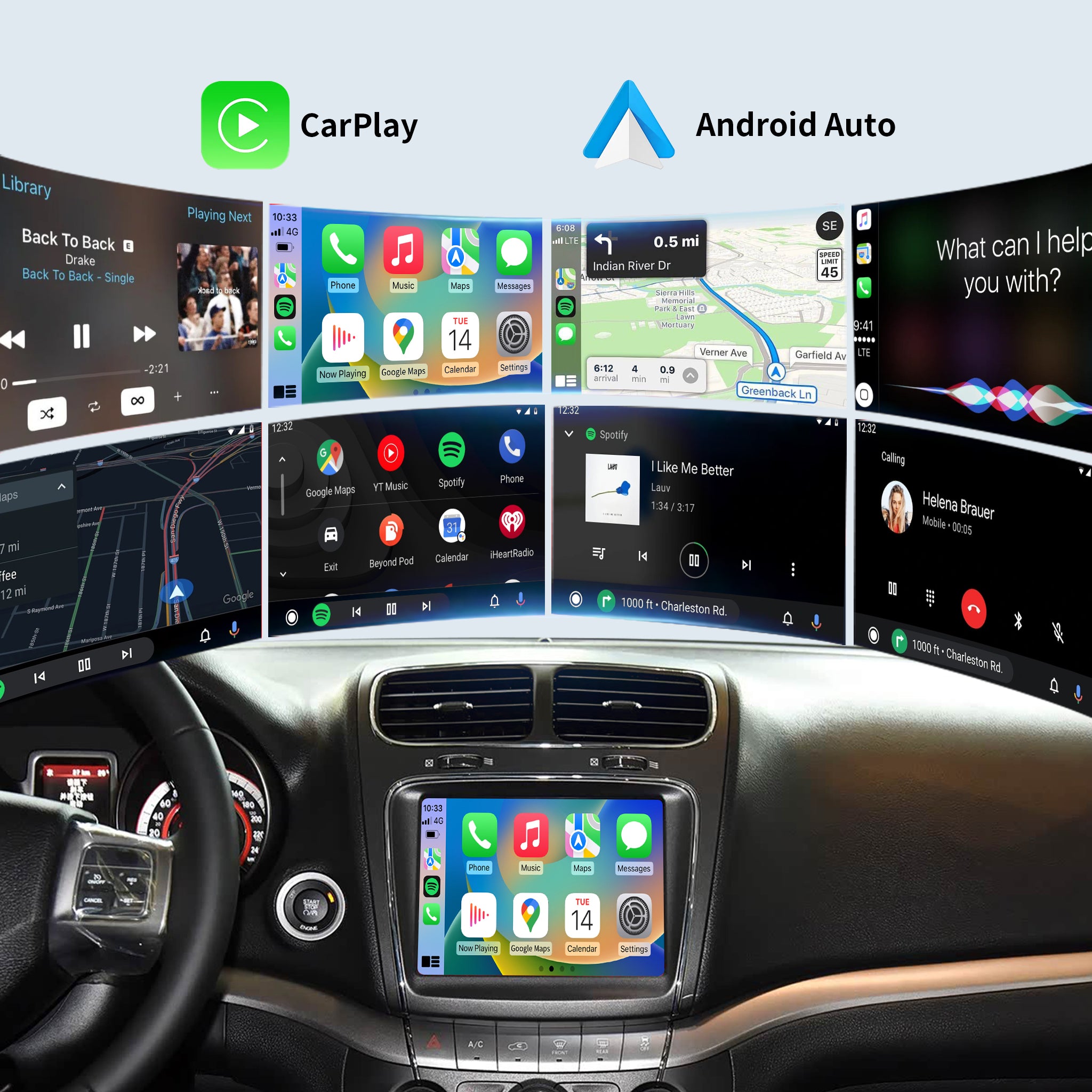
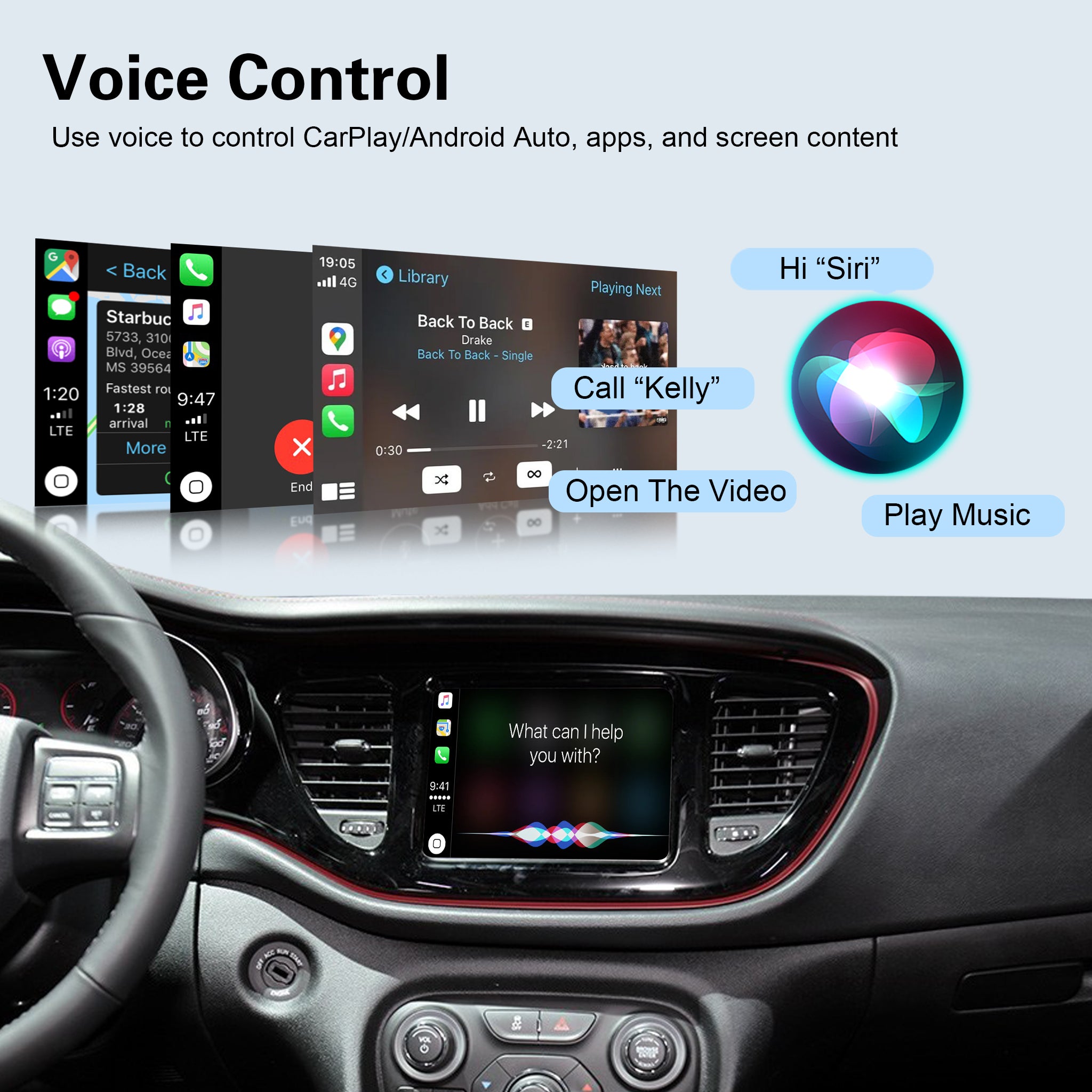
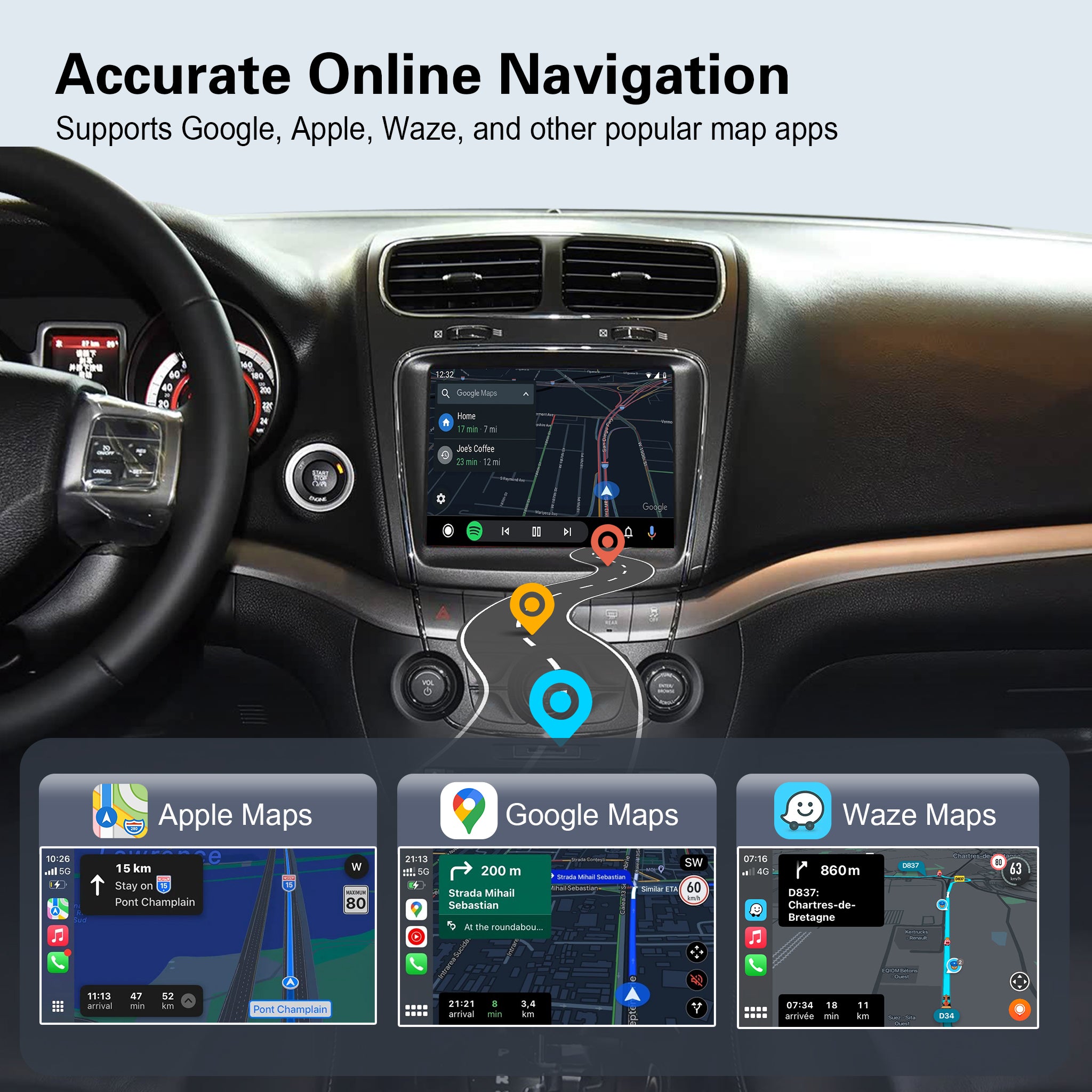
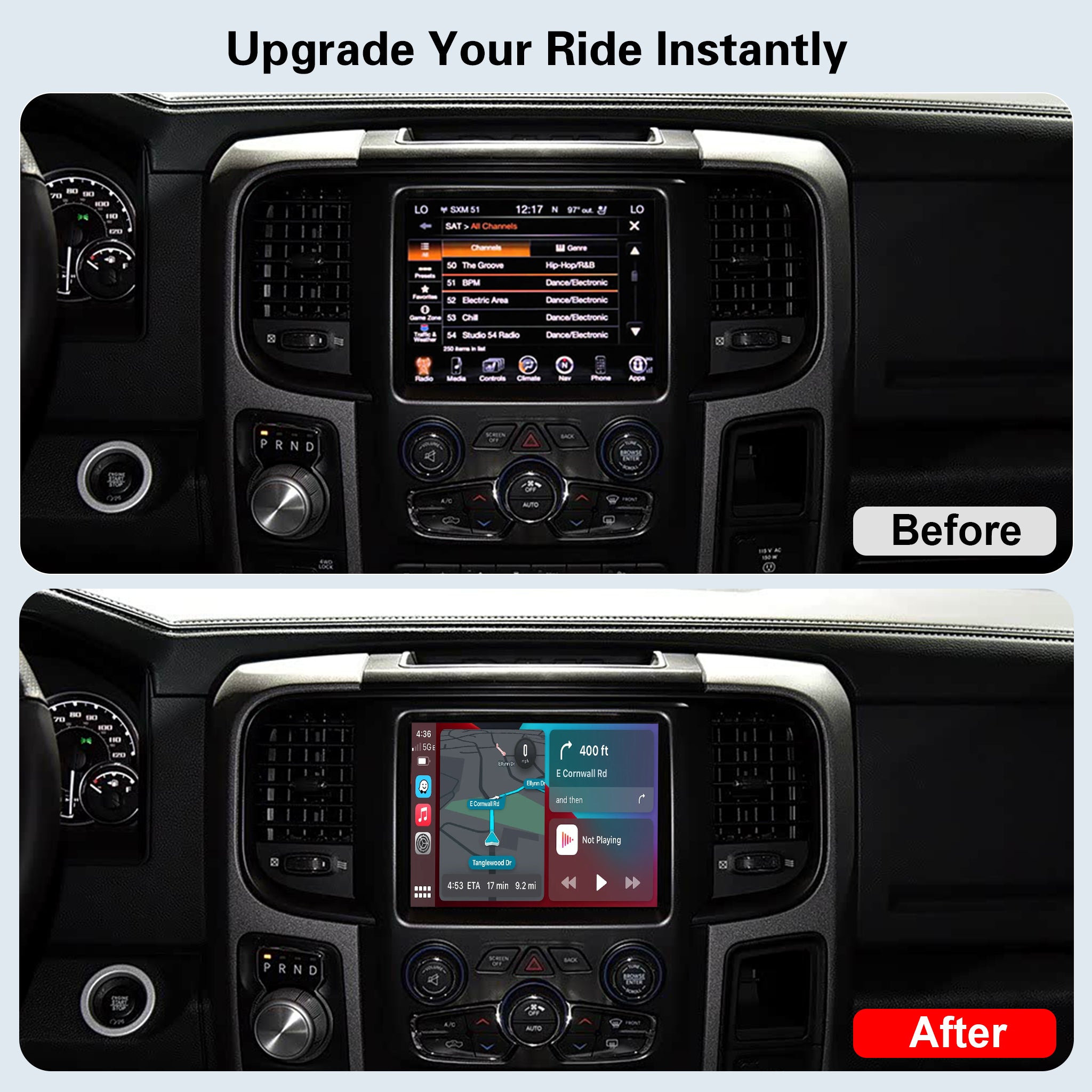
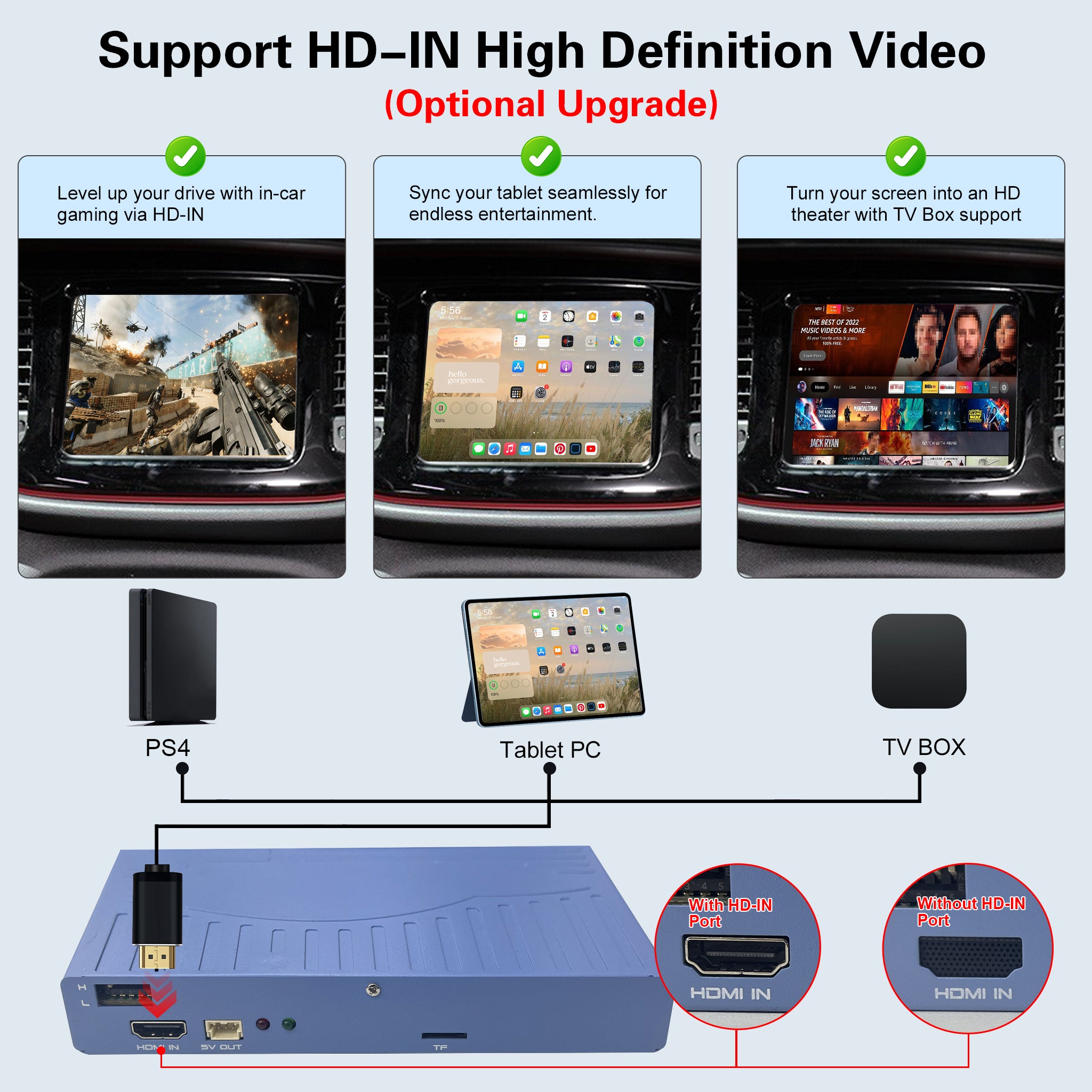
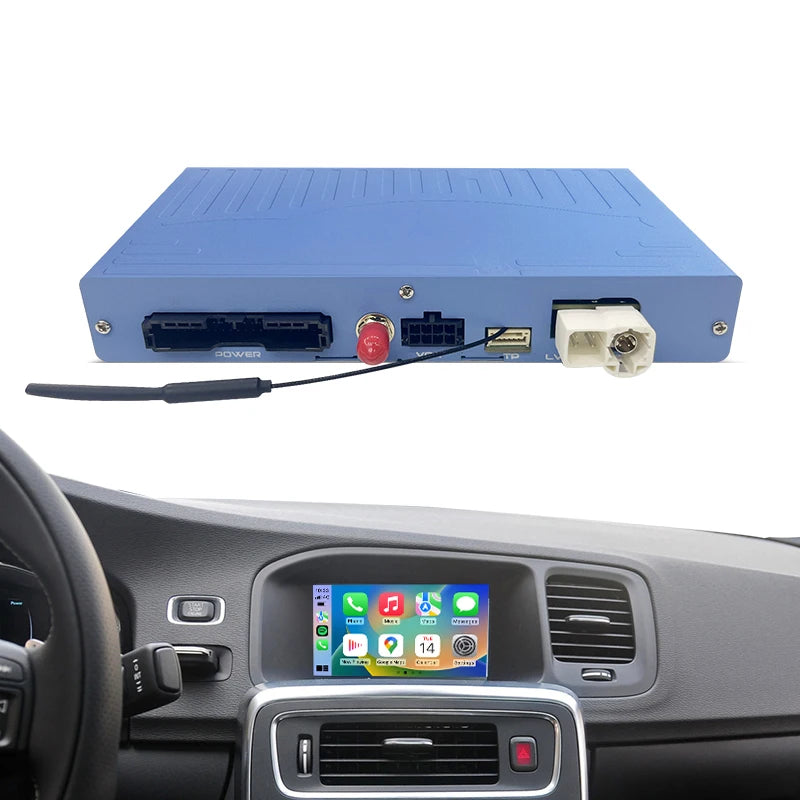
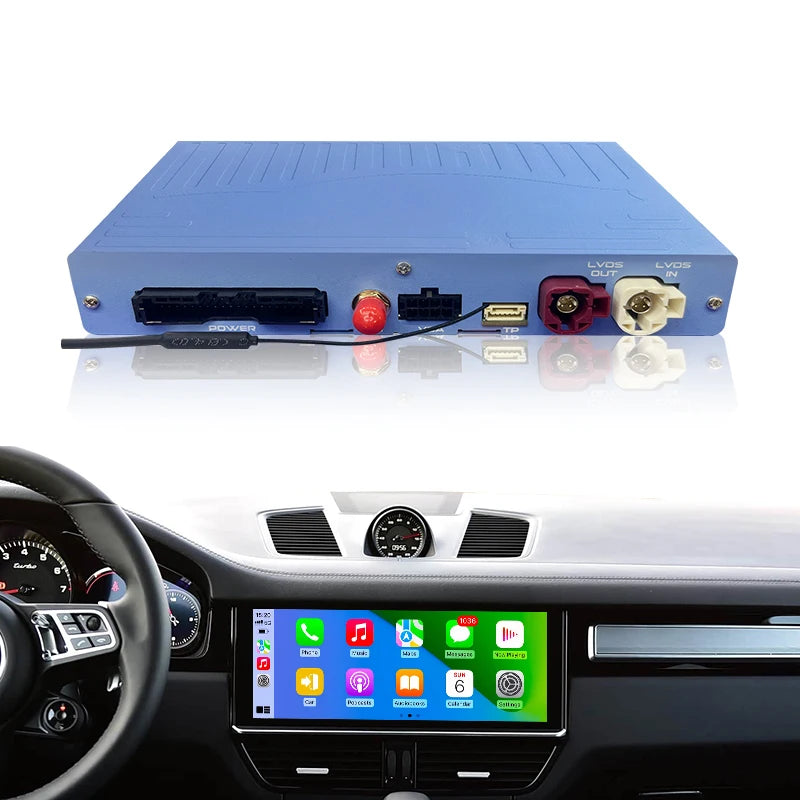
🚨 MODULE ONLY (Not a Screen Replacement): This is a dedicated decoder box for Dodge Challenger, Viper, Ram, Durango and Dart factory Uconnect systems. Upgrade your infotainment without replacing the original touchscreen or modifying the dashboard.

⚠️ CRITICAL COMPATIBILITY CHECK — MUST CONFIRM BEFORE ORDERING Dodge fitted two completely different Uconnect hardware platforms to these model years.
These two decoders use different signal circuits and cables. They CANNOT be swapped.
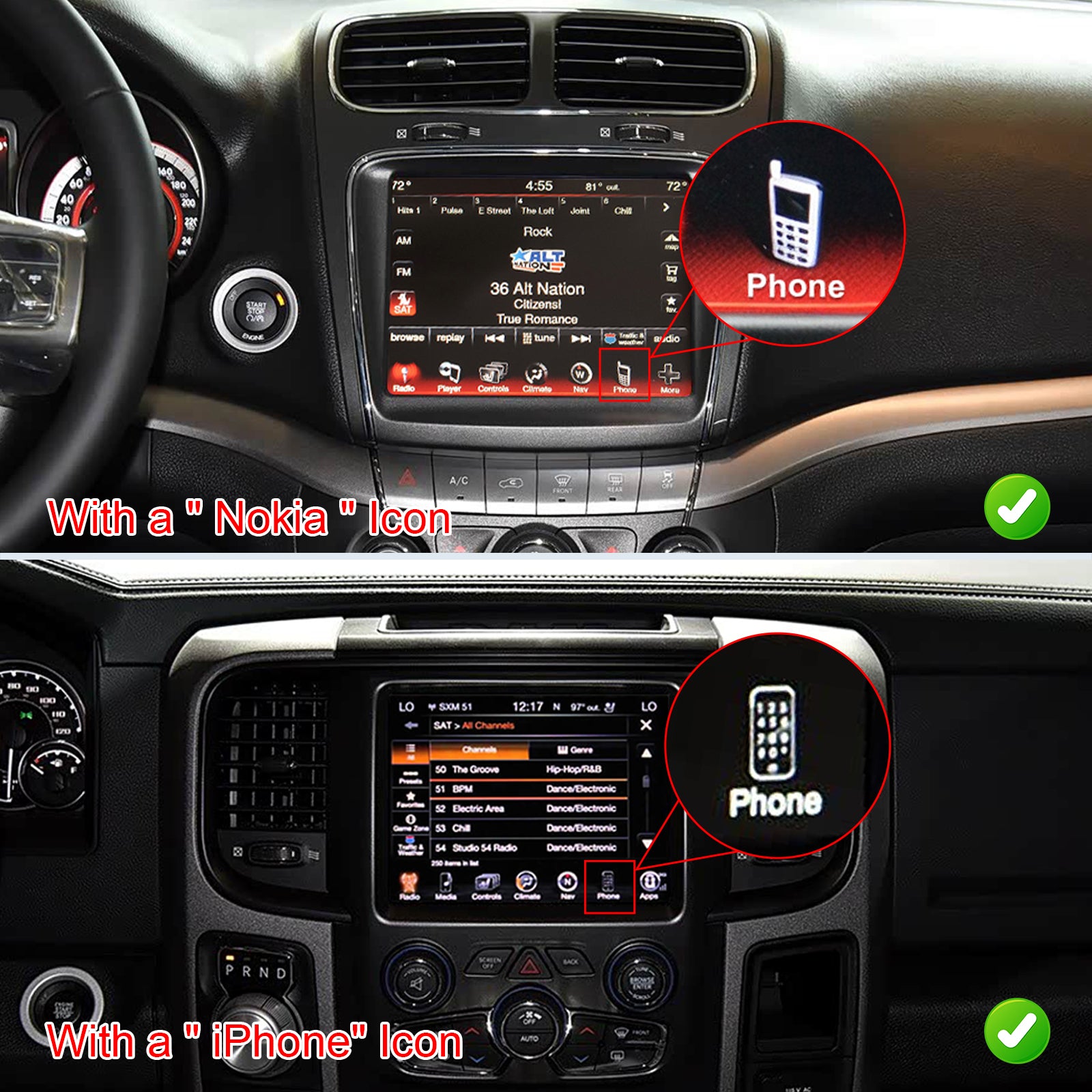
👉 ✅Sub-board Version: iPhone-style phone icon Exact Fitment List:
- Dodge Challenger 2015–2022
- Dodge Viper 2013–2016
- Dodge Ram 1500 2014–2018

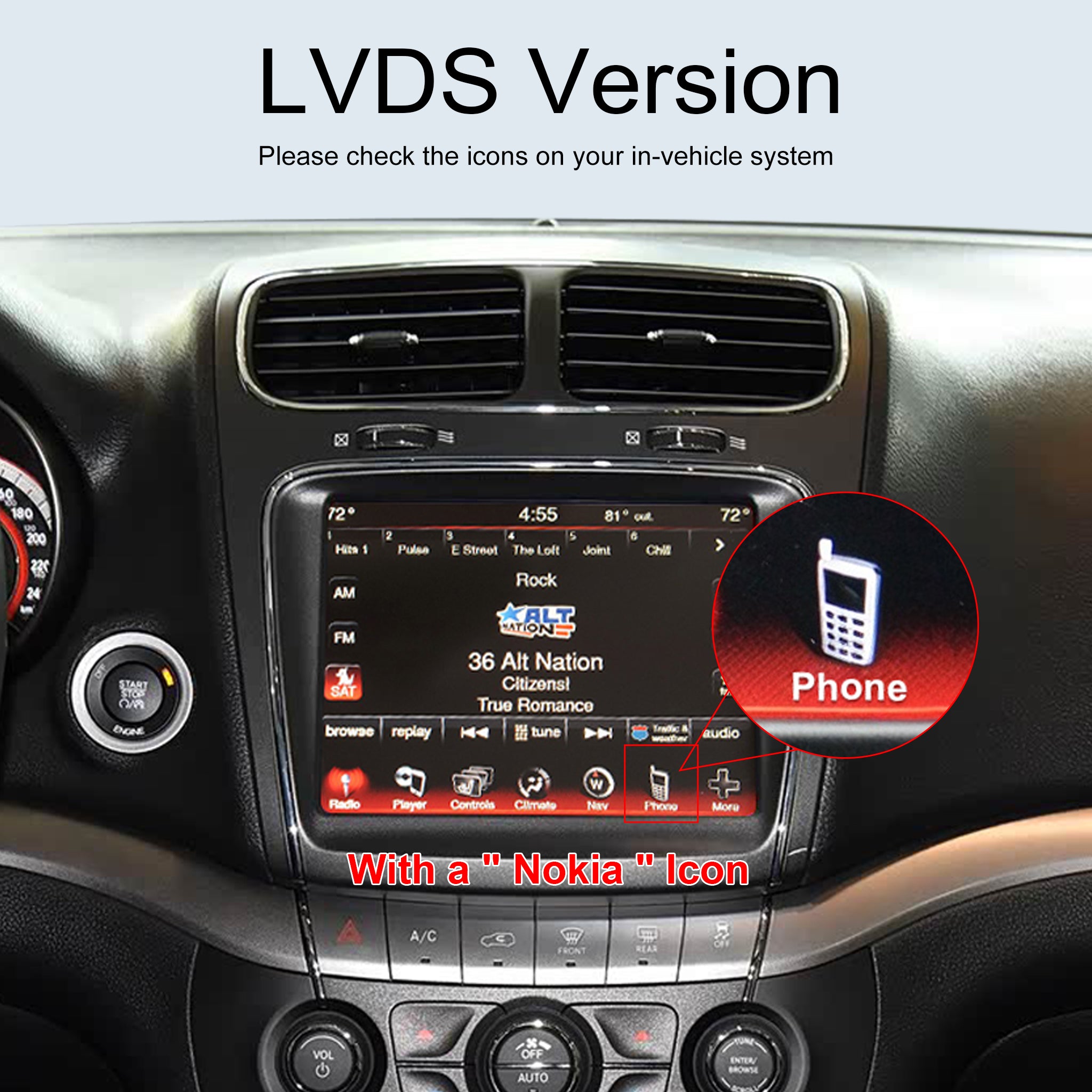
👉 ✅ LVDS Version: Old Nokia-style mobile phone icon Exact Fitment List:
- Dodge Challenger 2013–2014
- Dodge Journey 2013–2016
- Dodge Dart

💬 Frequently Asked Questions & Troubleshooting
Q1: Will this affect my Dodge’s original Uconnect system?
A: Absolutely not. This is a dual-system module. You can effortlessly switch back and forth between the new CarPlay interface and the original Uconnect menu.
Q2: Do I need to cut any wires during installation?
A: No, the installation is completely Plug & Play. However, since dismantling the dashboard panels requires some care, we recommend professional installation if you are not experienced with automotive DIY projects.
Q3: Are there two different versions of this decoder?
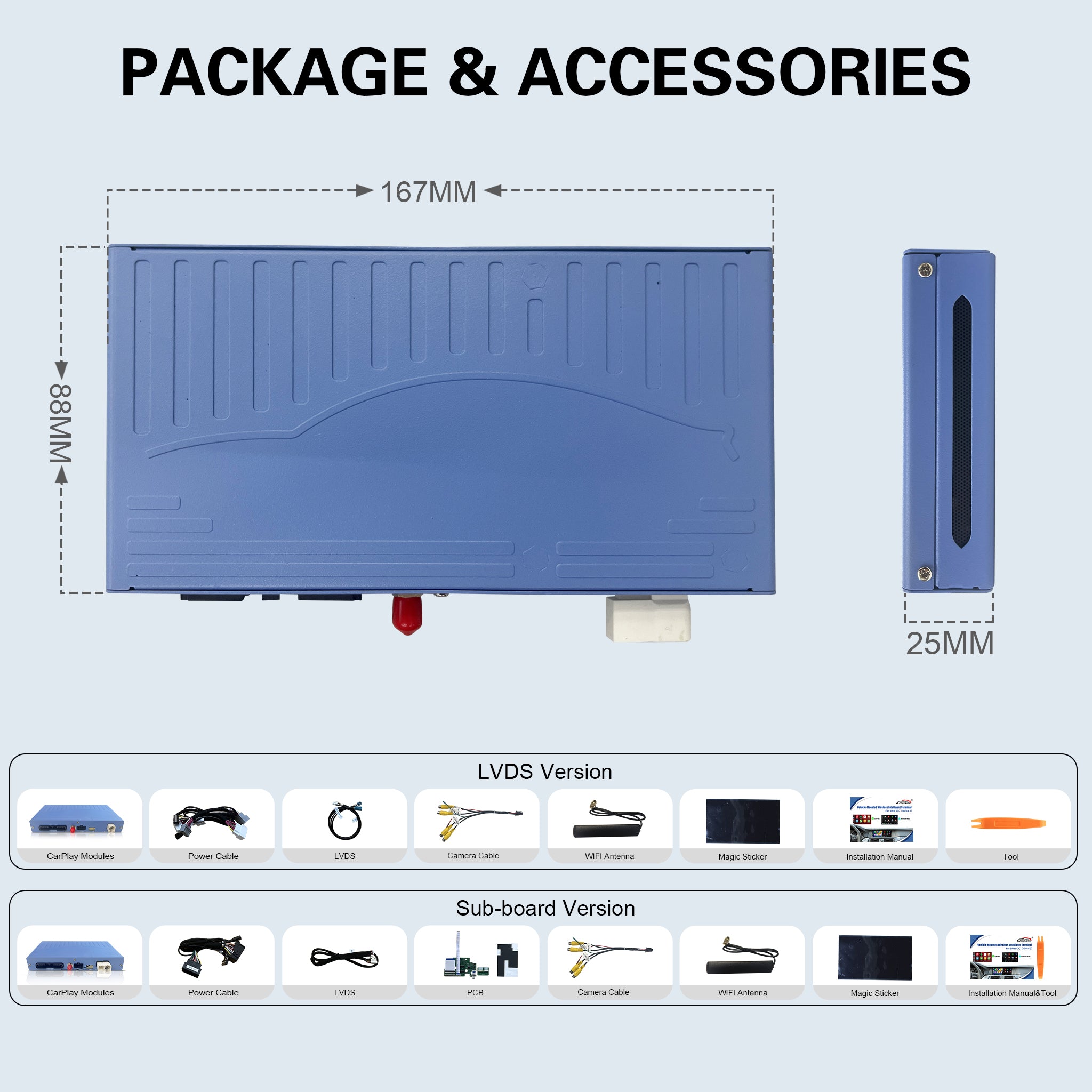
A: Yes! Two non-interchangeable versions available. Sub-board (J2 Ribbon Cable) fits Challenger 2015–2022, Viper 2013–2016, Ram 1500 2014–2018; LVDS version fits Challenger 2013–2014, Journey 2013–2016, Dart. Confirm the phone icon on your Uconnect screen before ordering.
Q4: Is this wireless CarPlay?
A: This is wired Apple CarPlay. You need to connect your iPhone with a genuine data cable.
Q5: What if I buy the wrong version?
A: The two versions use different circuits and cables and cannot be swapped. Wrong selection will cause no video signal or CarPlay activation failure, which is not a product defect. Please confirm carefully before purchase.
After the upgrade is complete, you need to enter the module settings →Password:8888→ turn on the "Turn on Android Auto Resolution Adaptation " option → Save → Reboot
Air conditioning pop-up display:
https://youtu.be/_xJN46QymrU
After the upgrade is complete, you need to enter the module settings →Password:8888→ turn on the "Show AC float window " option → Save → Reboot
OTA Update Guide- ZTUZAUTO 3rd Gen CarPlay :
https://www.youtube.com/watch?v=ypzKC6BXMck
ZTUZAUTO 3rd Gen CarPlay upgrade steps :
Step1 : Navigate to [Settings] > [WIFI] and connect to the same wireless network as your phone.
Step2 : Access the [About] page, then select [System Upgrade] to enter the OTA upgrade interface. A QR code will be automatically displayed. If not, select [Refresh QR Code] to reload.
Step3 : Scan the QR code with your phone to open the upgrade page, which will indicate whether a new version is available or the device is already up to date.
Step4 : After completing the upgrade steps on the phone, the device will verify the upgrade file and automatically launch the corresponding upgrade program.



![[FINAL CLEARANCE] Wireless CarPlay & Android Auto Module for Porsche PCM 3.0 | OEM Screen Upgrade](http://www.ztuzauto.com/cdn/shop/files/2_11285e5a-2b45-48fd-b059-8f58b3fbc7c5.jpg?v=1793000939)