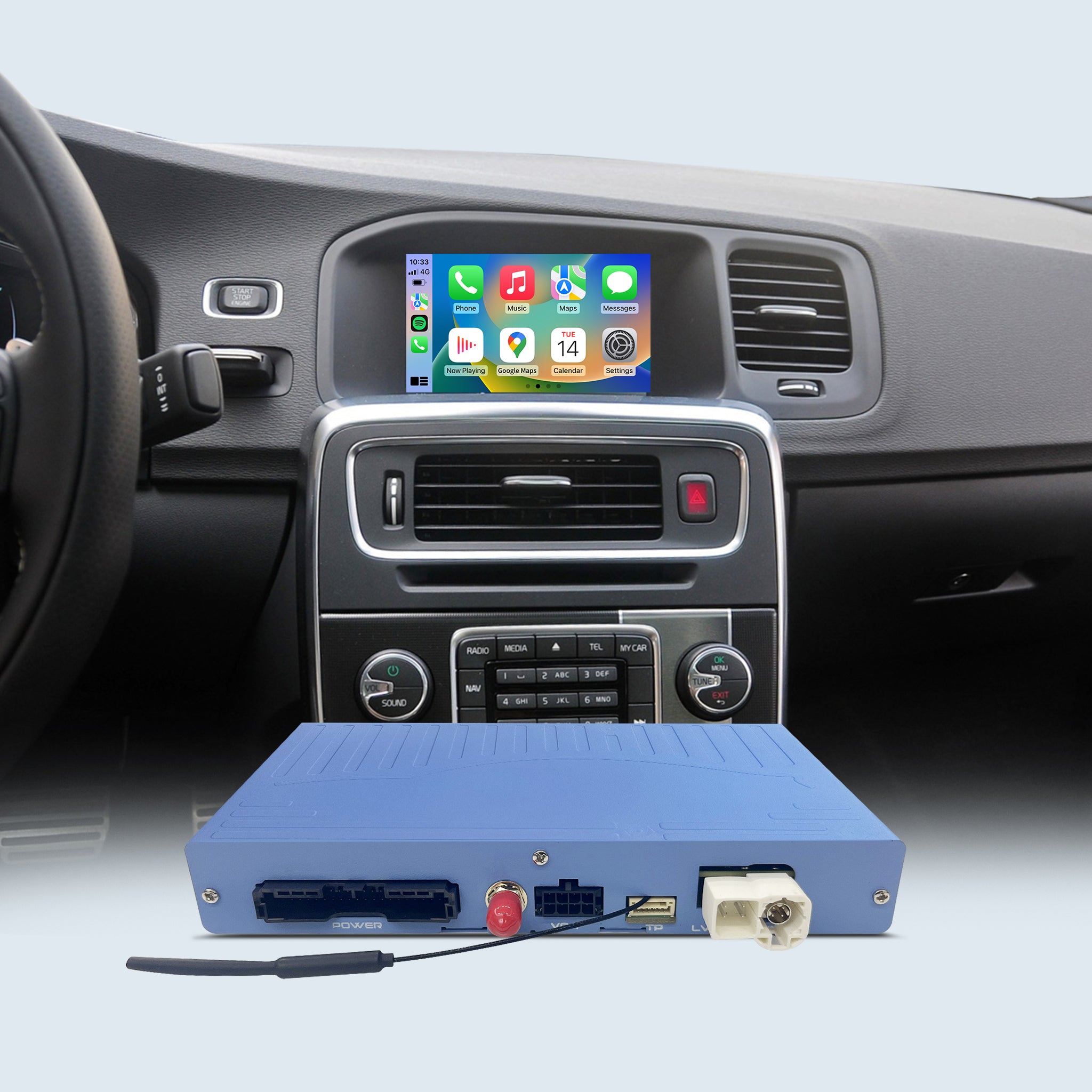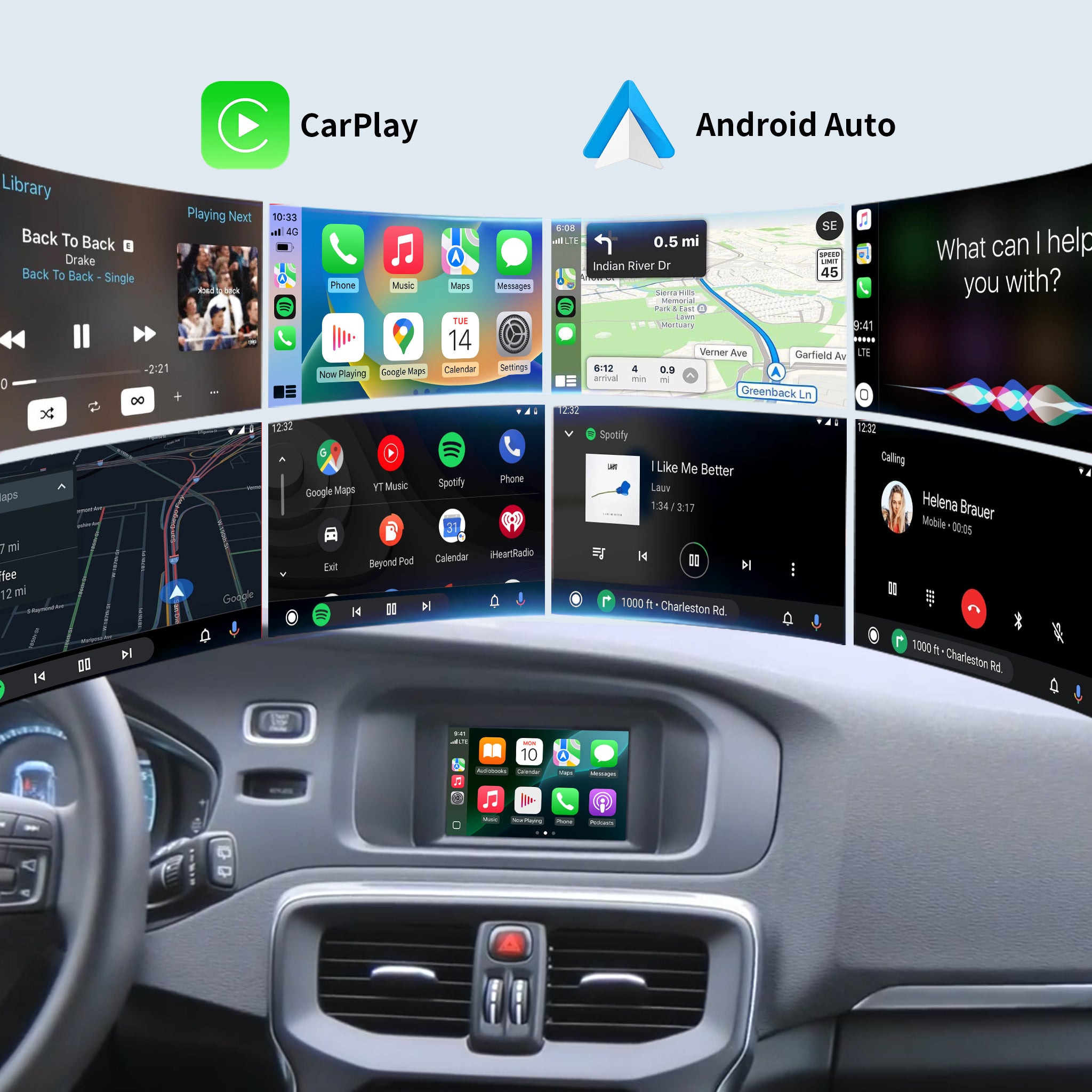
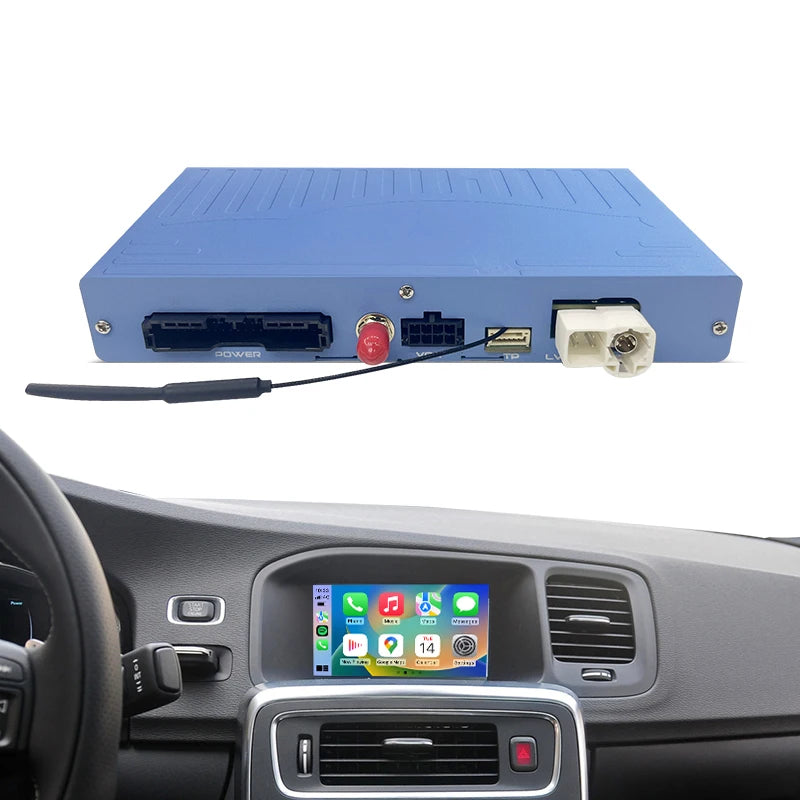
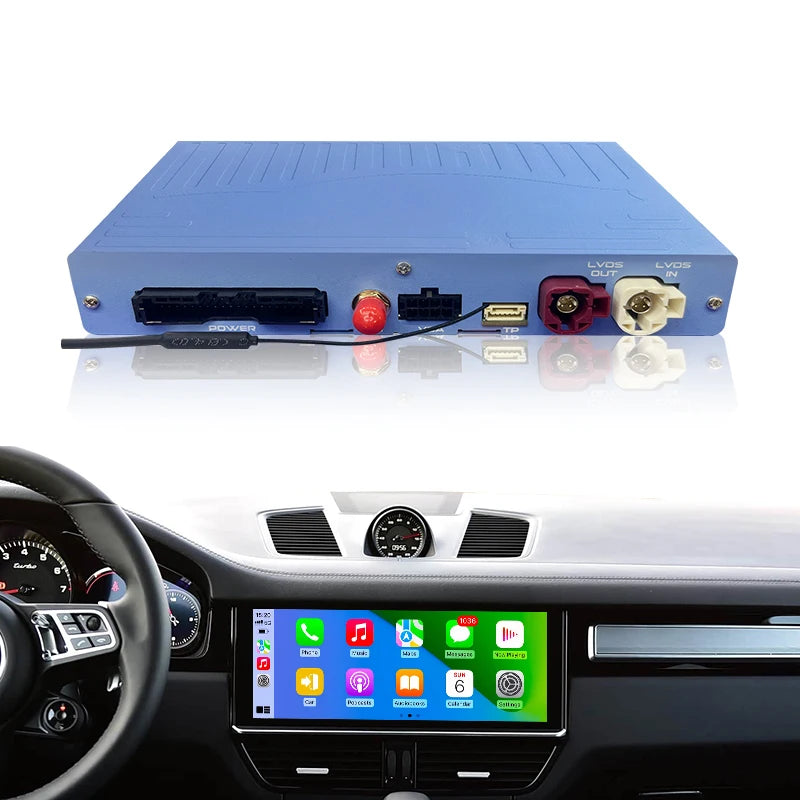
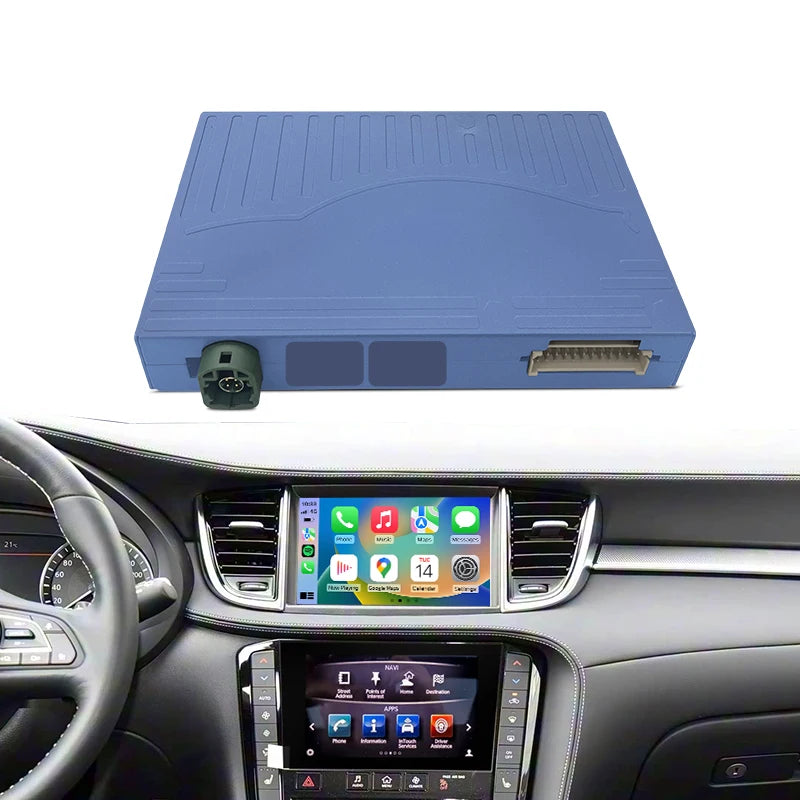
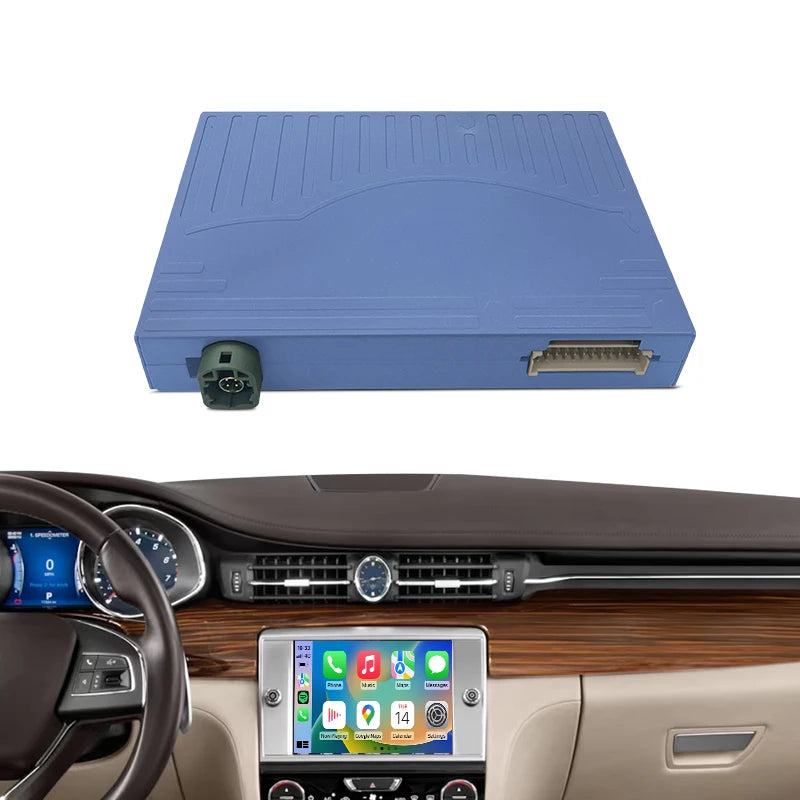
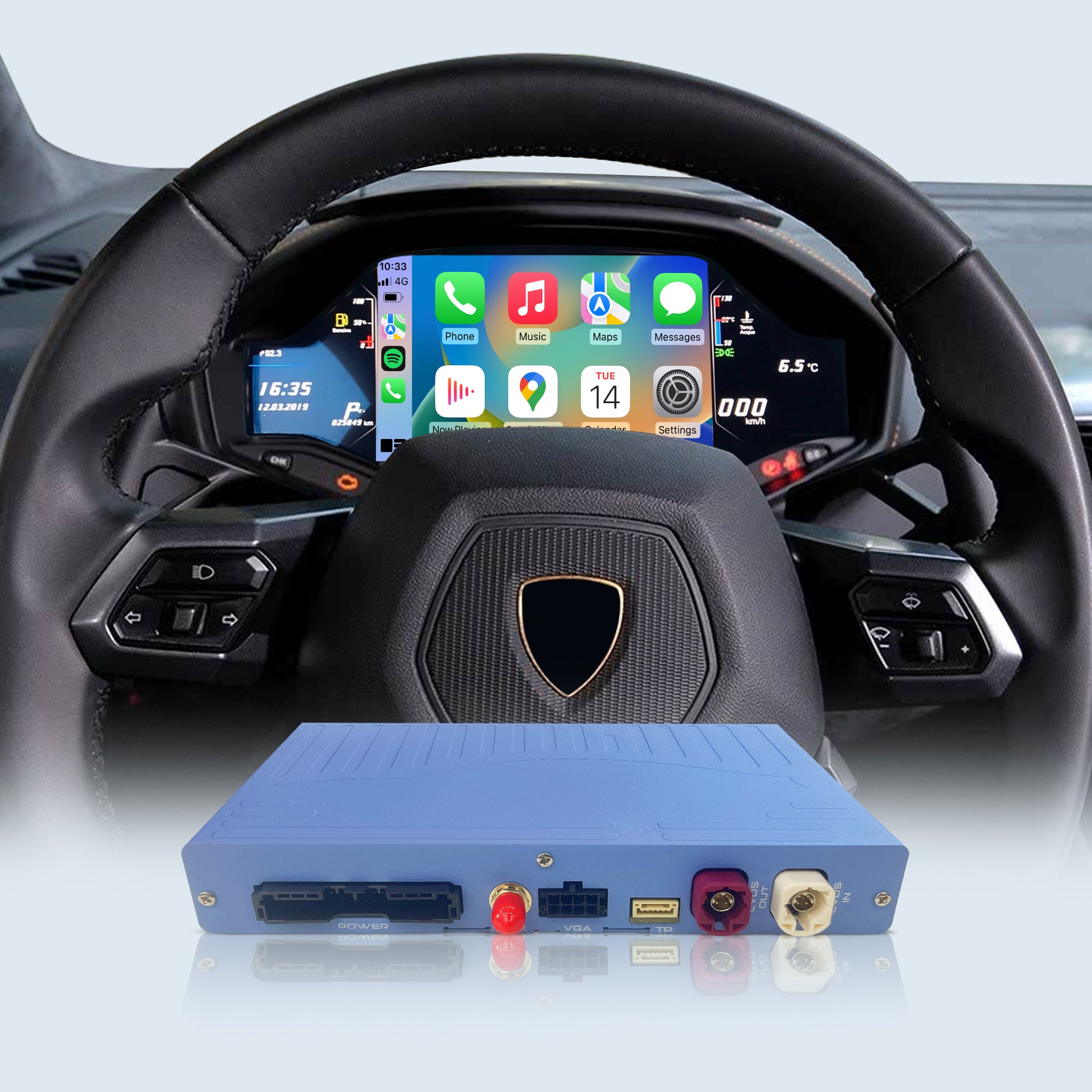
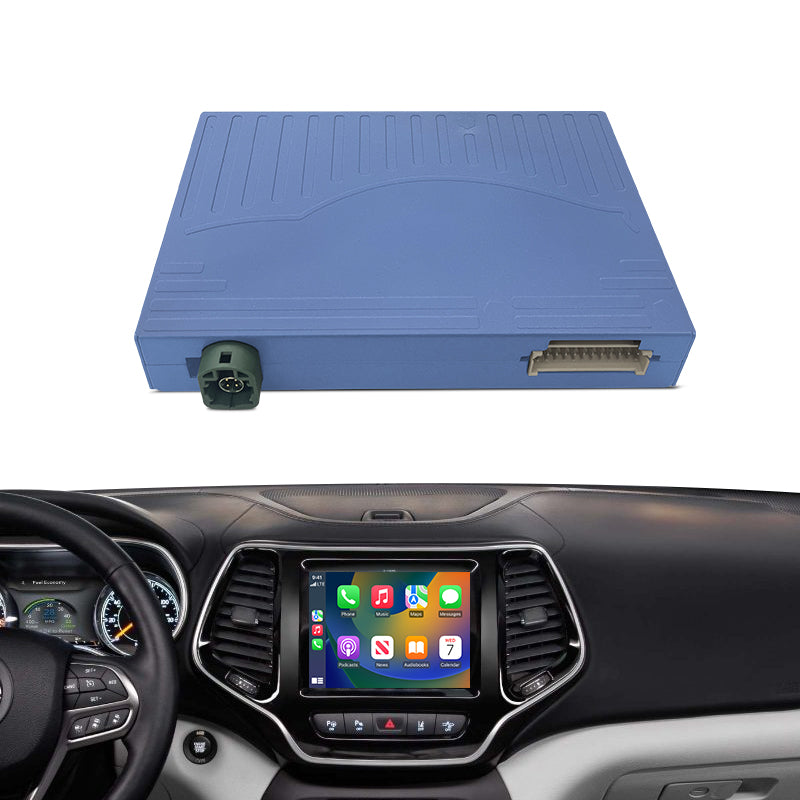
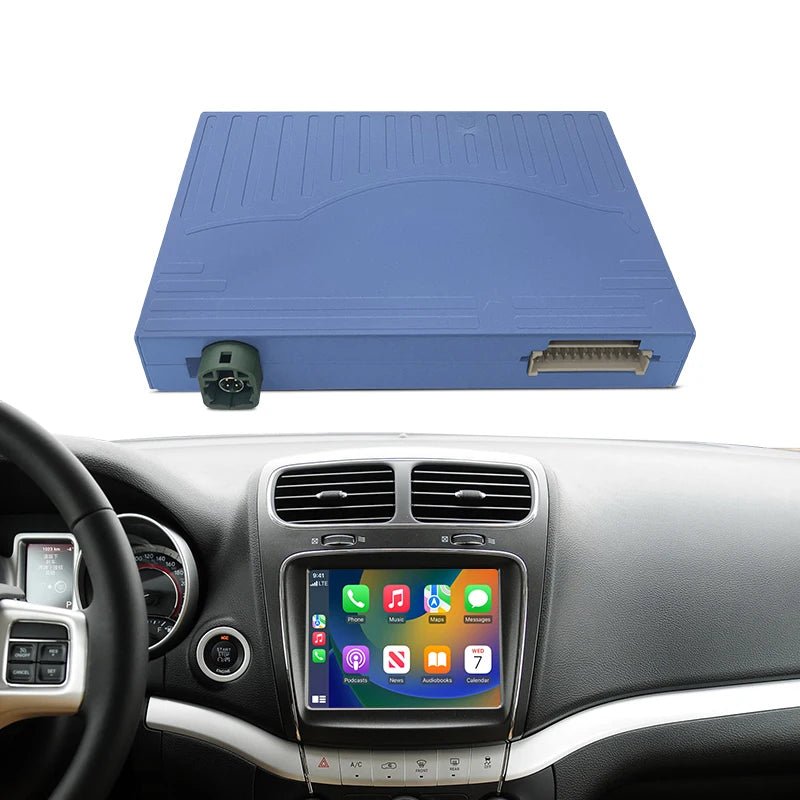
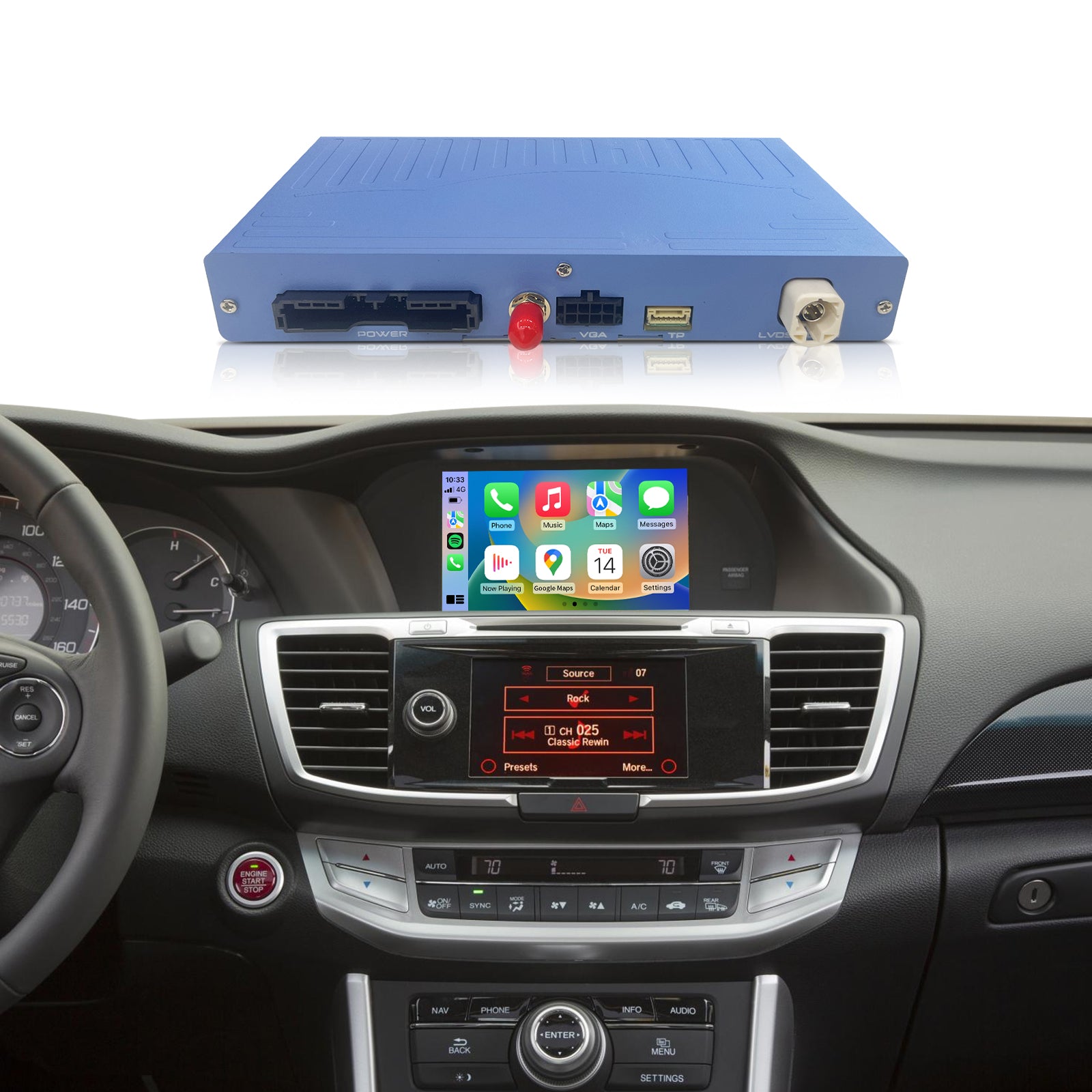
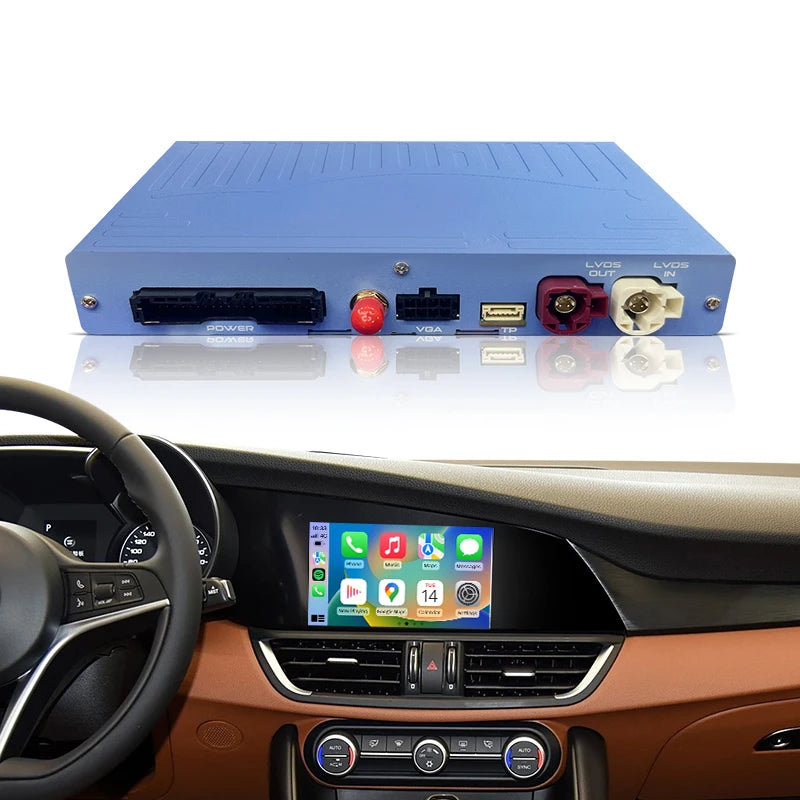
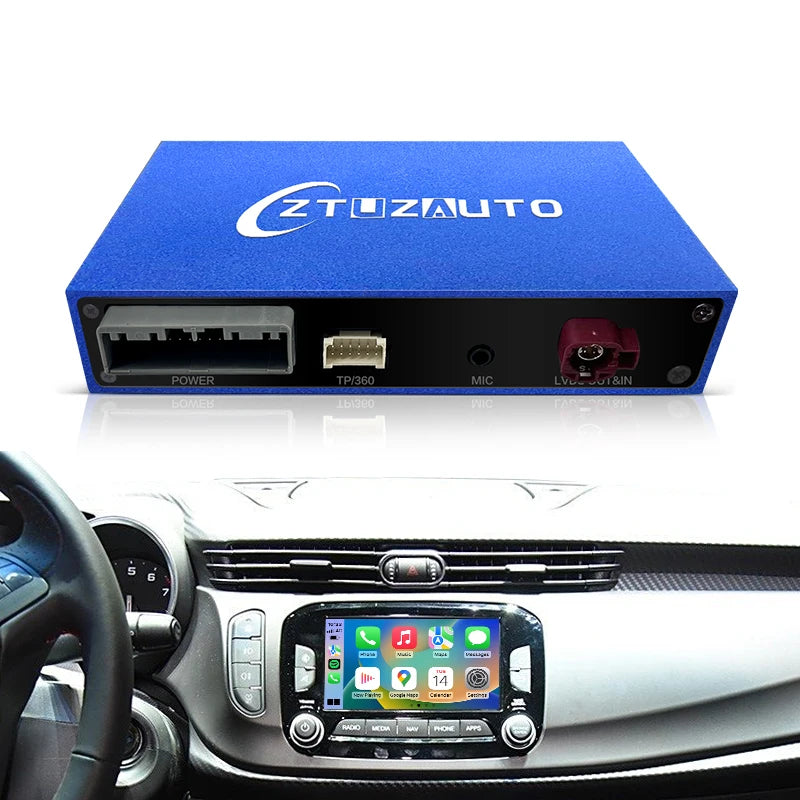
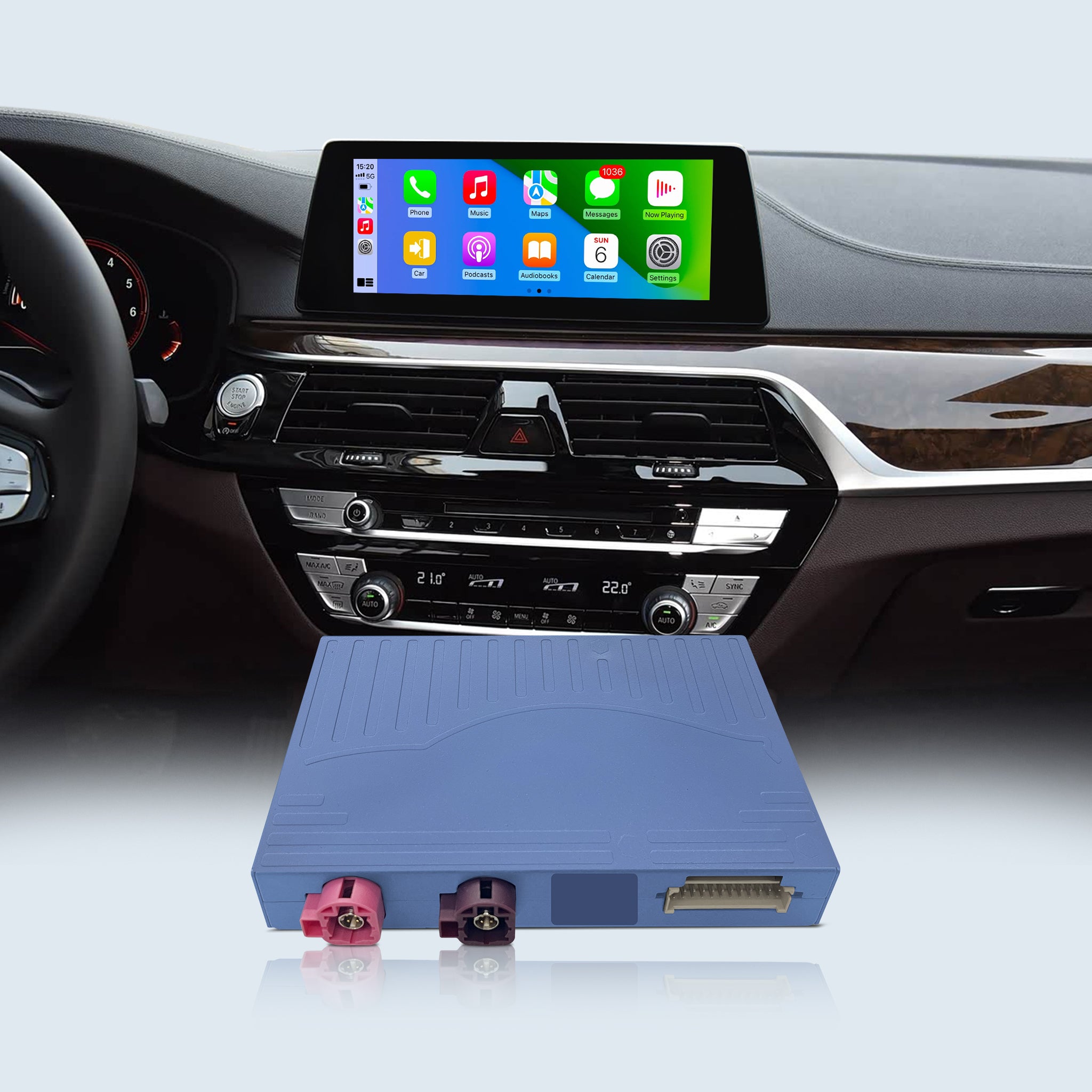
CarPlay & Android Auto for Volvo V40 V60 XC60 S60 S80 XC70 (No Globe Button)
-23%
<p><strong>FREE EXPRESS SHIPPING</strong></p>

FREE EXPRESS SHIPPING

<p><strong>14-DAY NO REASON RETURN</strong></p>

14-DAY NO REASON RETURN

<p><strong>30-DAY AFTER-SALES GUARANTEE</strong></p>

30-DAY AFTER-SALES GUARANTEE

<p><strong>1-YEAR WARRANTY FOR ALL</strong></p>

1-YEAR WARRANTY FOR ALL

CarPlay & Android Auto for Volvo V40 V60 XC60 S60 S80 XC70 (No Globe Button)

$229.00 $299.00 Save $70.00
In Stock Sold out

Product Features:

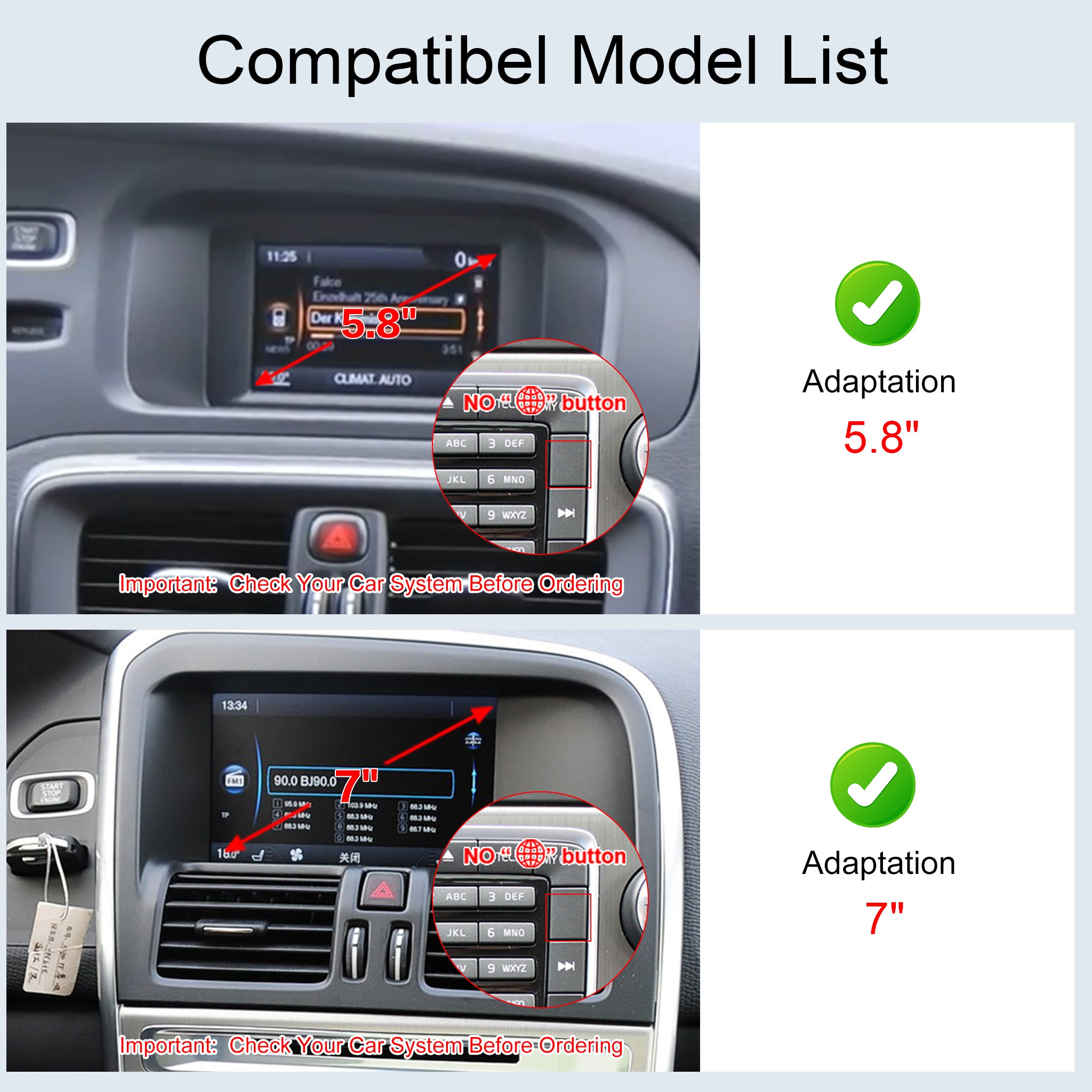
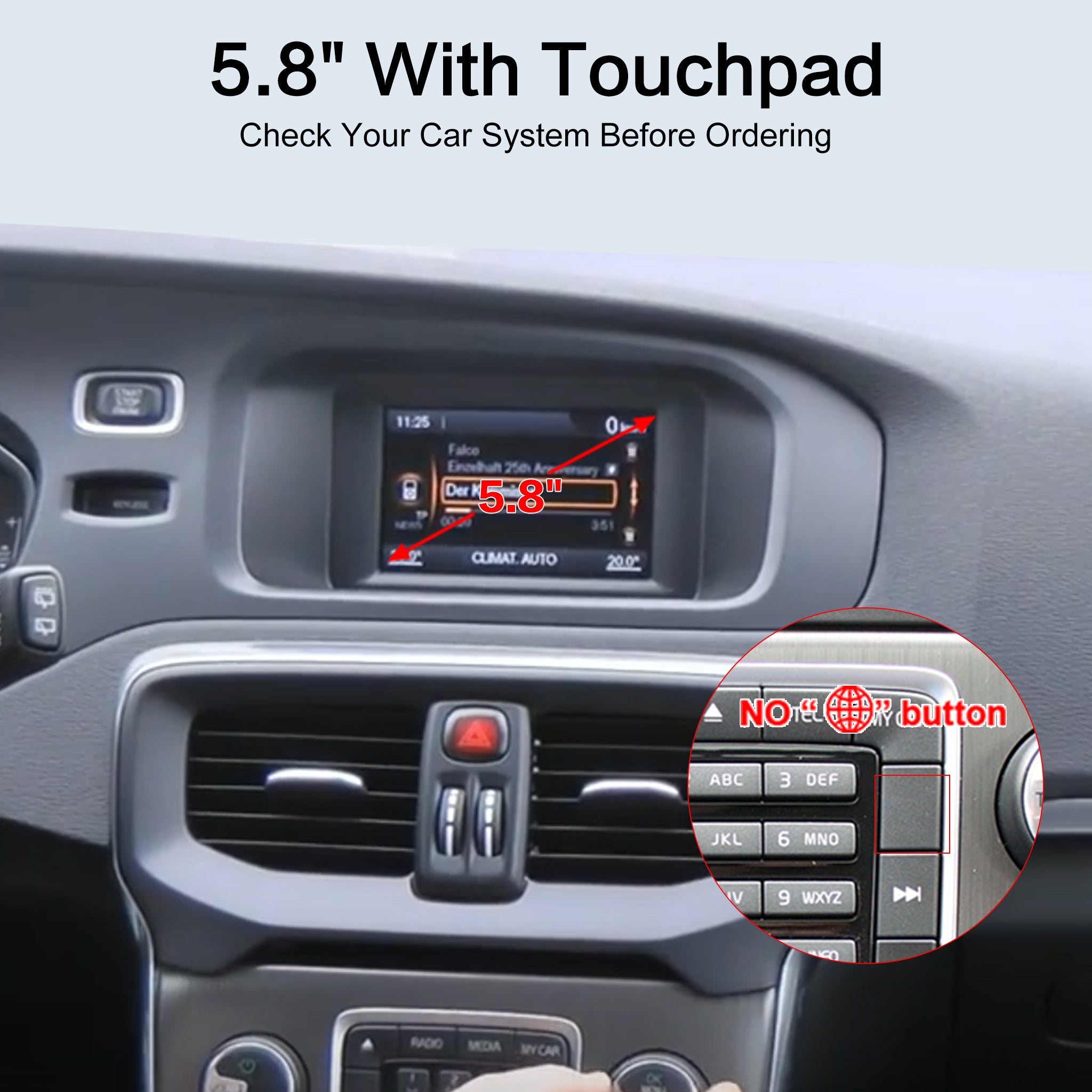
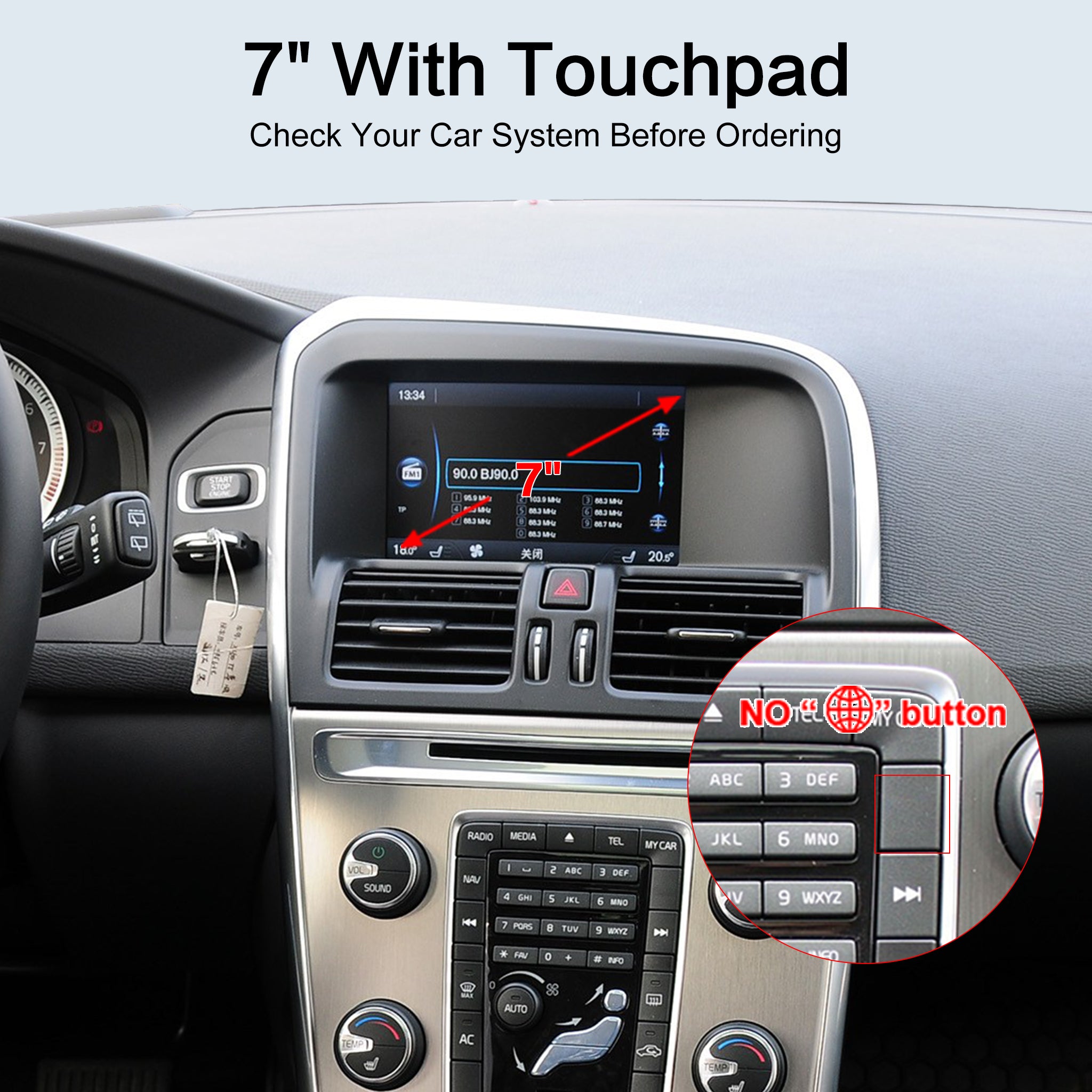
⚠️ Compatibility: ONLY for Volvo V40/V60/XC60/S60/S80/XC70 with a 5.8" or 7" screen and NO "Globe" button.

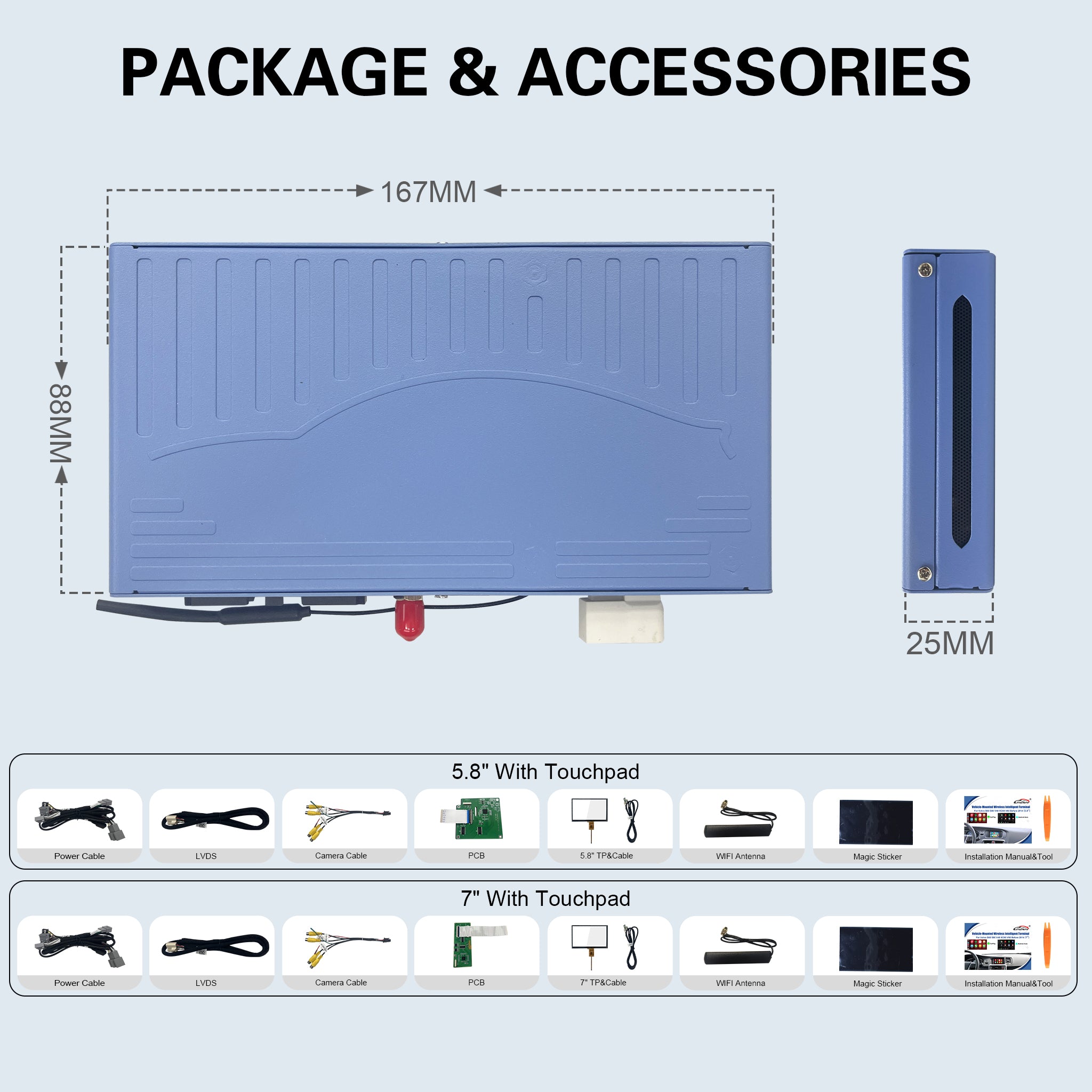
👈 Touchscreen Upgrade: Includes a transparent touch panel! Easily upgrade your factory 5.8" or 7" display to a fully functional touchscreen. No more clunky dial knob controls.

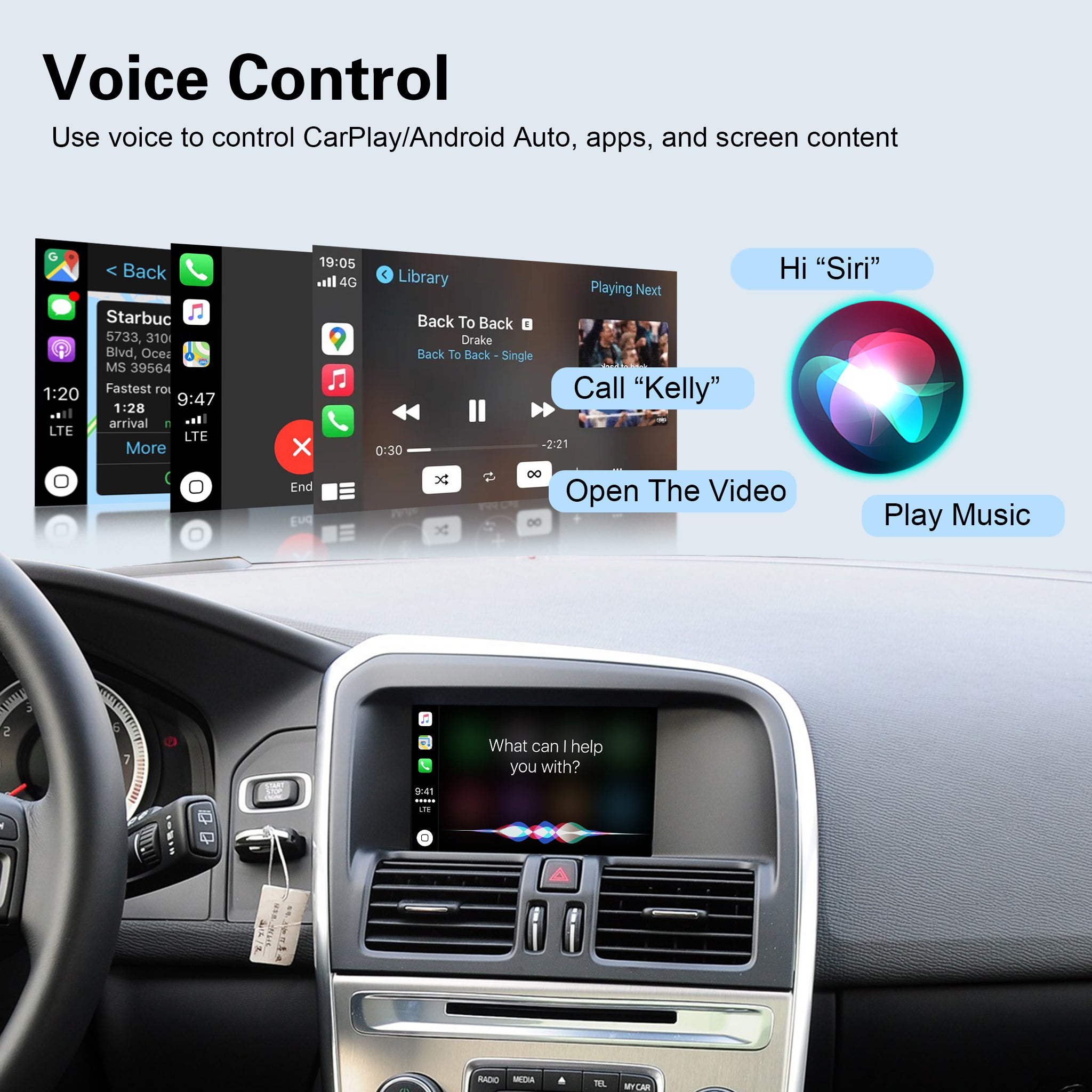
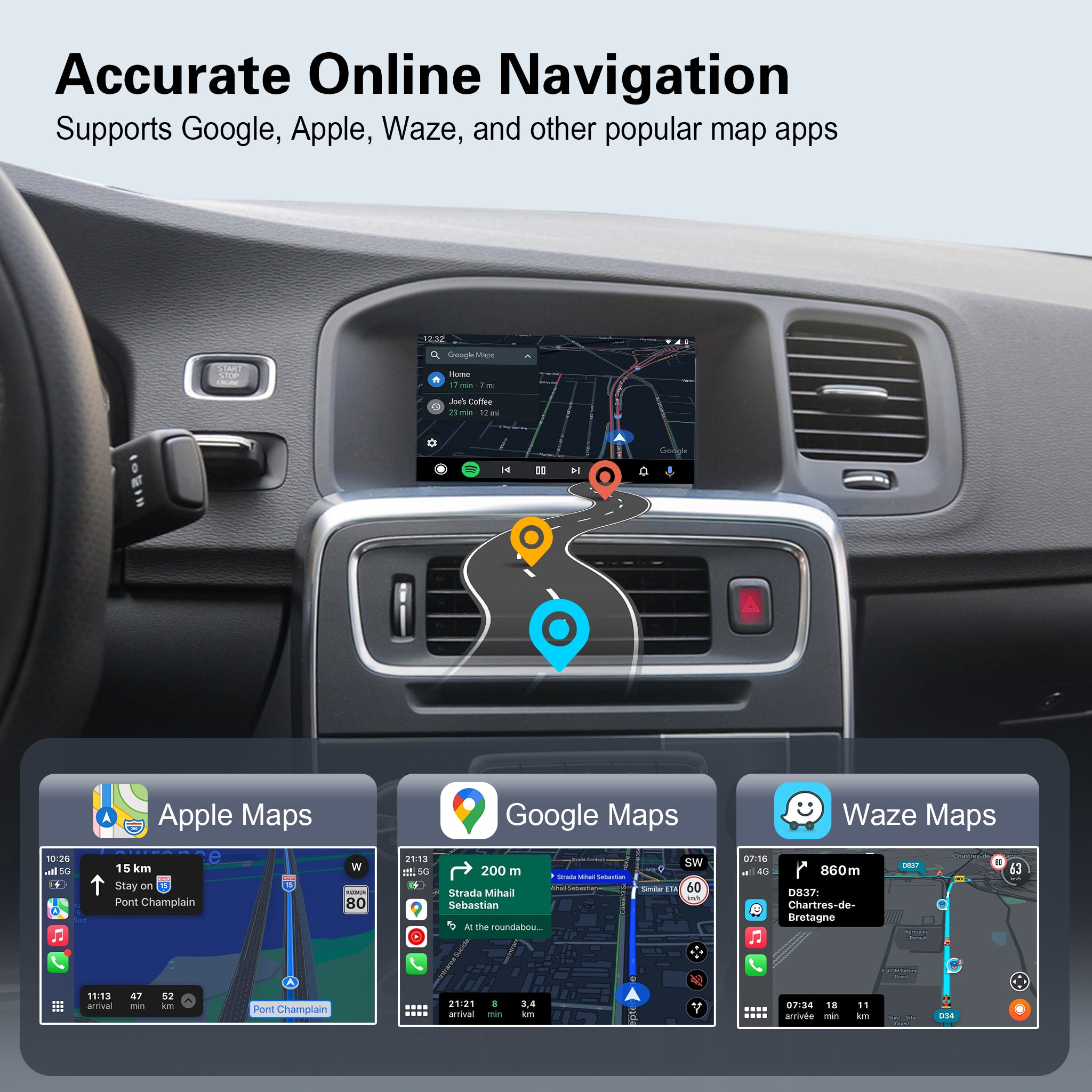
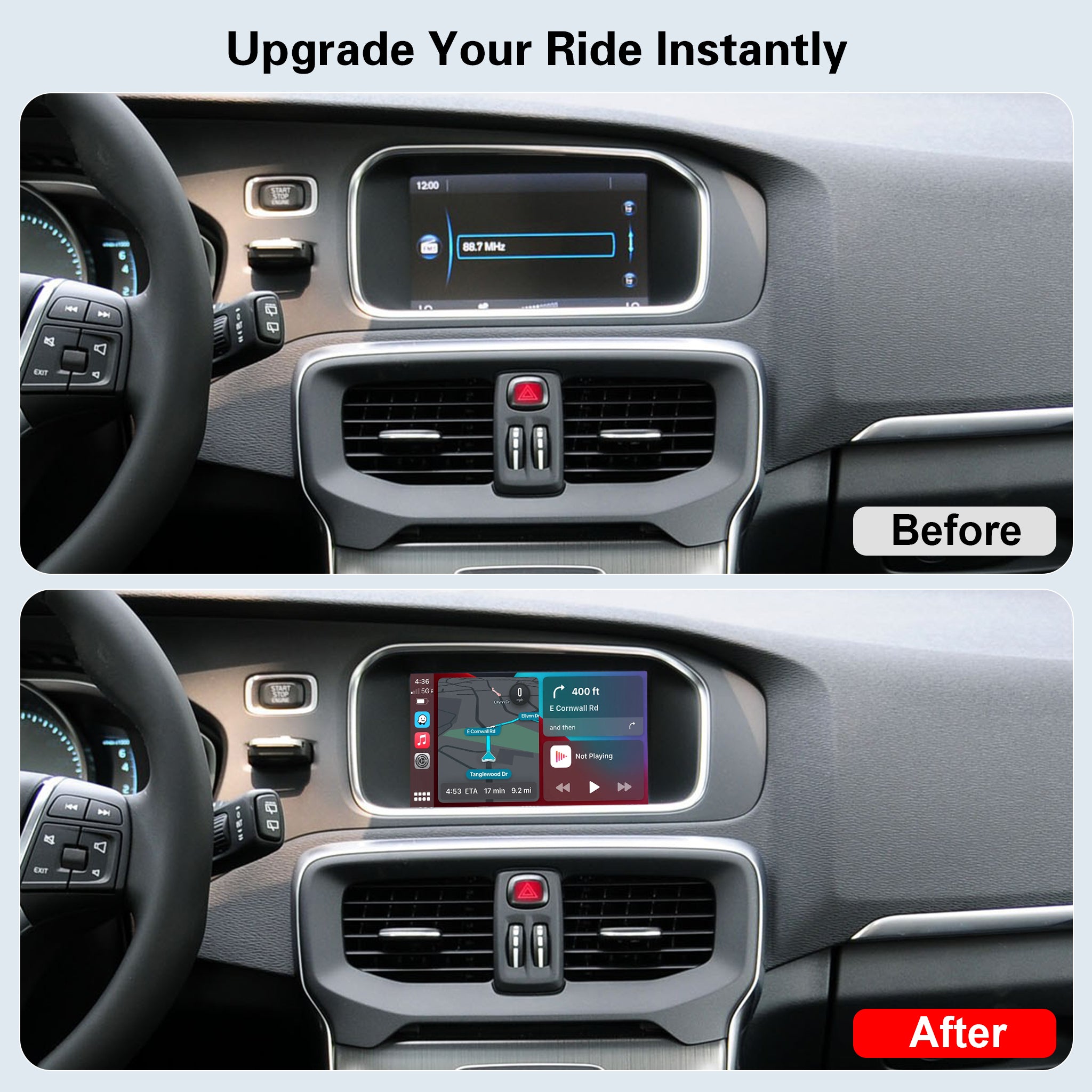
🚗 Wireless Connection: Enjoy seamless Wireless Apple CarPlay & Android Auto for GPS navigation, Spotify, and hands-free voice control (Siri/Google).

🛠️ 100% Plug & Play: Non-destructive DIY installation. Plugs directly into the original radio harness without wire cutting.

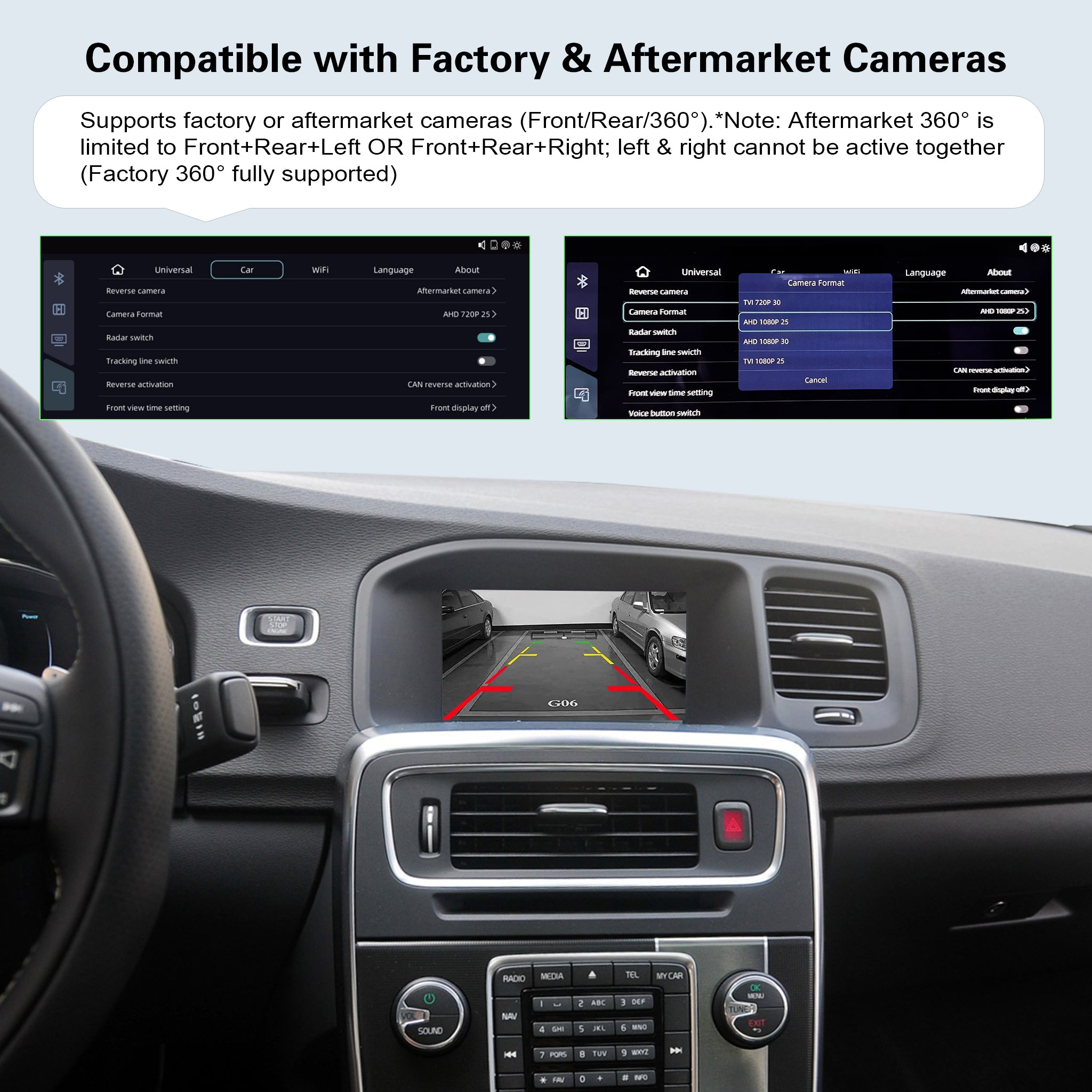
🔄 Keep OEM Features: Fully retains your original steering wheel controls, factory reverse camera, parking sensors, and OEM car menus.

Models
Configuration
Notify when available
  • Description
  • FAQs
  • Reviews
  • About Upgrade

!!! Note:

For Volvo V40 V60 XC60 S60 V70 XC70 S80  (no physical "globe" button )

Please ensure you select the correct 5.8" or 7" version according to your actual screen size before adding to cart

Option: OEM 5.8" Screen add TP 

Option: OEM 7" Screen add TP 

Q1: What should I pay attention to during installation?

A1:

  1. Confirm the carplay box matches your car model, the box label should be consistent with your vehicle.
  2. Cut off power before installation.
  3. After installation, lock the car for several minutes. Do not restore the car until all functions work normally.

Q2: No signal / black screen / abnormal display / no response when switching to CarPlay?

A2:

  1. Check wiring strictly follow the schematic, especially LVDS cable. It must connect to the host, not the transfer screen.
  2. Replug the LCD cable. Check if pins are bent or poorly contacted.
  3. Confirm DIP switch codes match your car. Keep power on when adjusting DIP code.
  4. If all settings are correct but screen still fails, email us: support@ztuzauto.com

Q3: Original car screen and CarPlay screen are black or flickering after installation?

A3:

  1. Check PCB board, make sure it is installed properly.
  2. Fasten the flat ribbon cable. Lock the clips on both cable ends tightly.

Q4: What info should I prepare when contacting support?

A4:

  1. Order ID
  2. Car model
  3. Car production year
  4. Car screen size
  5. Toggle switch / DIP switch setup
  6. Photos of LVDS cable connection
  7. Software version (Go to CarPlay decoder menu → Setting → About)

Q5: How to contact your support team?

A5:
You can reach us via your purchase platform or WhatsApp. Email: support@ztuzauto.com

  • 5 stars: 0 (0%)
  • 4 stars: 1 (100%)
  • 3 stars: 0 (0%)
  • 2 stars: 0 (0%)
  • 1 star: 0 (0%)
v
vale
unit worked well, but it would be nice to have

unit worked well, but it would be nice to have installation instructions