⚠️ IMPORTANT COMPATIBILITY CHECK (Must Read Before Buying):
This specific audio adapter is custom-made for newer Mercedes-Benz models. Please verify your car meets the following TWO requirements:
1. System Requirement:
-
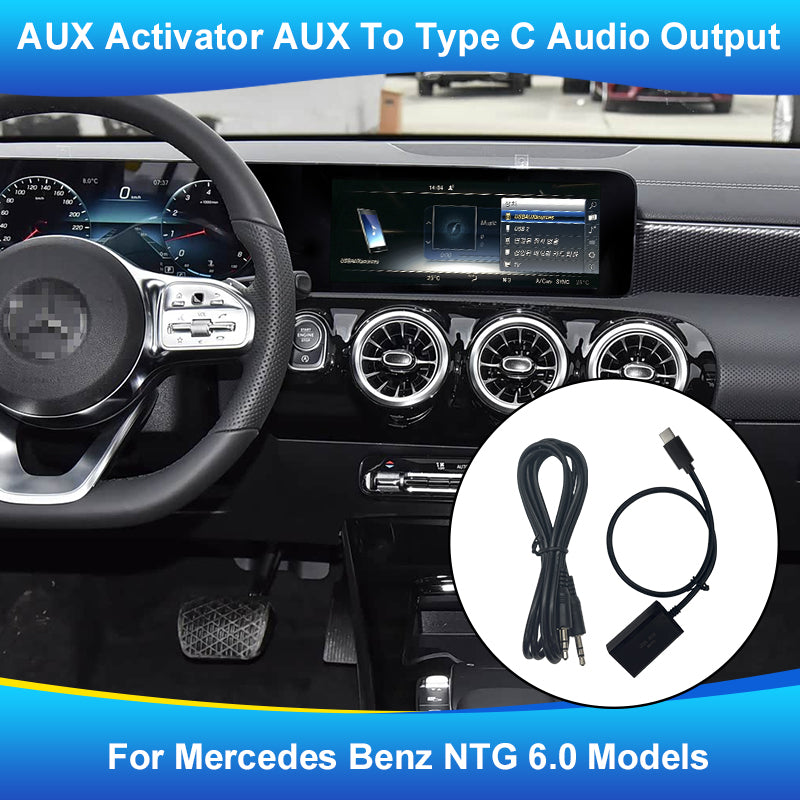
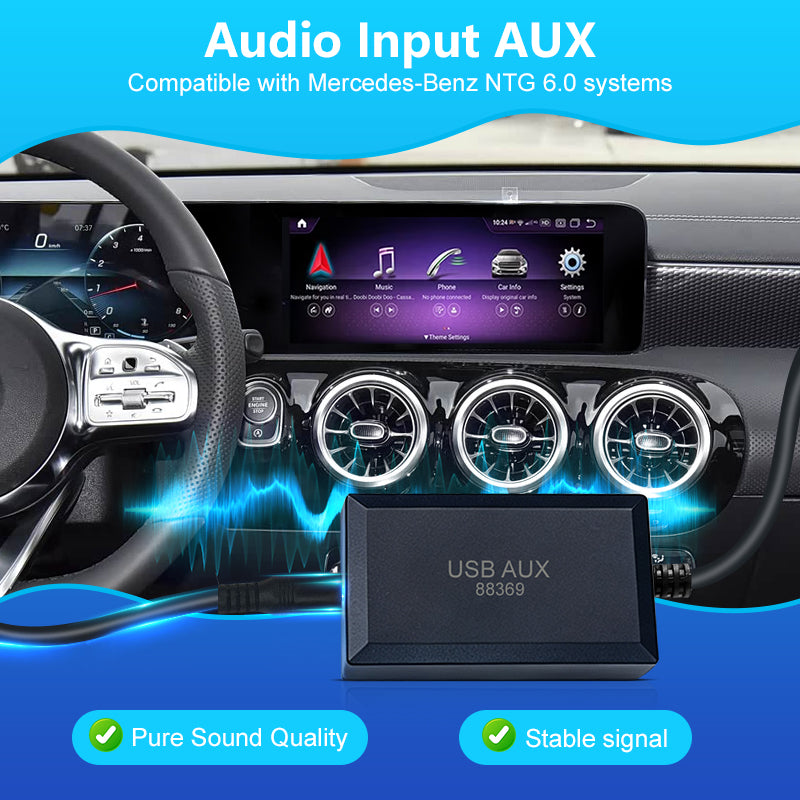
✅ FITS: Mercedes-Benz NTG 6.0 (MBUX) System (Usually 2019-2023 models like A-Class, CLA, GLE, GLS, etc.)
-
❌ DOES NOT FIT: NTG 5.0 / 5.1 / 5.5 systems.
2. Port Requirement (Crucial!):
-
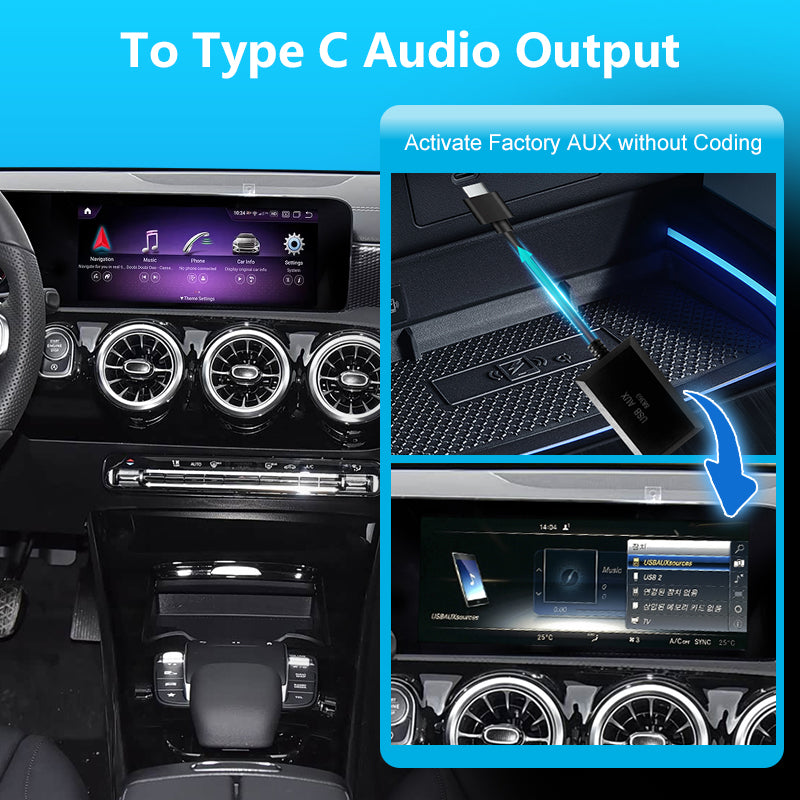
✅ FITS: Your car MUST have the newer, smaller Type-C (USB-C) port in the center console or armrest box.
-
❌ DOES NOT FIT: If your car has the older, larger standard USB-A port, this product will NOT plug in! (Please search our store for the "USB-A Version").
(👉 Still unsure? Send us a quick photo of your car's media ports and radio screen, and we will confirm the fitment for you!)
 Option : [ NTG6 Type C ]
-
Compatible System: Mercedes NTG 6.0 (MBUX)
-
Port Type: Type-C Interface
-
Best For: Newer Mercedes models equipped with original factory Type-C ports.

💬 Frequently Asked Questions (FAQ)
Q1: Will this Type-C adapter work for my car?
A: Yes, this adapter is exclusively designed for newer Mercedes-Benz models equipped with the NTG 6.0 (MBUX) system and an original Type-C media port.
Q2: Is the sound quality good? Is it better than Bluetooth or FM transmitters?
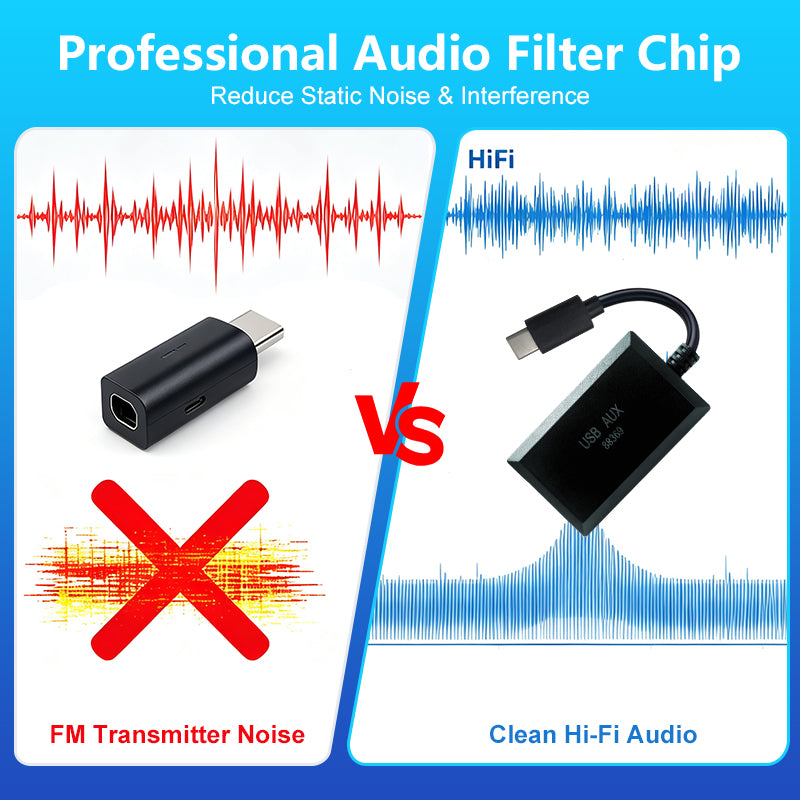
A: Absolutely. It features an advanced DAC chip with 16bit/48KHz sampling precision, converting analog signals into pure digital audio. It completely eliminates the static noise, disconnections, and poor audio quality commonly found in FM or basic Bluetooth setups, delivering lossless, CD-like stereo sound.
Q3: Will there be any audio delay (lag) when watching videos or using CarPlay?
A: Our adapter itself causes virtually ZERO delay. Its underlying logic is similar to optical fiber transmission. However, if you experience a slight audio delay after installing an aftermarket Android screen, it is typically caused by the processing speed of the aftermarket Android screen itself or poor internet signal during streaming. Our adapter ensures the fastest possible physical transmission.
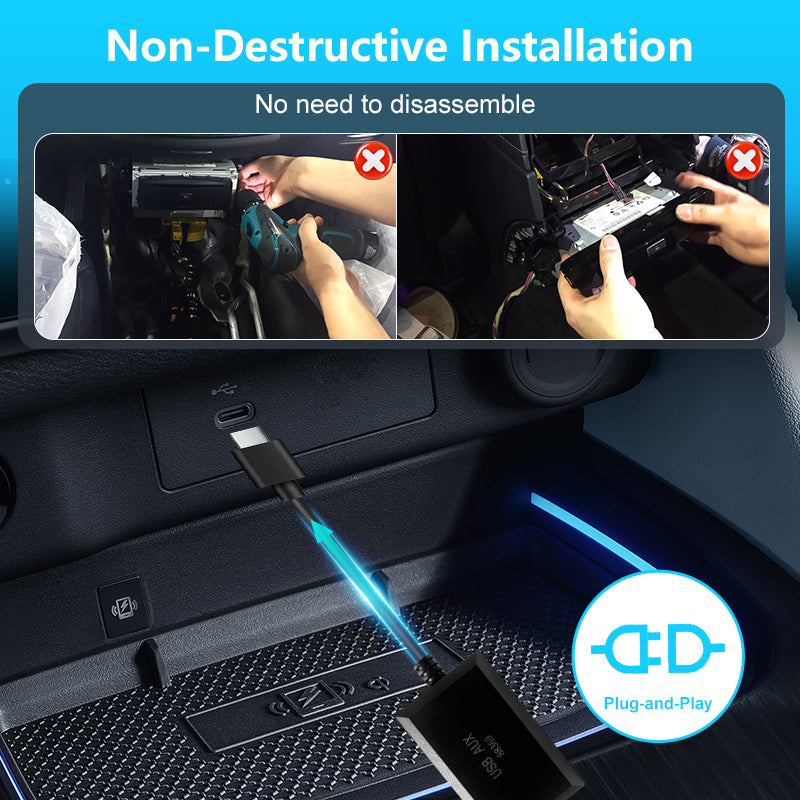
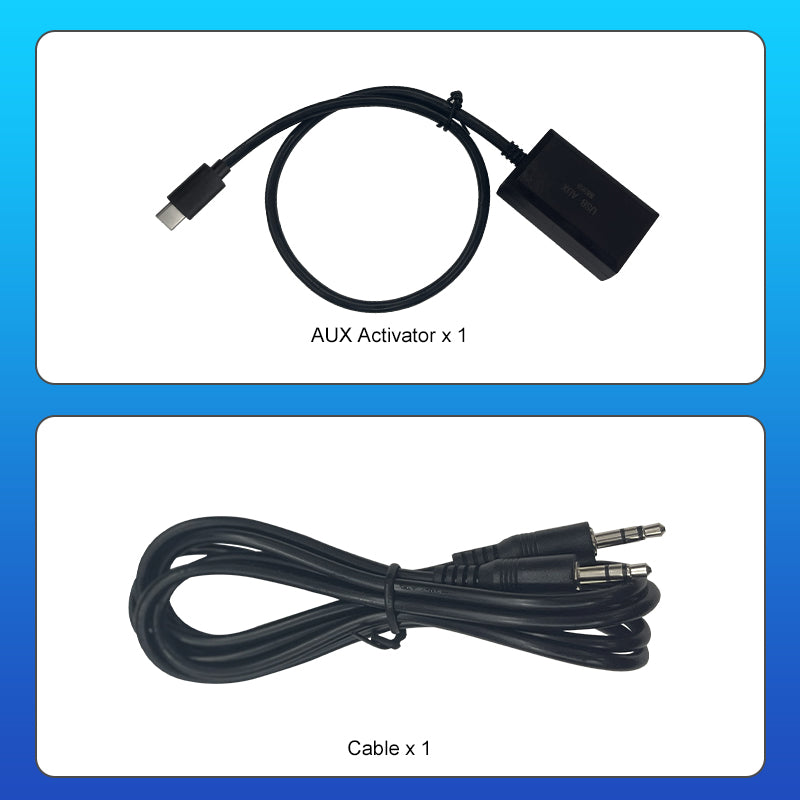
Q4: Does this adapter require any complicated installation?A: Not at all. It features a 100% Plug & Play design. It perfectly solves the issue of newer cars lacking a 3.5mm AUX port. Simply plug the Type-C end into your car and connect your aftermarket screen's audio cable to the 3.5mm jack. No cutting wires or tools are needed.
Q5: How do I switch modes if the audio is not recognized?
A: If needed, you can switch the working mode manually:
- Long-press the button (inside the small circular hole) for 3 seconds.
- Observe the blue indicator light (it will flash either 1 time or 2 times).
- Release the button, unplug the adapter, and plug it back in. The mode switch is now complete.
Q6: Does this product support firmware upgrades?
A: Yes! Upgrading is simple:
- Press and hold the button (small circular hole) while plugging the adapter into your computer's USB port. The indicator light will flash slowly.
- Open "My Computer" and find the new drive named "BOOTLOADER".
- Copy the provided upgrade file into this drive (the light will flash quickly).
- Once the light turns off, the upgrade is successful!
Firmware upgrades :
- Press and hold the button (small circular hole) while plugging the adapter into your computer's USB port. The indicator light will flash slowly.
- Open "My Computer" and find the new drive named "BOOTLOADER".
- Copy the provided upgrade file into this drive (the light will flash quickly).
Once the light turns off, the upgrade is successful!