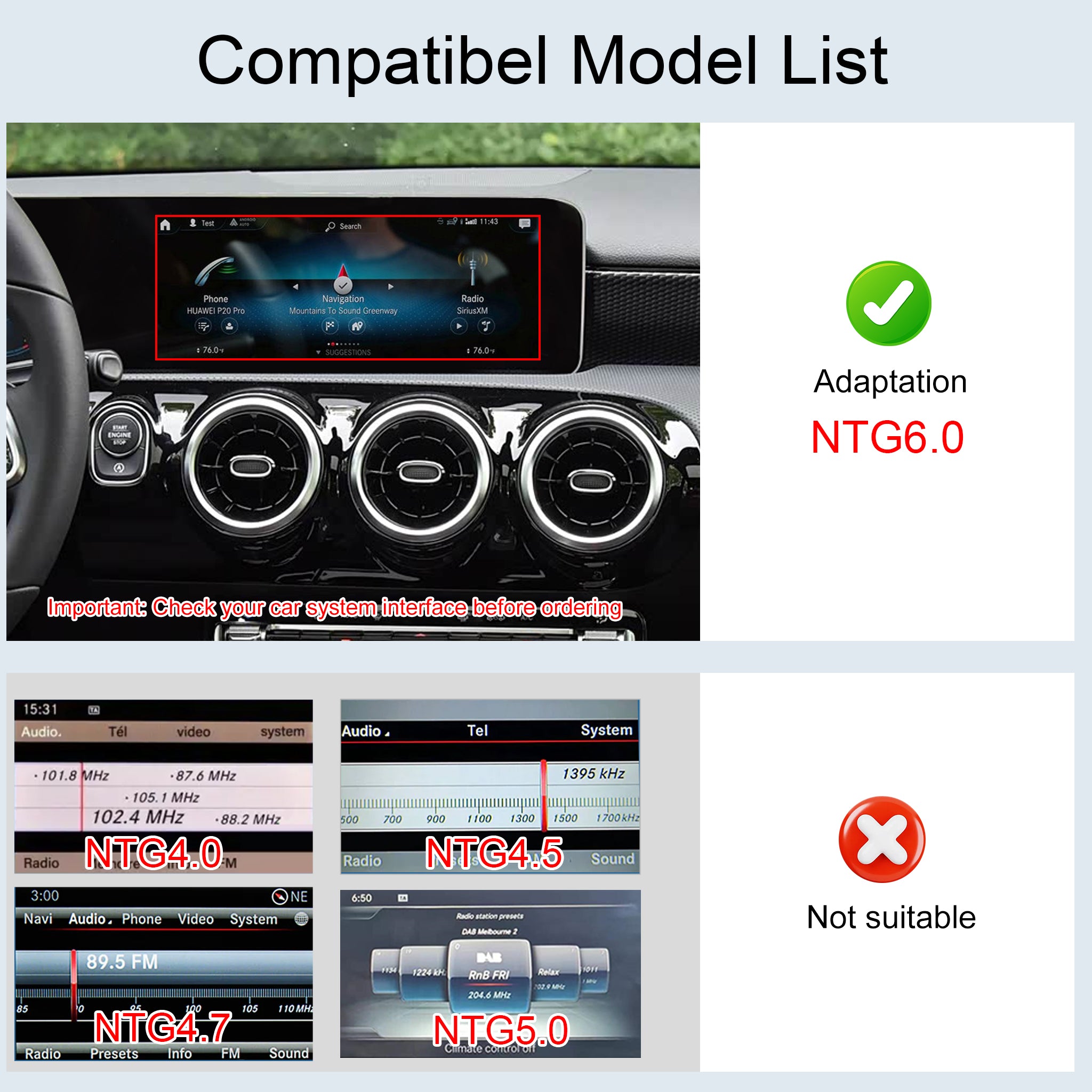
Notes
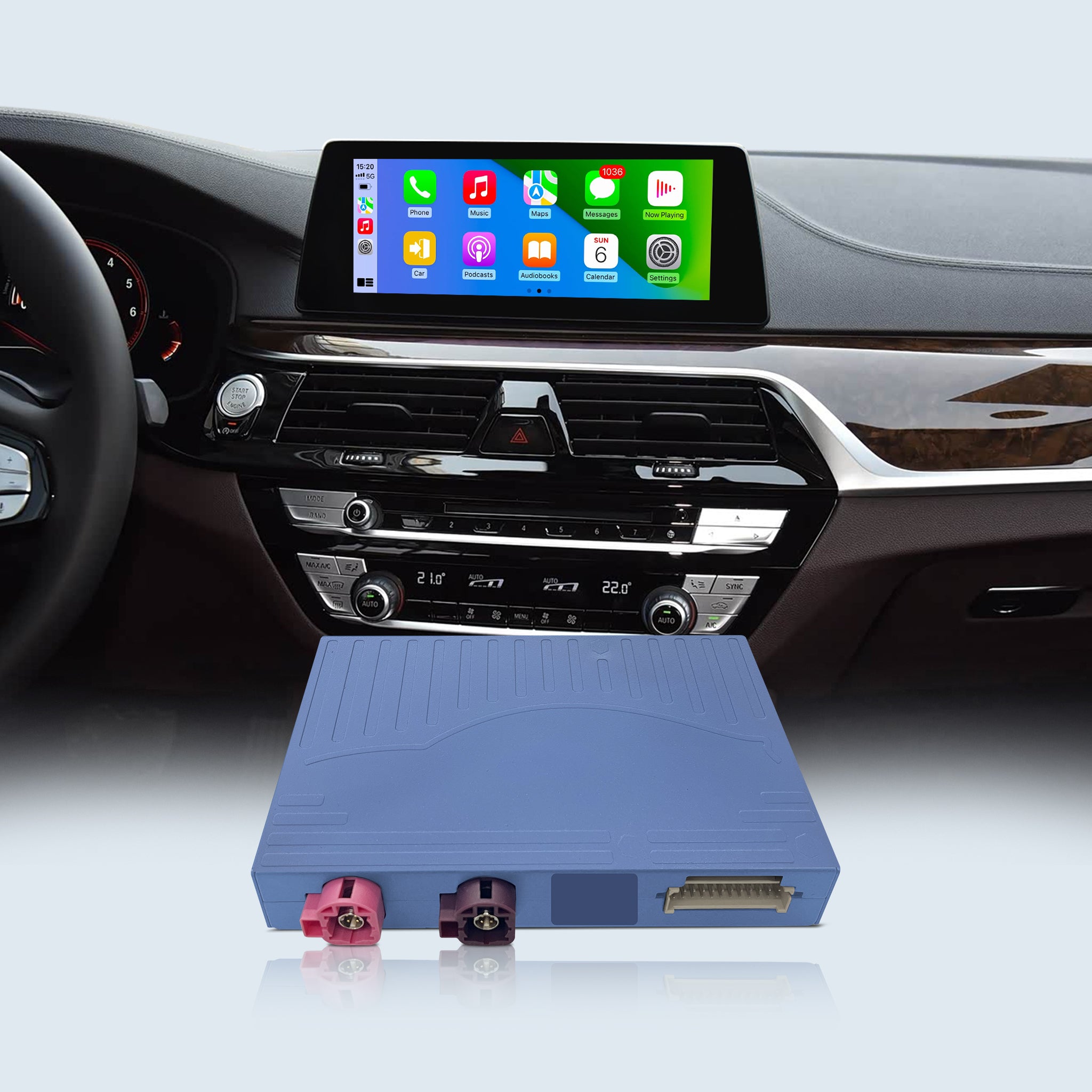
* Requires Factory Touchscreen – Verify compatibility before purchase
*Professional Installation Recommended – Ensures full system functionality
* 1-Year Warranty – Includes technical support
Compatibility
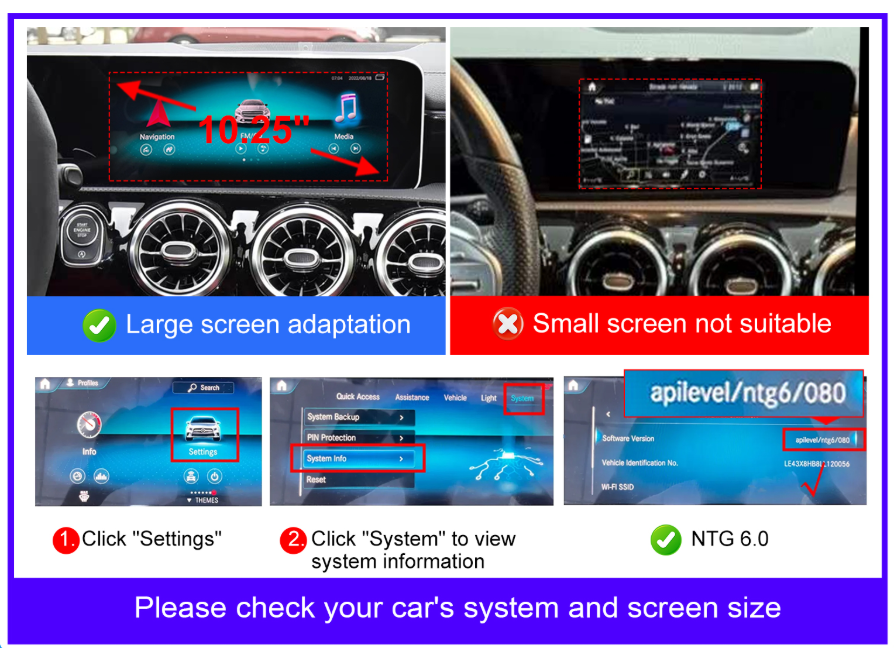
Models (NTG6.0 w/ Touchscreen):
-
10.25" Screen: GLC, V-Class, A-Class, B-Class, GLA, CLA, GLB, EQC (2020-2023)
- 12.3" Screen: E-Class, GLE, GLS, CLS, GT (2020-2023)
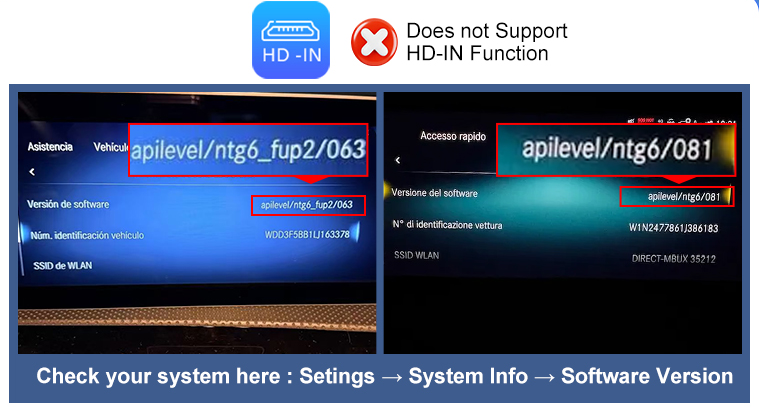
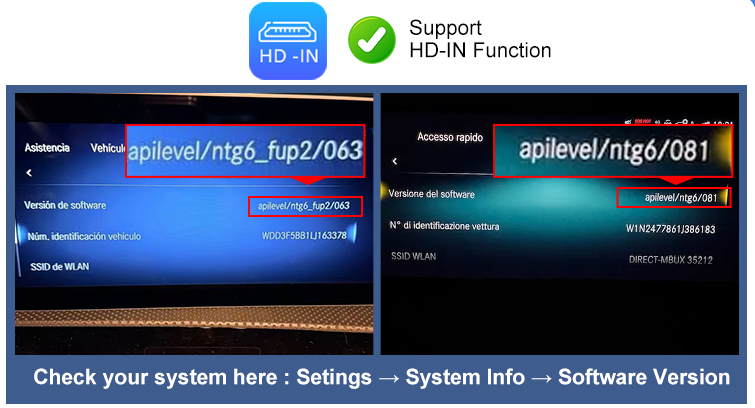
You can find this under: Setting→System→System info

💬 Frequently Asked Questions & Troubleshooting
Q1: I'm having trouble connecting the main power plug. It seems to go in backward. Is this correct?
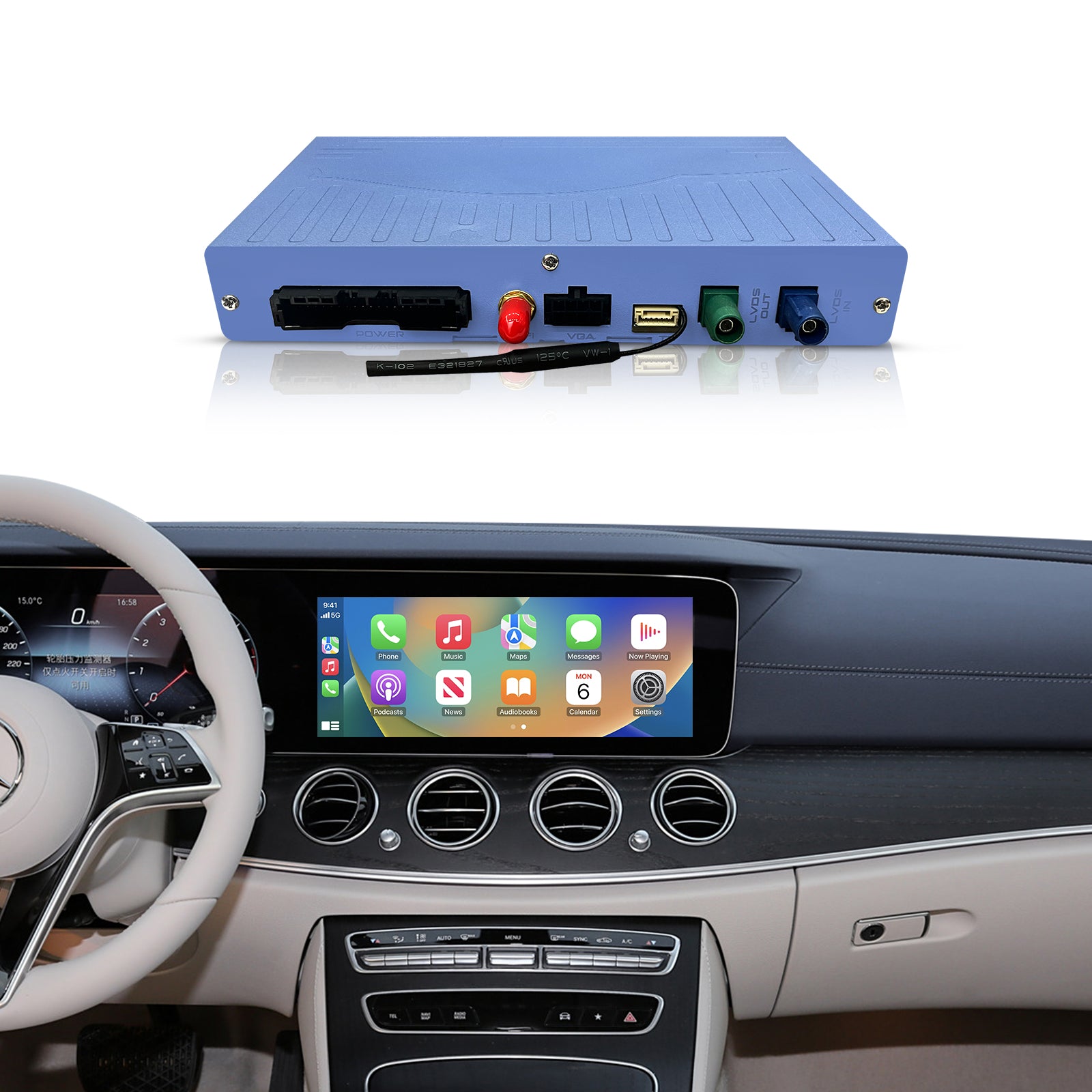
A: Yes, this is completely normal! By design, our main power harness plug must be inserted in the opposite orientation compared to your factory plug. This is NOT a compatibility issue. Please align it carefully, and insert it firmly and patiently until it is fully seated.(👉 Pro Tip: Please scan the QR code included in your package to watch our YouTube video tutorial before starting the installation!)
Q2: Do I need to buy an extra AUX adapter for sound? How is the audio quality?
A: No extra AUX adapters are needed! Unlike older modules, our newest system supports Direct OEM Bluetooth Audio Routing. This means the sound goes directly through your Mercedes' original Bluetooth channel without the need for messy AUX cables. This ensures a much more stable connection and delivers superior, lossless factory-grade sound quality.(Note: Depending on extremely rare car configurations, if your specific NTG 6.0 model happens to require a physical connection for audio routing, we also offer a dedicated Type-C to AUX adapter in our store. Please contact our support team if you need assistance with sound setup!)
Q3: Why doesn't my phone automatically connect to Wireless CarPlay/Android Auto when I start the car?
A: If your phone fails to auto-connect, it is usually a simple Bluetooth configuration issue. Please check the following steps on the module's screen:
Go to the module's Bluetooth menu and ensure the "Auto Connection" option is turned ON.
Check the paired devices list. If there are other smartphones paired to the module, please delete them to avoid signal conflicts.
Go to Settings → BT Music/Audio. Check if any other devices are paired (except the original car's Bluetooth). If so, delete them.
⚠️ CRITICAL NOTE: Your smartphone should ONLY pair with the module's main CarPlay Bluetooth (e.g., ZTUZAUTO_E3E9). DO NOT pair your phone to the audio Bluetooth named "DC_AUDIO_BT...". That specific connection is strictly reserved for syncing sound with your Mercedes factory system!
Q4: Will this installation void my Mercedes warranty?
A: Not at all. Our system is designed to be 100% Plug & Play. It intercepts the factory wiring behind the radio without cutting or splicing any original wires. Your car's interior and factory warranty will remain completely unaffected.
ZTUZAUTO 3rd Gen CarPlay upgrade steps :
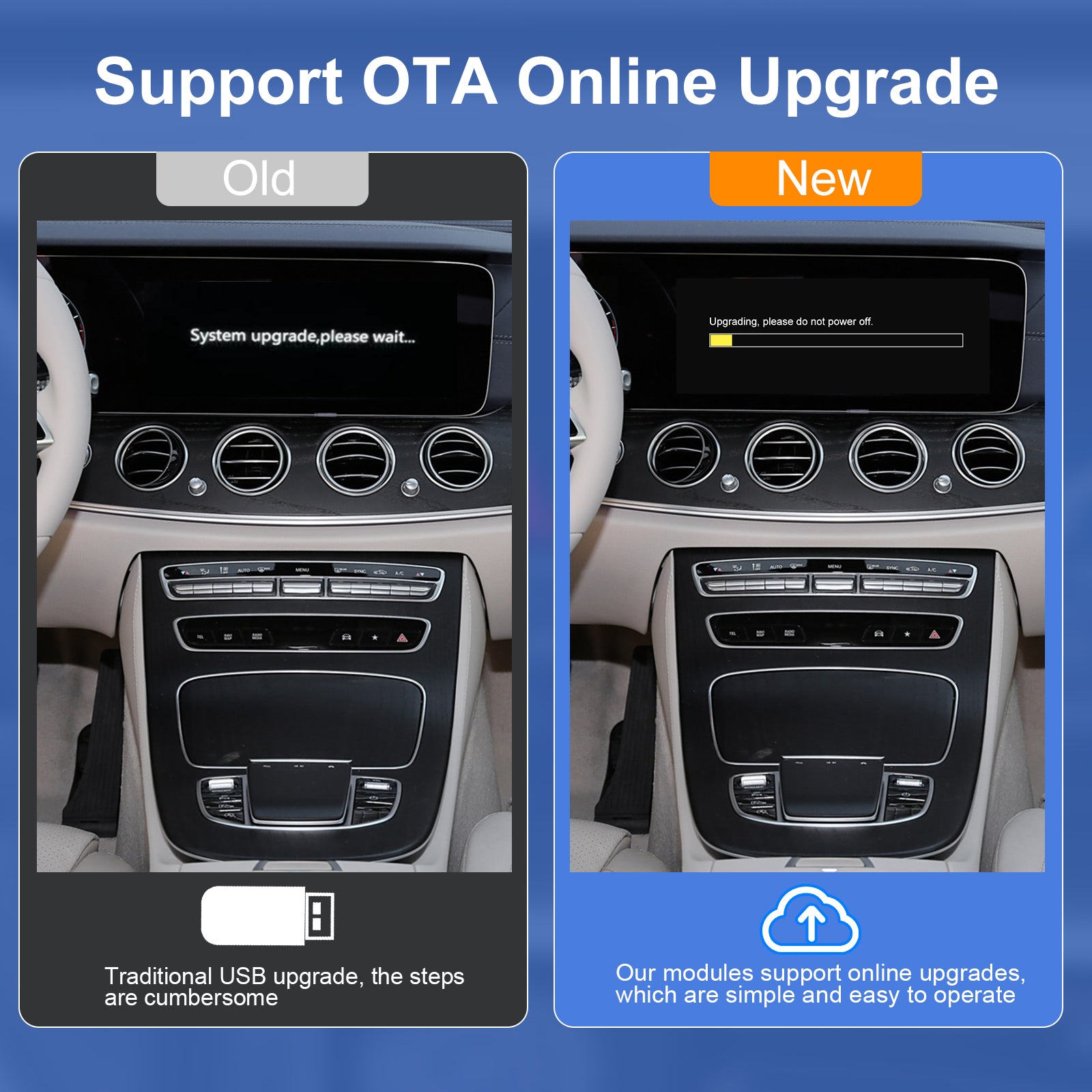
Step1 : Navigate to [Settings] > [WIFI] and connect to the same wireless network as your phone.
Step2 : Access the [About] page, then select [System Upgrade] to enter the OTA upgrade interface. A QR code will be automatically displayed. If not, select [Refresh QR Code] to reload.
Step3 : Scan the QR code with your phone to open the upgrade page, which will indicate whether a new version is available or the device is already up to date.
Step4 : After completing the upgrade steps on the phone, the device will verify the upgrade file and automatically launch the corresponding upgrade program.
After the upgrade is complete, you need to enter the module settings →Password:8888→ turn on the "Turn on Android Auto Resolution Adaptation " option → Save → Reboot
After the upgrade is complete, you need to enter the module settings →Password:8888→ turn on the "Show AC float window " option → Save → Reboot
If your GEN3 module has HDMI function but cannot display full screen:
Step1 : Go to Module Settings → Car → enable Touch Keypad.
Step2 : Enter HDMI interface and tap the full-screen icon.
HDMI will now display in full screen.